Free PSA software for managed service providers
Run tickets, SLAs, contracts, technician time, approvals, invoicing, automation, and reporting for every customer from one connected PSA workspace — without software licence costs eating your service margin.
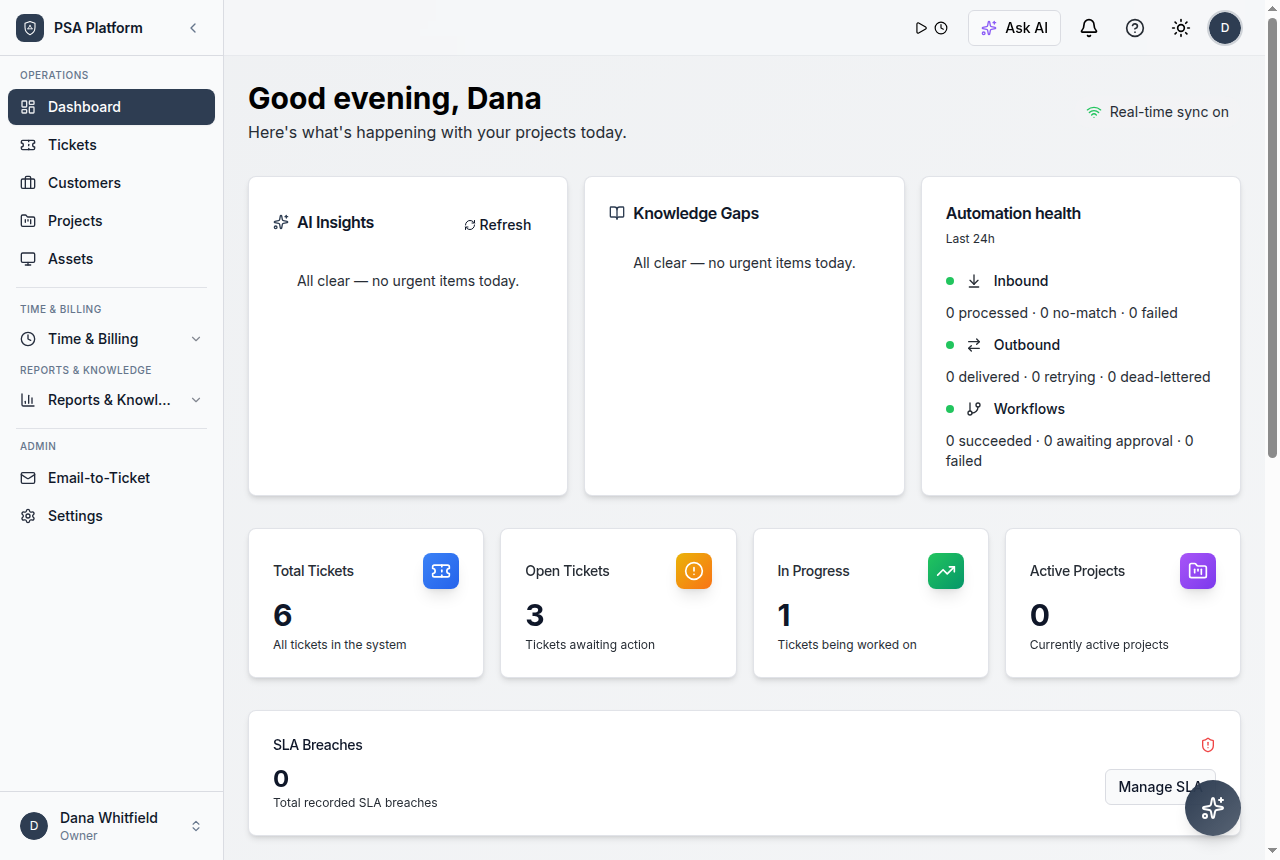
MSPs need service operations that scale without paying more for every technician and customer.
Most PSA platforms charge per seat, gate basics behind tiers, and leave small MSPs choosing between spreadsheets and enterprise pricing. ShieldPSA takes a different position: the full platform is free, and service work stays connected from first request to paid invoice.
A service-provider operating model for managed services.
For MSP teams, ShieldPSA acts as the operational layer between customer requests, technician work, service commitments, and commercial outcomes. Intake, ownership, SLA state, time, approvals, contracts, invoices, and reporting stay connected so every customer is delivered through the same accountable workflow.
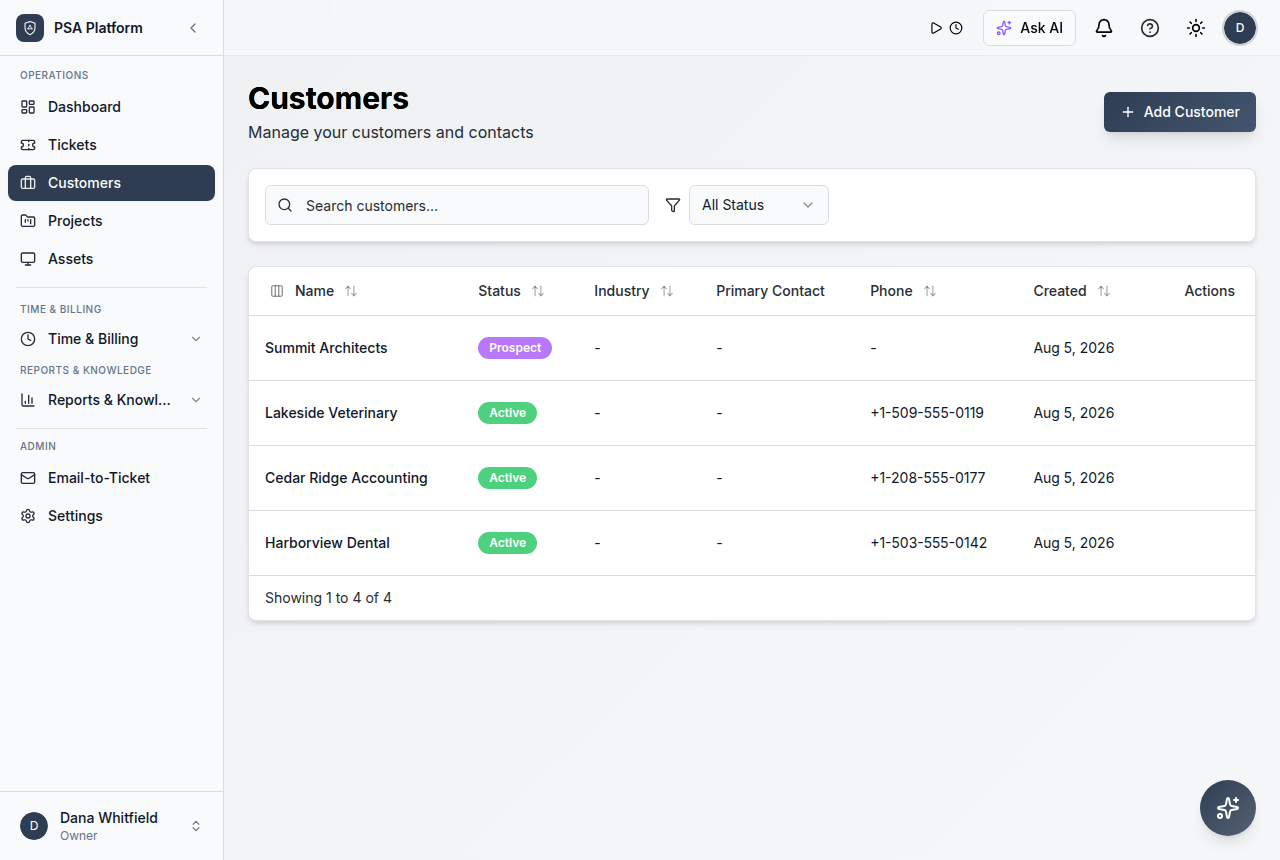
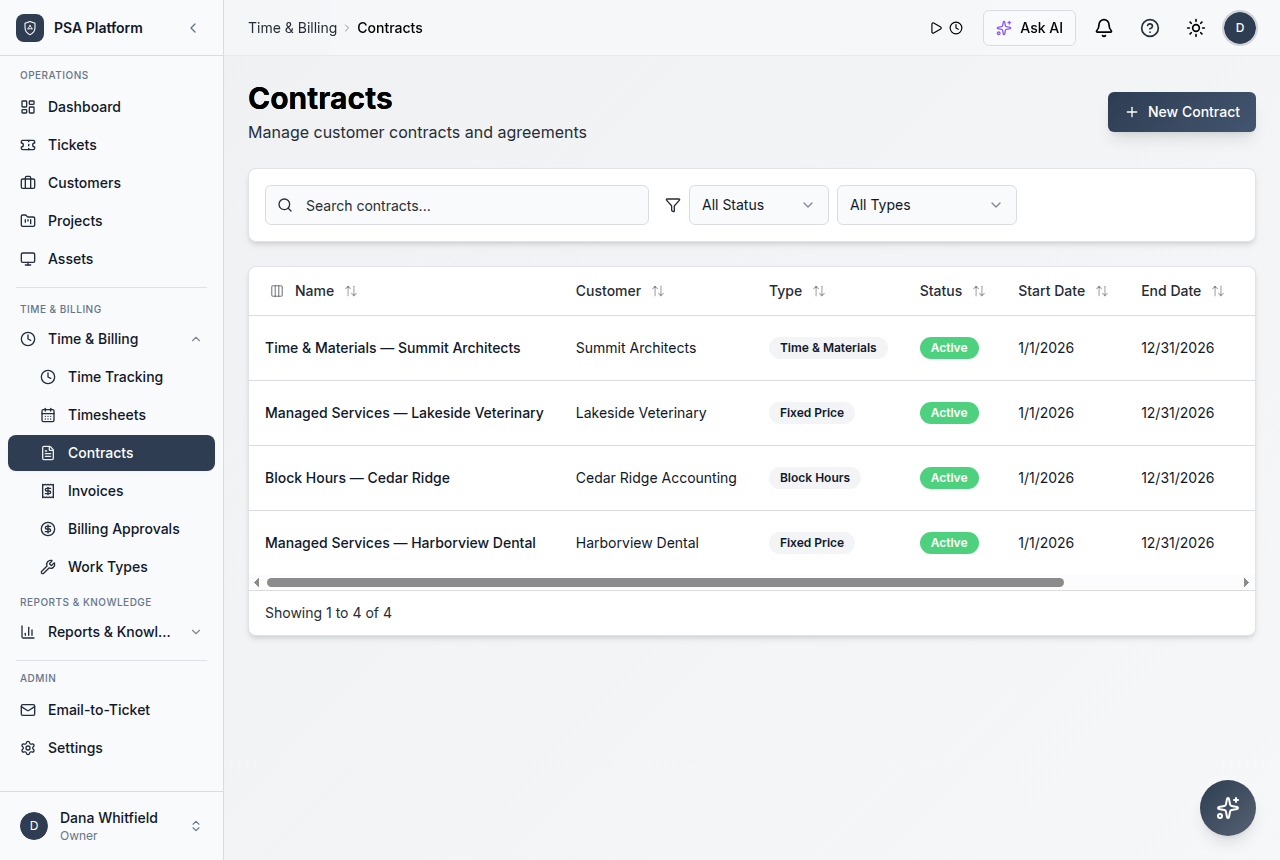
- Customer and contract context keeps every request tied to the right account and commitments.
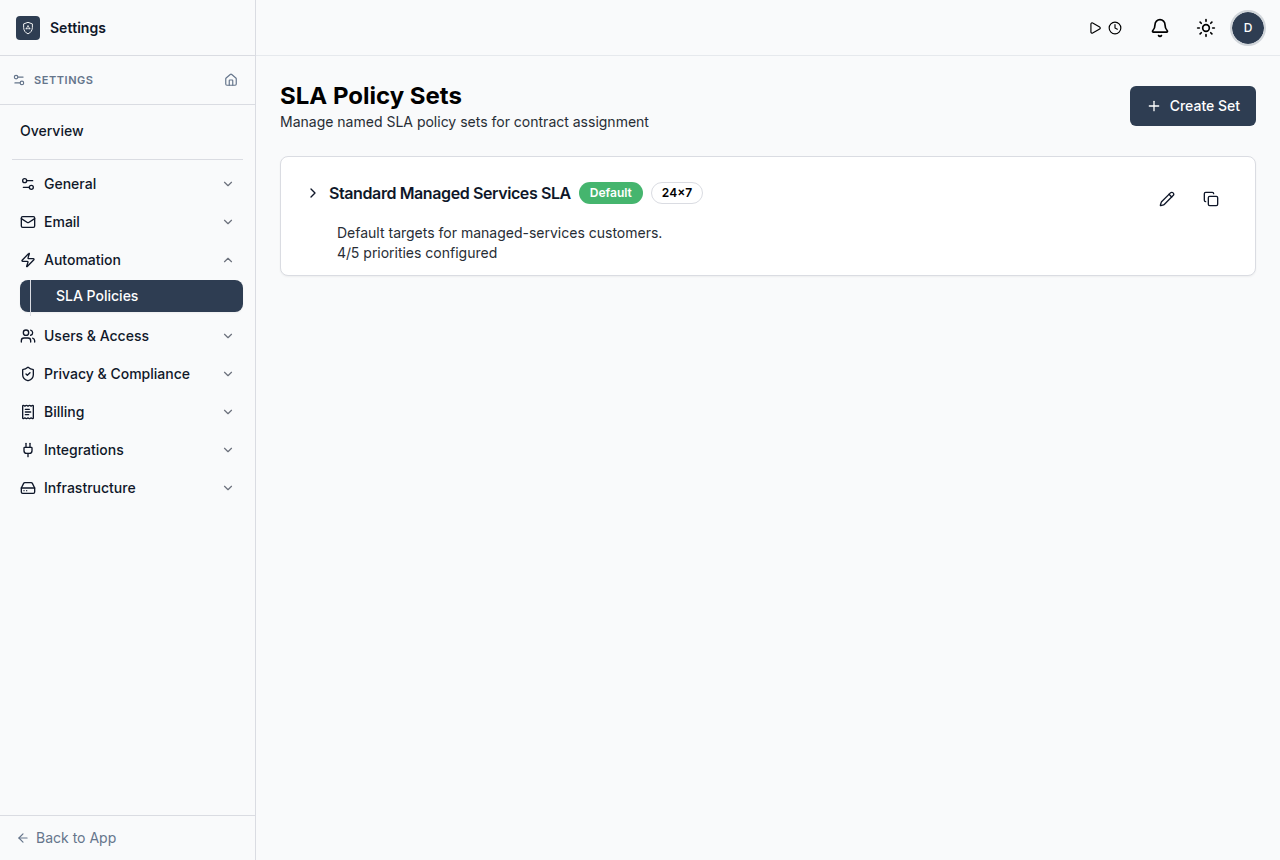
- Ticket queues, priorities, and SLA tracking give teams a shared view of what needs attention.
- Automation handles routing, notifications, recurring tasks, and repeatable follow-up.
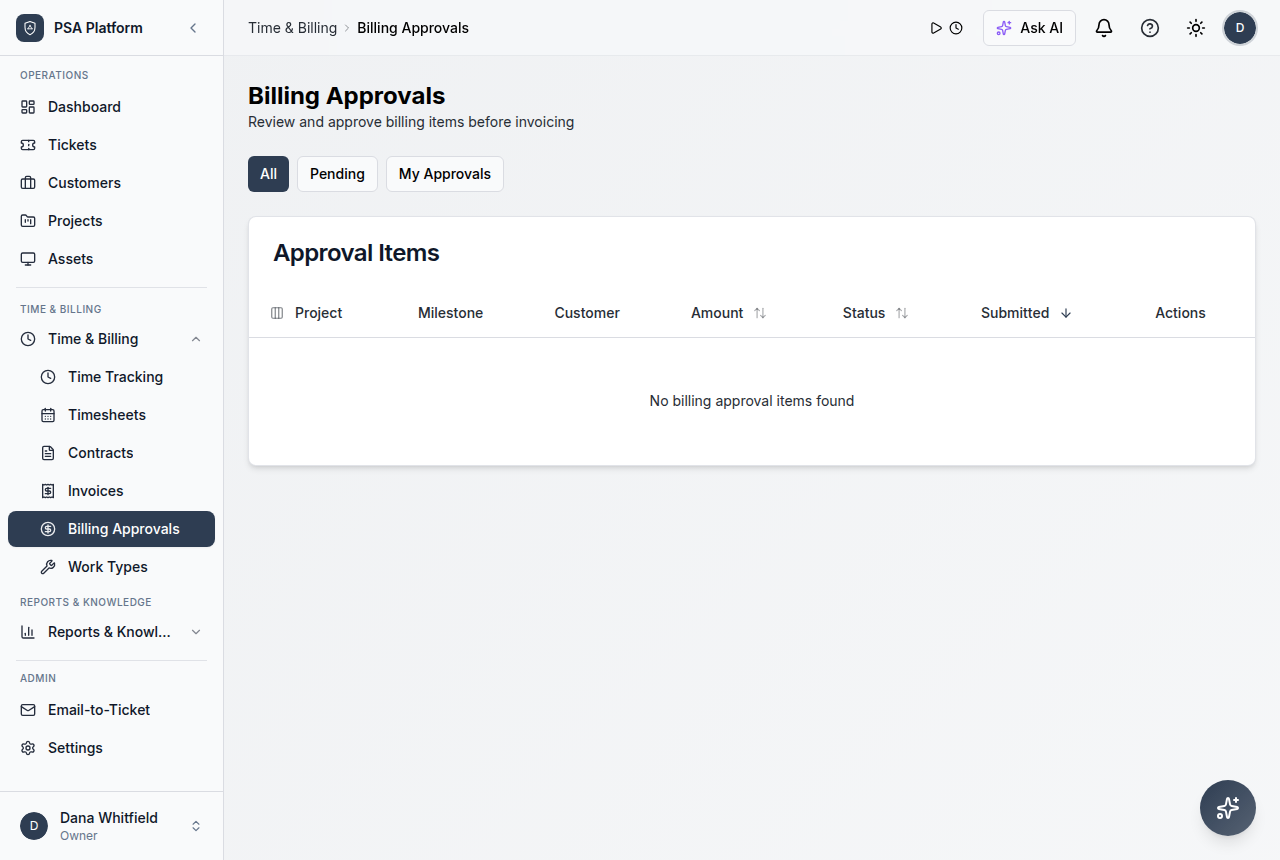
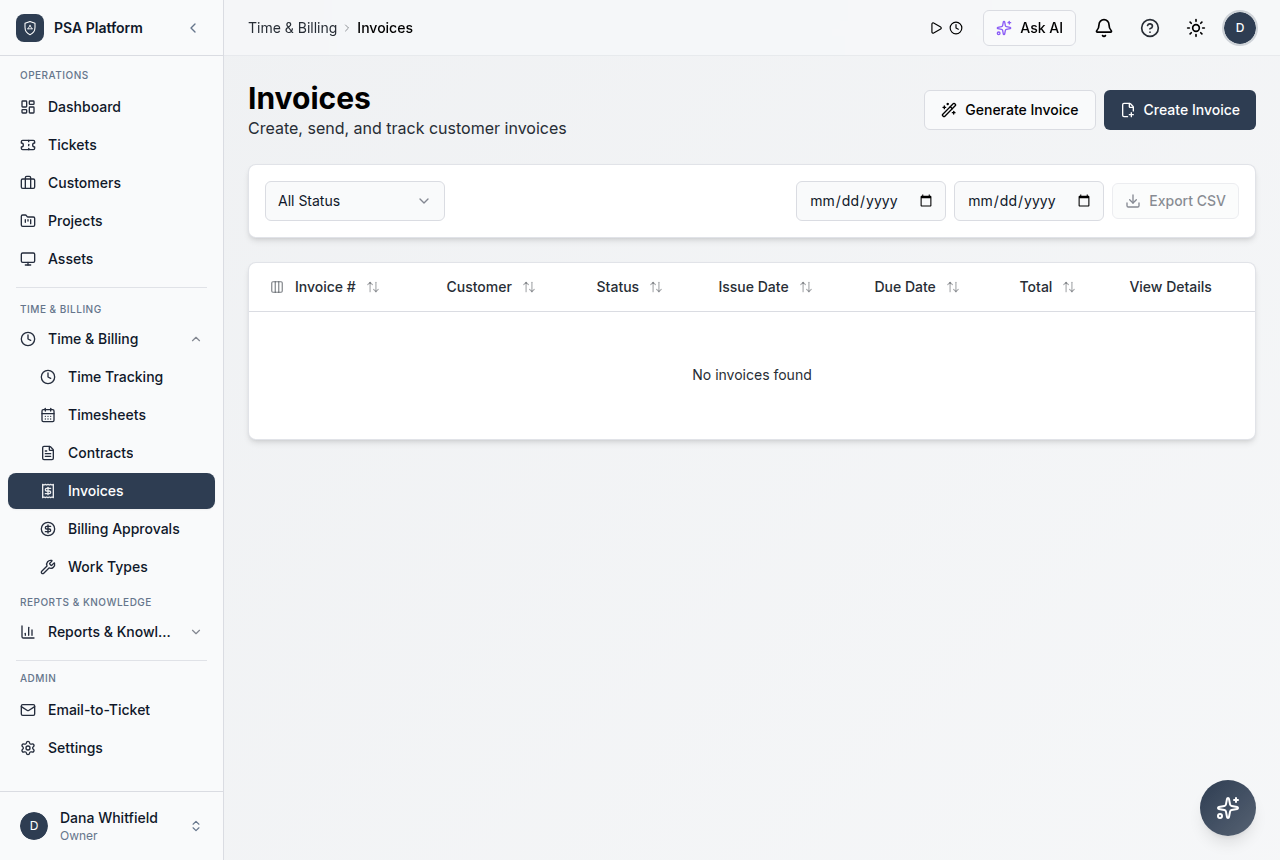
- Time entries, approvals, and invoices keep delivered work ready for billing review.
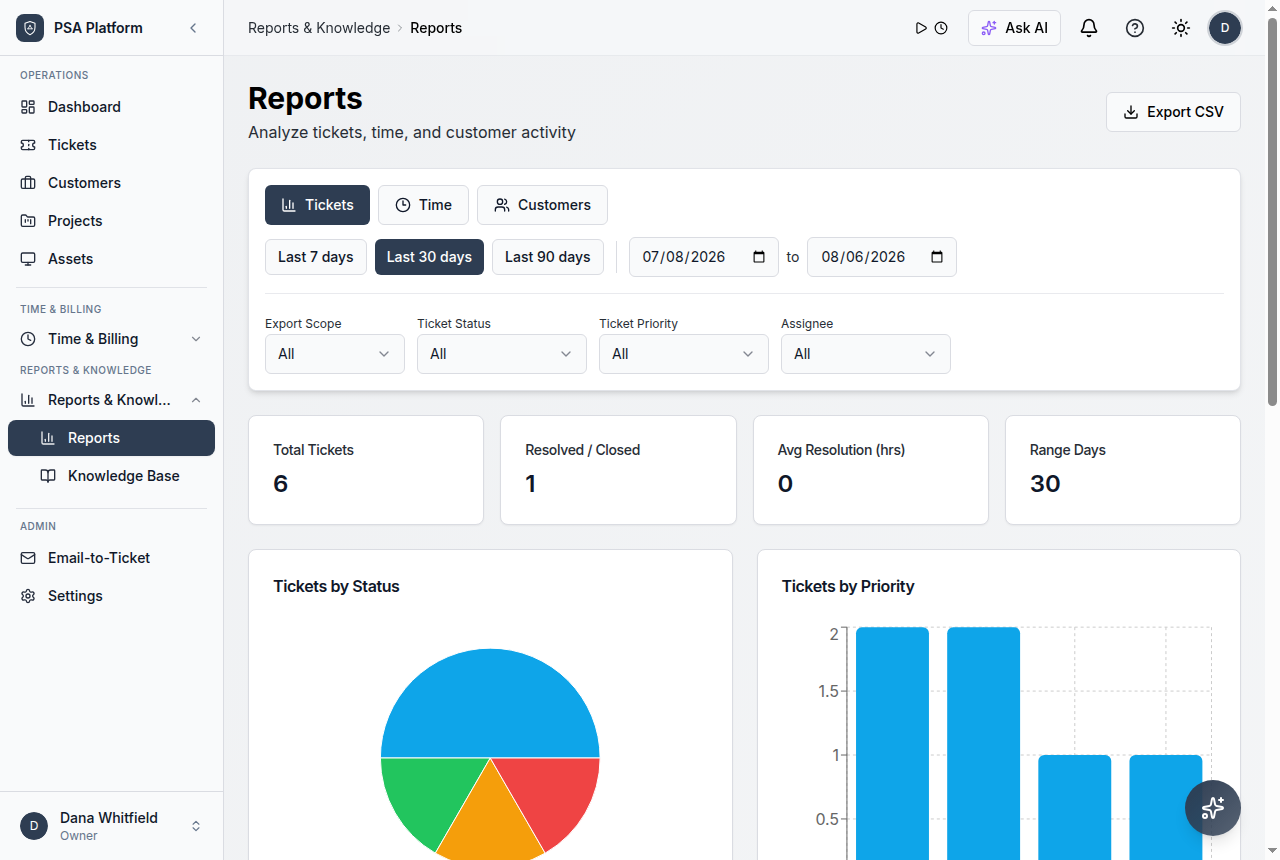
- Dashboards and reports support internal operations and customer service reviews.
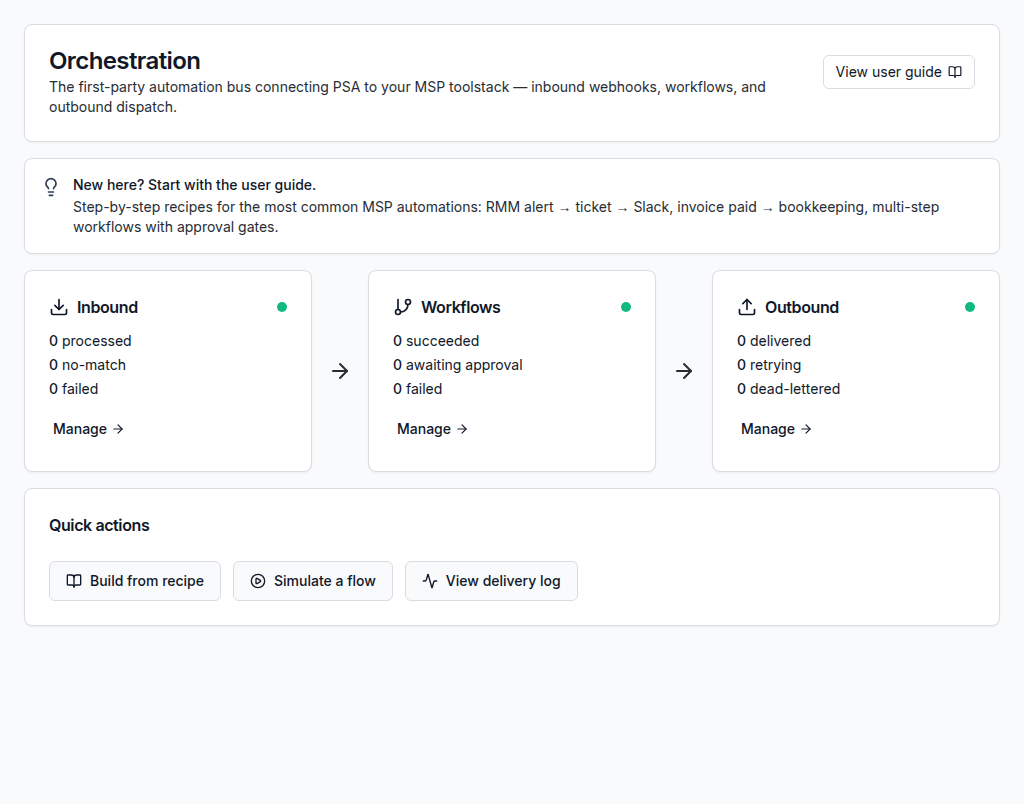
What ShieldPSA helps MSP teams operationalize.
The MSP solution combines ShieldPSA feature areas into customer-ready service workflows rather than isolated tools.
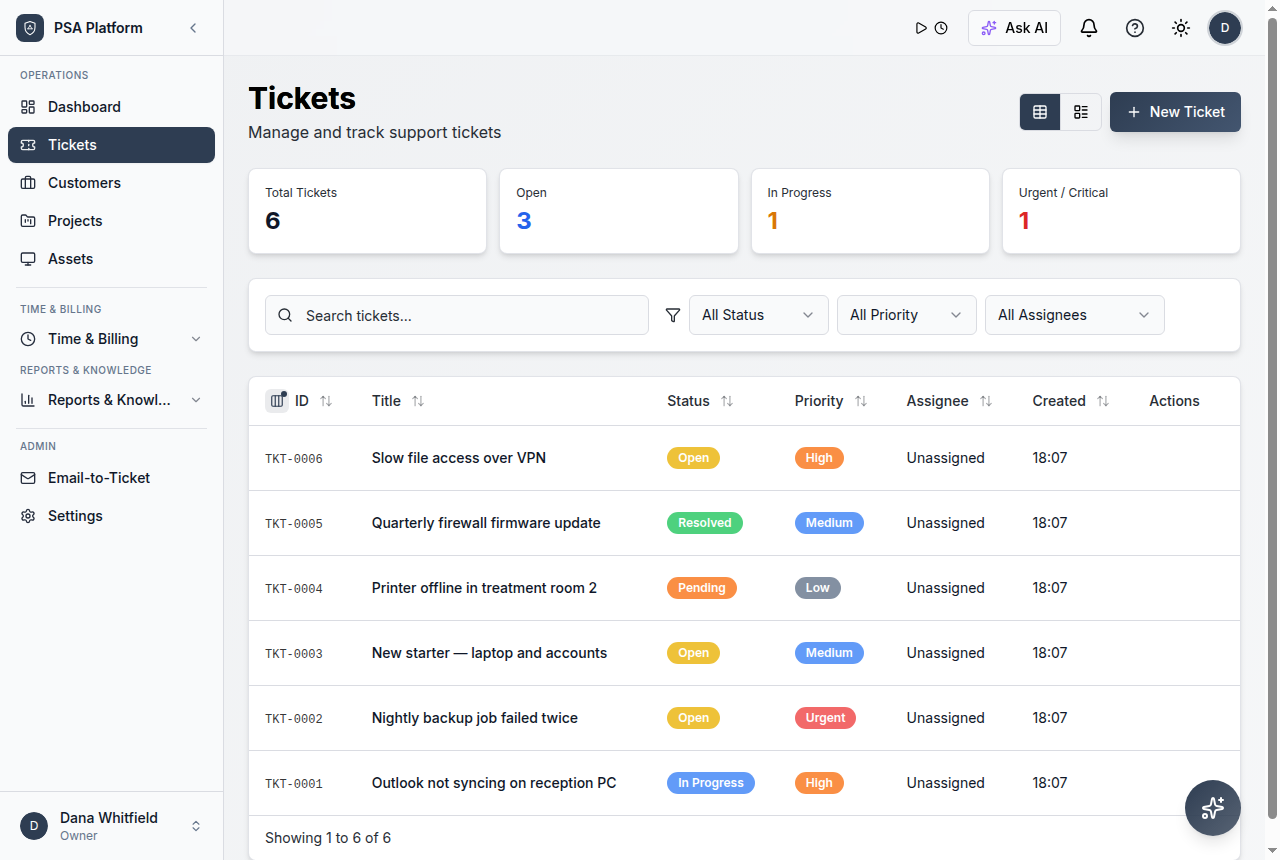
Service desk and ticketing
Capture, assign, prioritize, and resolve requests with SLA context, notes, and history for every customer.
Explore service desk →Workflow automation
Route work, trigger notifications, run recurring tasks, and remove manual follow-up between systems.
Explore automation →AI-assisted service work
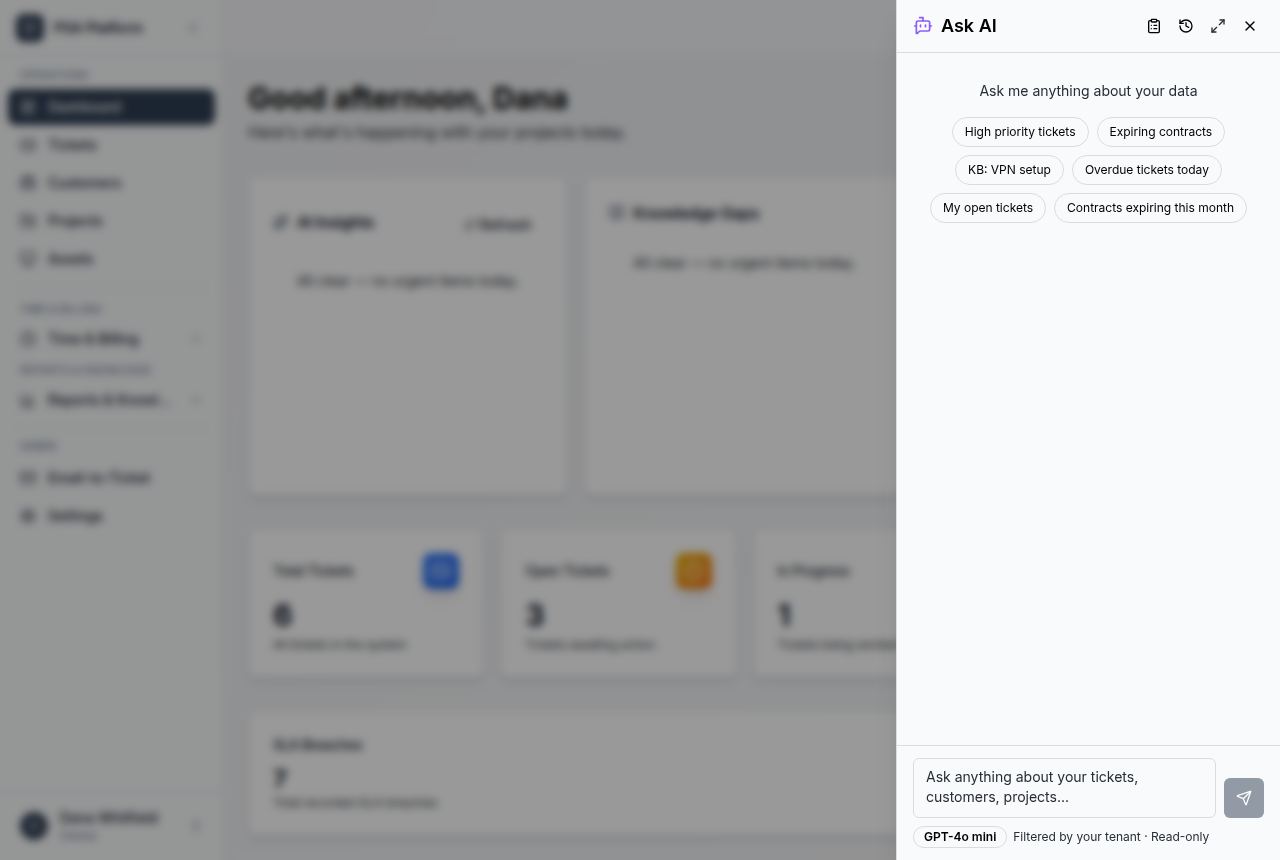
Use AI support for context, summaries, and drafting so technicians move faster with clearer records.
Explore AI intelligence →Integrations with your stack
Connect the tools your MSP already relies on instead of forcing another silo into the workflow.
Explore integrations →Operations control
Manage the day-to-day service operation with queues, approvals, time, and delivery status in one place.
Explore operations control →Administration and security
Control users, roles, and access so the right people see the right customer and service data.
Explore administration →Client portal and knowledge
Give customers a clear way to submit requests while the team builds reusable service knowledge.
Explore feature areas →Reporting and service reviews
Review service activity, workload, SLA progress, and billing signals to steer the MSP operation.
Explore reporting →From customer onboarding to ongoing service delivery.
A repeatable workflow helps MSPs deliver managed services without losing scope, ownership, or billing accuracy.
Onboard the customer
Create the customer record, contacts, contract, SLA commitments, and service expectations.
Capture every request
Bring email, portal, phone, and internal work into one managed service queue.
Automate routing and follow-up
Apply rules for assignment, priority, notifications, and recurring service tasks.
Track SLAs and technician time
Keep commitments visible while effort is captured against the work performed.
Approve and invoice
Move completed, approved work into contract-aligned invoices without re-keying data.
Review and improve
Use reports and service history to refine delivery, staffing, and customer reviews.
Where MSPs use ShieldPSA most.
These service-provider use cases benefit most from one connected free PSA workspace.
Customer onboarding
Set up accounts, contracts, SLAs, portal access, and first-run automations in one flow.
Day-to-day service desk
Run queues, priorities, and customer communication with full request history.
Recurring contract work
Deliver scheduled service items against contracts instead of ad-hoc memory.
Monthly billing runs
Turn captured time and approved work into invoices ready for the accounting stack.
Service reviews and reporting
Prepare customer-ready evidence of activity, SLA progress, and outcomes.
Automation standardization
Reuse proven workflow patterns across customers while allowing exceptions.
Map common service-provider needs to the ShieldPSA workflows that support them.
This table helps MSP teams decide which ShieldPSA area covers each operational responsibility.
| Area | What it means | How teams use it |
|---|---|---|
| Service delivery | Service desk, ticketing, SLAs, client portal, knowledge base | Use for intake, ownership, prioritization, resolution, and customer communication. |
| Commercial operations | Customers, contracts, time tracking, approvals, invoices | Use to connect delivered work to commitments, approvals, and billing runs. |
| Automation and efficiency | Workflow automation, notifications, recurring tasks, AI assistance | Use to reduce manual follow-up and keep repeatable service steps consistent. |
| Governance and oversight | Administration, security, users and roles, reporting | Use to control access, keep records accountable, and support service reviews. |
MSP solution fit and related ShieldPSA workflows.
Use these paths when shaping or validating your managed service model.
For MSP owners
Use this path when designing the service model, cost structure, and customer review evidence.
- Full platform at no software licence cost — margins stay with the service, not the tooling.
- Contracts, approvals, and invoices keep billing health visible.
- Optional paid services exist only for implementation, migration, and training.
For service desk leads
Use this path when queues, SLAs, technician workload, and follow-through need control.
- Queues, priorities, and ownership keep work moving.
- SLA context stays attached to active requests.
- Automation reduces repetitive triage and follow-up.
MSP PSA software FAQs.
What is ShieldPSA for MSPs?
ShieldPSA for MSPs is the managed-service operating model for running tickets, SLAs, contracts, technician time, approvals, invoicing, automation, and reporting across customers in one free PSA platform.
Is ShieldPSA really free? What is paid?
The PSA platform itself is free with no software licence cost. Only optional professional services — implementation, migration, training, and customization — are paid engagements.
Can we migrate from another PSA?
Yes. Migration from another PSA or exported data is supported through optional professional services so your team can move without doing it alone.
Does service work connect to billing?
Yes. Time entries, approvals, contracts, and invoices stay connected to completed service work, reducing unbilled effort and re-keying during billing runs.
Does ShieldPSA replace spreadsheets and disconnected tools?
It is designed to. Requests, customer context, SLAs, time, automation, and reporting live in one workspace instead of scattered across spreadsheets and separate apps.
Does it work with the tools we already use?
ShieldPSA offers integrations for common MSP workflows; see the integrations area for the current supported stack.
Give your MSP one connected workspace without licence costs.
Use ShieldPSA to standardize service delivery, protect customer context, and keep billing-ready records — with the platform free for your whole team.