PSA integrations for the tools your MSP already uses.
Connect service operations through marketplace apps, webhooks, email configuration, API-oriented access, and MCP settings while keeping integration access governed.
Integrations should bring work into the PSA, not scatter it
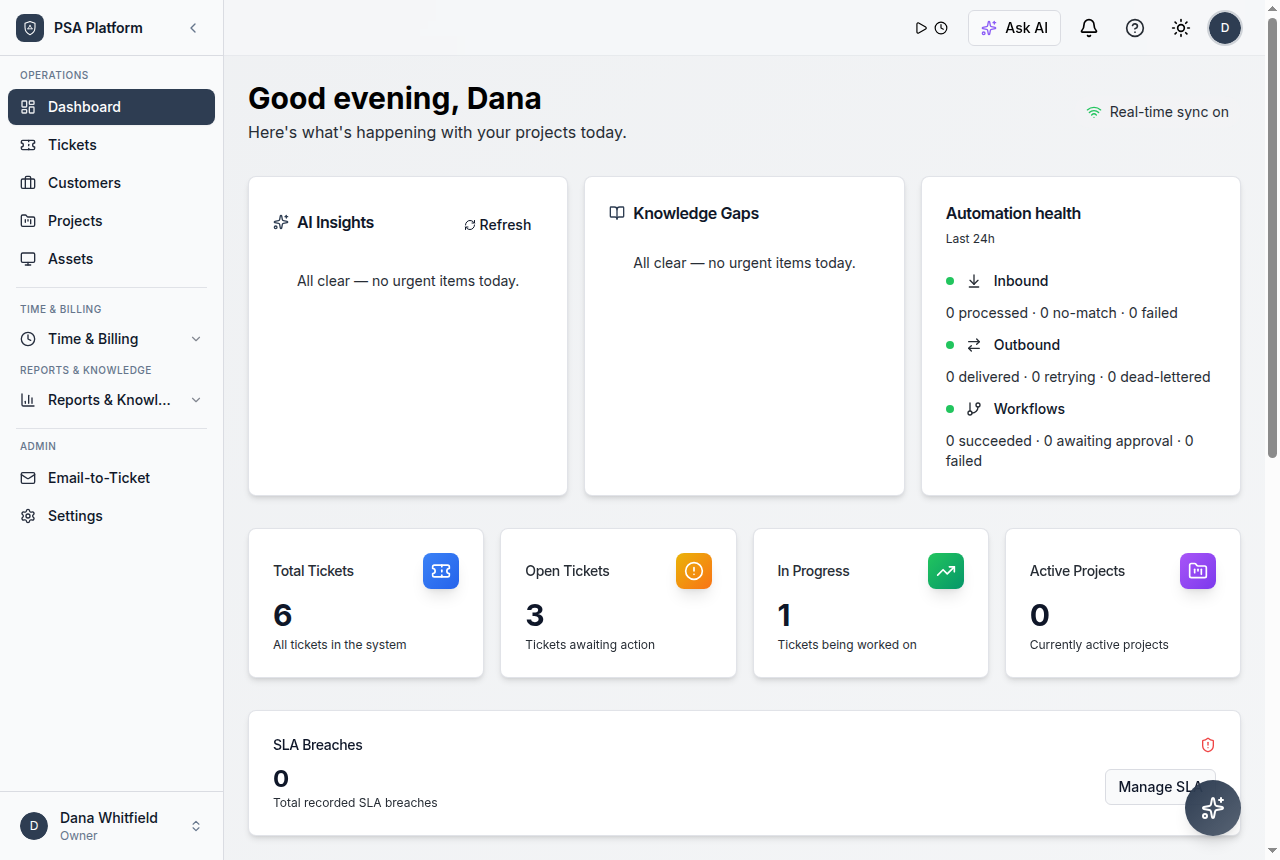
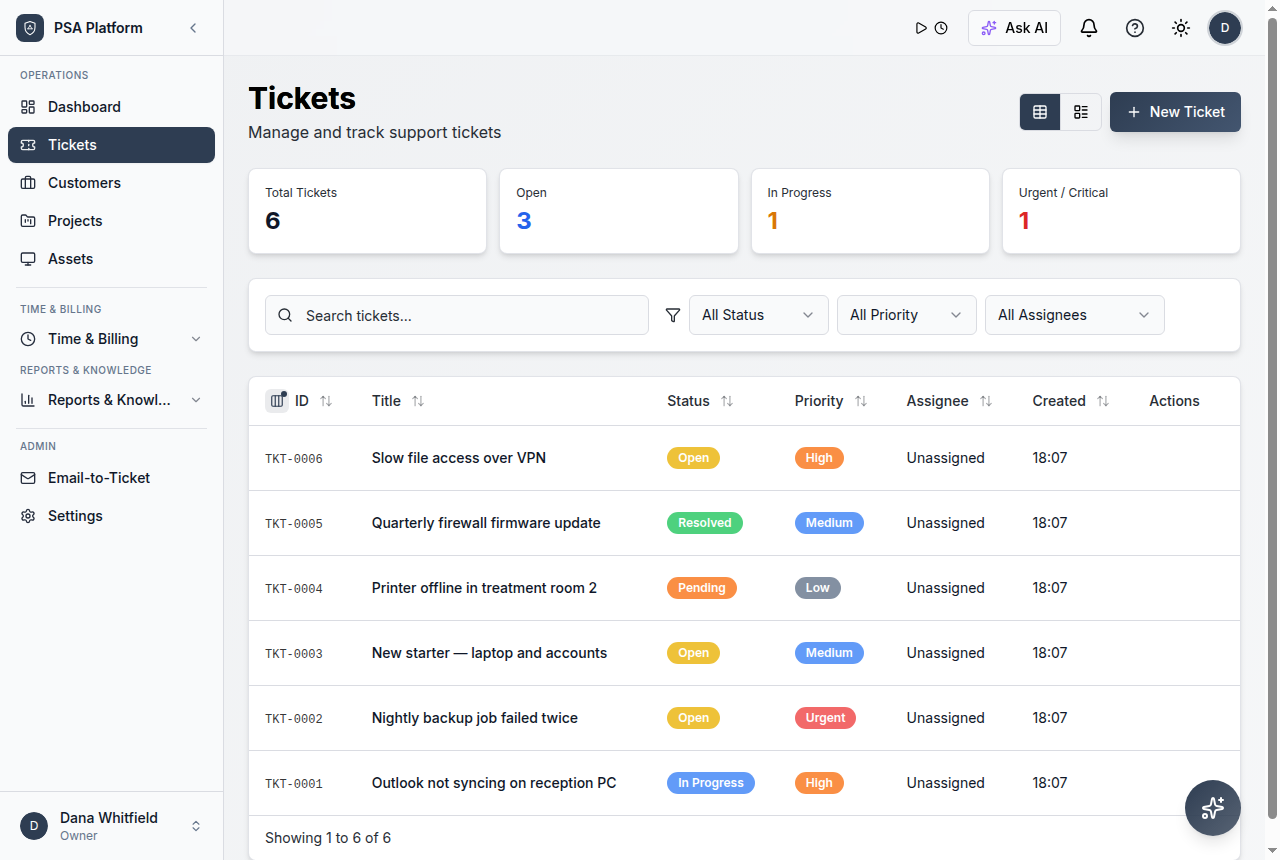
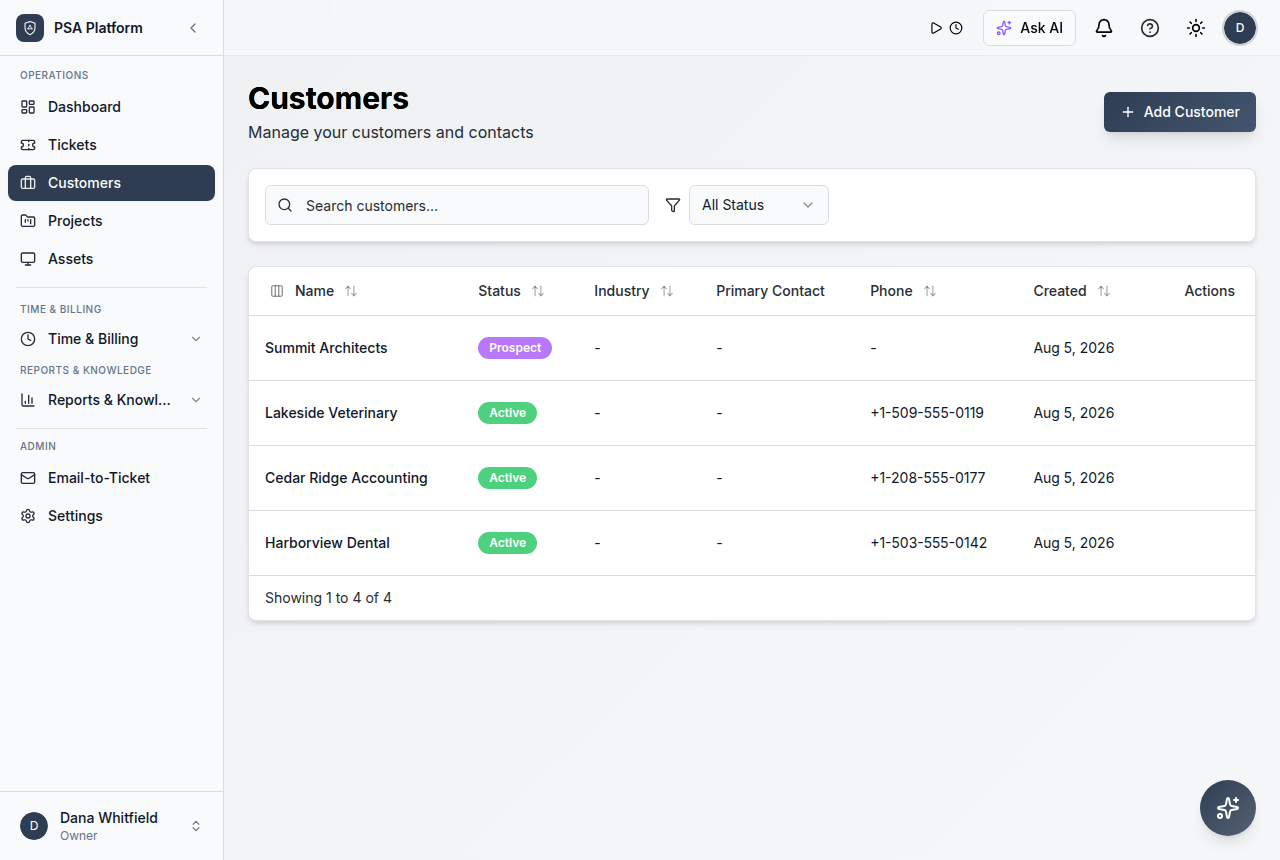
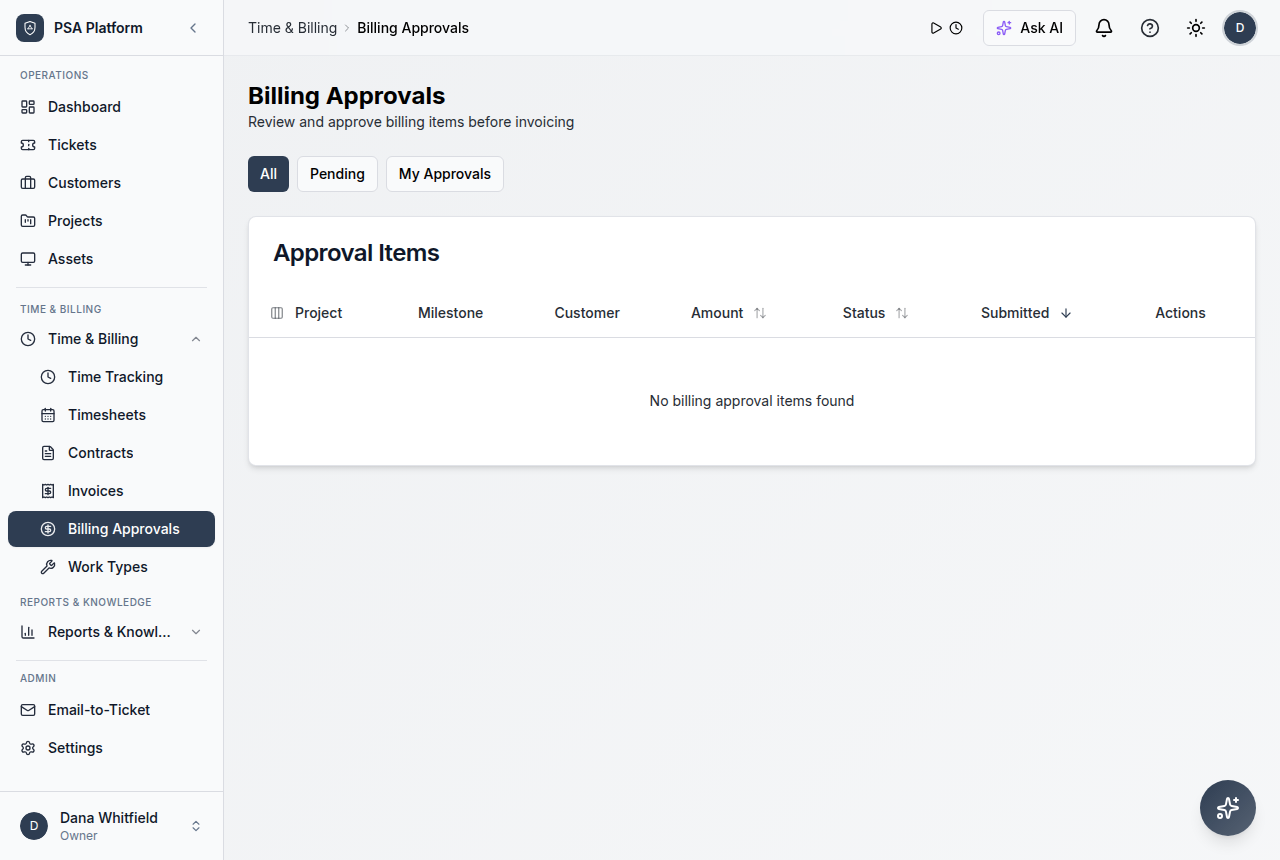
ShieldPSA integration surfaces help MSP teams connect external tools, alerts, service events, email, and API access into governed PSA workflows.
- Use marketplace apps and configuration surfaces for external tools.
- Connect custom workflows through webhooks and orchestration.
- Treat API keys, OAuth scopes, and MCP access as admin-controlled settings.
Connect tools without losing service context
Integration pages should show how external systems become ticket, workflow, and reporting context inside ShieldPSA.
Marketplace integrations
Use a catalog-led surface for common external connection patterns.
Explore marketplace integrations →Webhooks
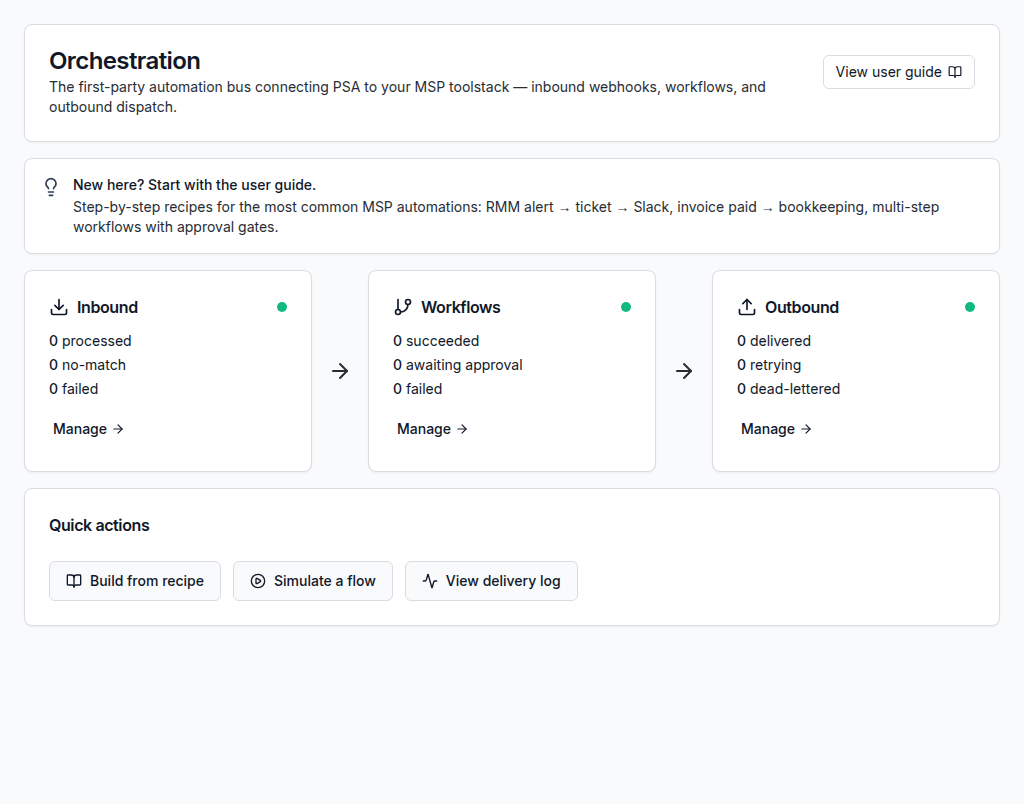
Send and receive integration events through governed workflow endpoints.
Explore webhooks →Email configuration
Bring service communication into ticket workflows.
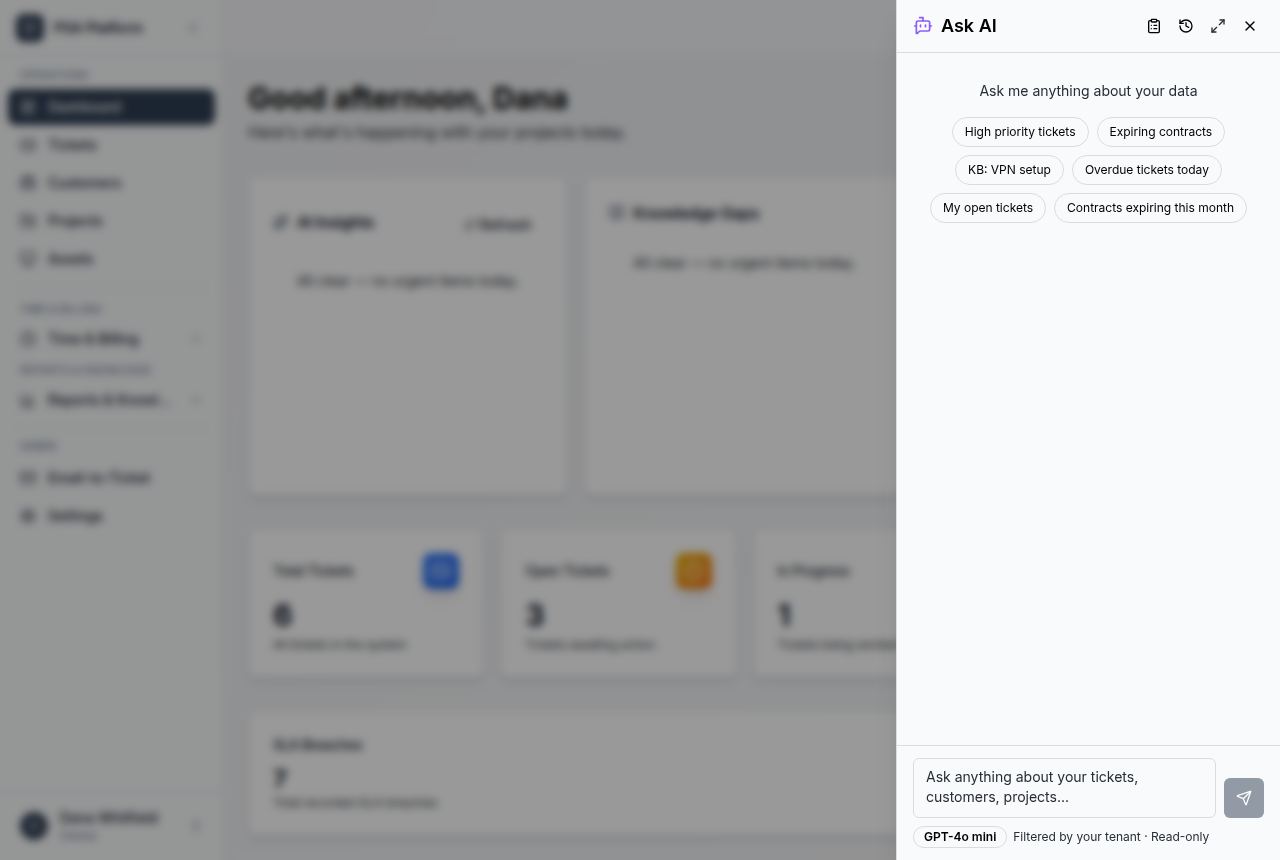
Explore email configuration →API and MCP access
Control external access through workspace-scoped settings.
Explore api and mcp access →Chat and alerts
Use automation patterns to turn external updates into PSA action.
Explore chat and alerts →Scope discipline
Review OAuth scopes and permissions before enabling external connections.
Explore scope discipline →Marketplace catalog
Review integration options from a marketplace-led catalog.
Explore marketplace catalog →MCP and API settings
Manage external access surfaces and workspace-scoped settings.
Explore mcp and api settings →From tool event to PSA workflow
Use a connected workflow that helps teams understand what came in, who owns it, what changed, and what needs review.
Configure marketplace, email, webhook, or API/MCP access.
Review permissions, keys, and workspace boundaries.
Convert external signals into tickets, updates, or workflow steps.
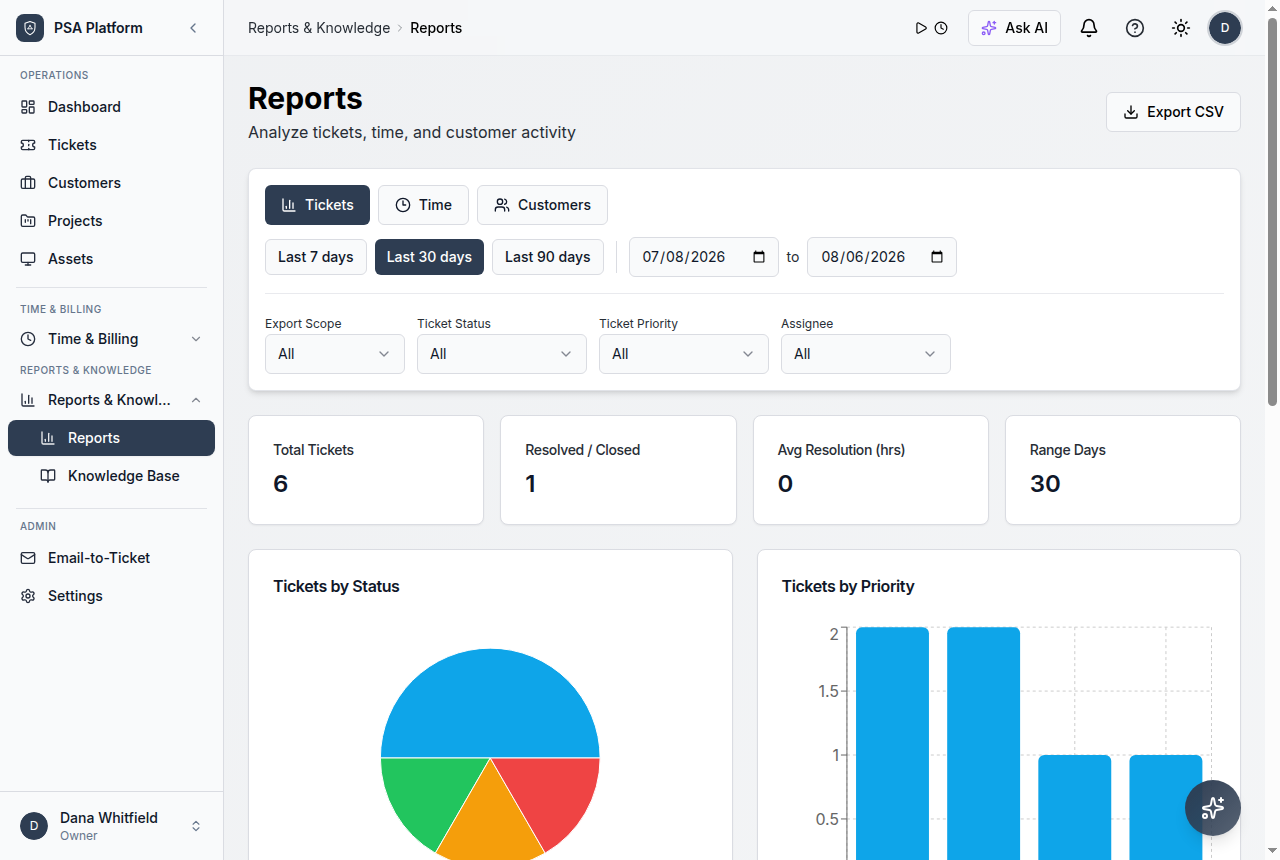
Use reports and dashboards to review operational impact.
Use customer, ticket, SLA, workflow, or reporting context before the next action.
Keep service updates, ownership, and operational handoffs visible.
Integrations pair naturally with automation
The best integration story is not a static connector list. It is a controlled path from external event to PSA ticket, workflow, assignment, and report.
Explore ReportsWork from one clear record instead of scattered updates.
Keep requests, notes, customer context, time entries, status changes, and follow-up evidence together so each action has context.
Explore AutomationIntegration use cases for service teams
Alert sources
Turn monitoring or external alerts into governed service work.
Mailbox-driven support
Use email configuration to connect customer communication to tickets.
Administrators
Manage keys, scopes, and external access deliberately.
Detailed integration capabilities for ShieldPSA.
Use these capabilities to connect external systems while keeping service context and access control visible.
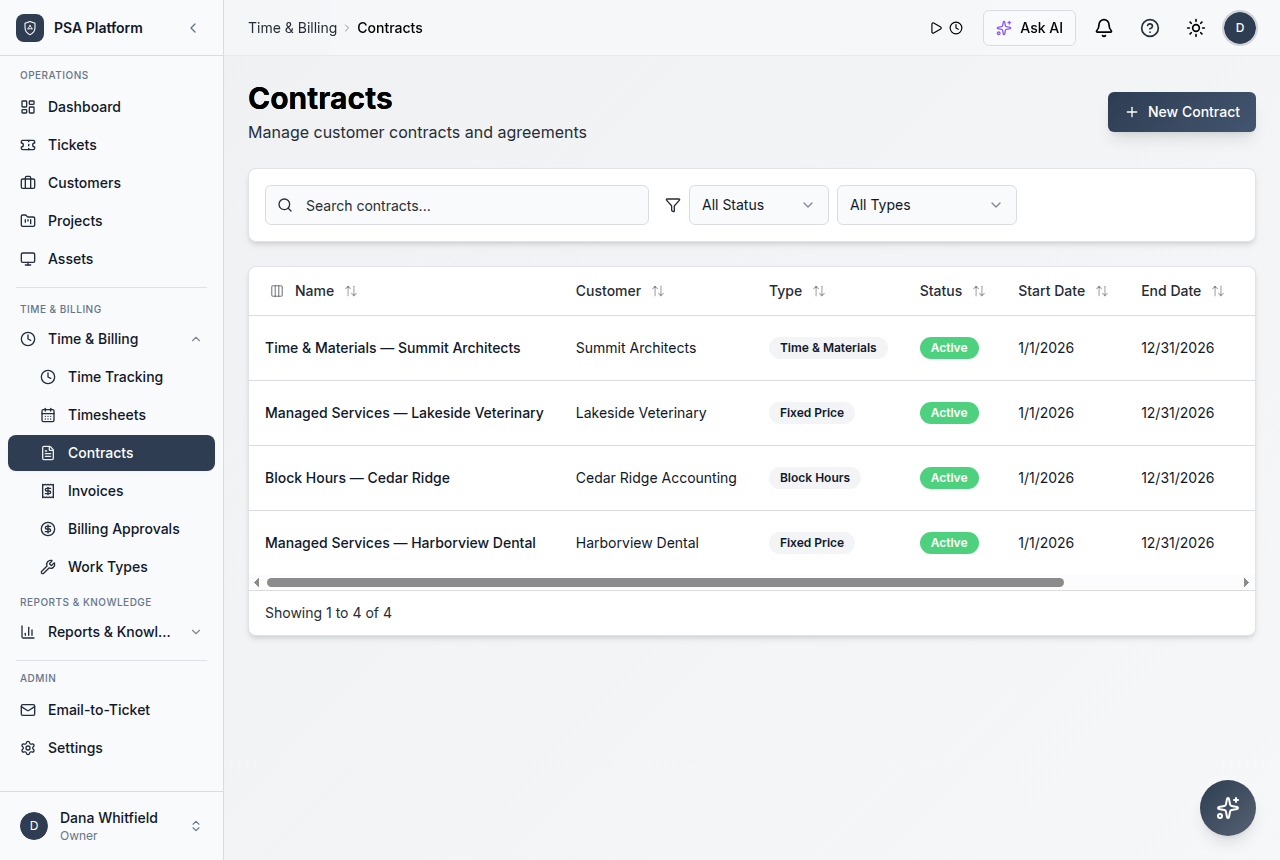
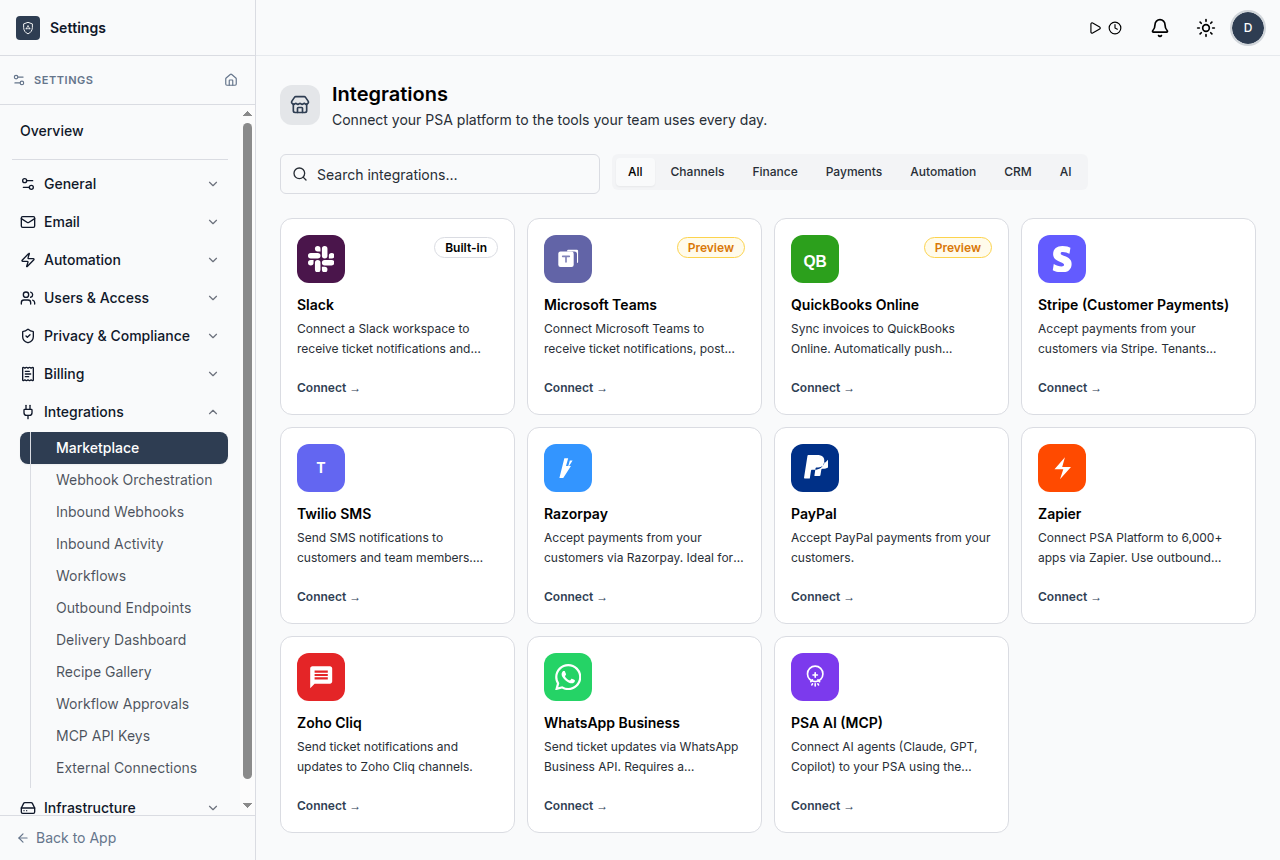
Marketplace catalog
Review integration options from a marketplace-led catalog.
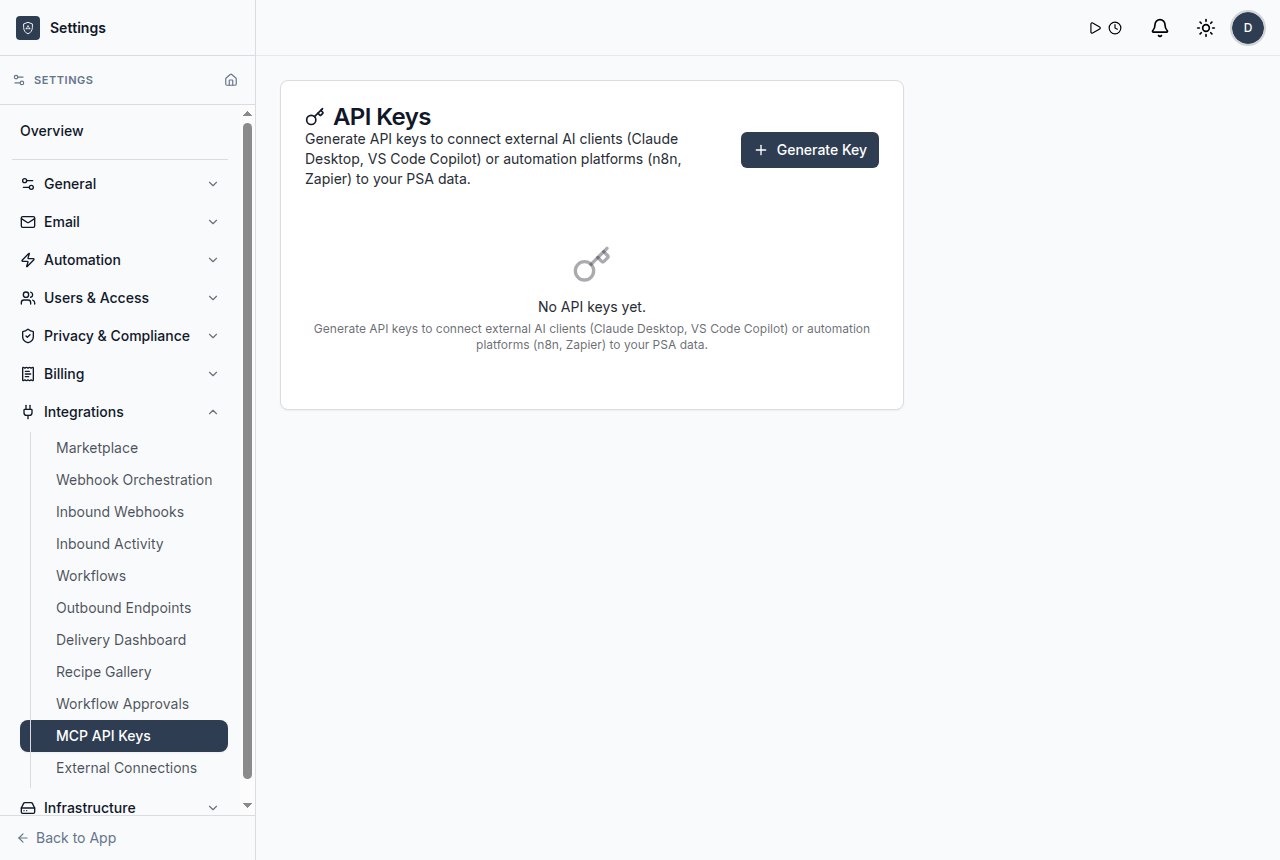
MCP and API settings
Manage external access surfaces and workspace-scoped settings.
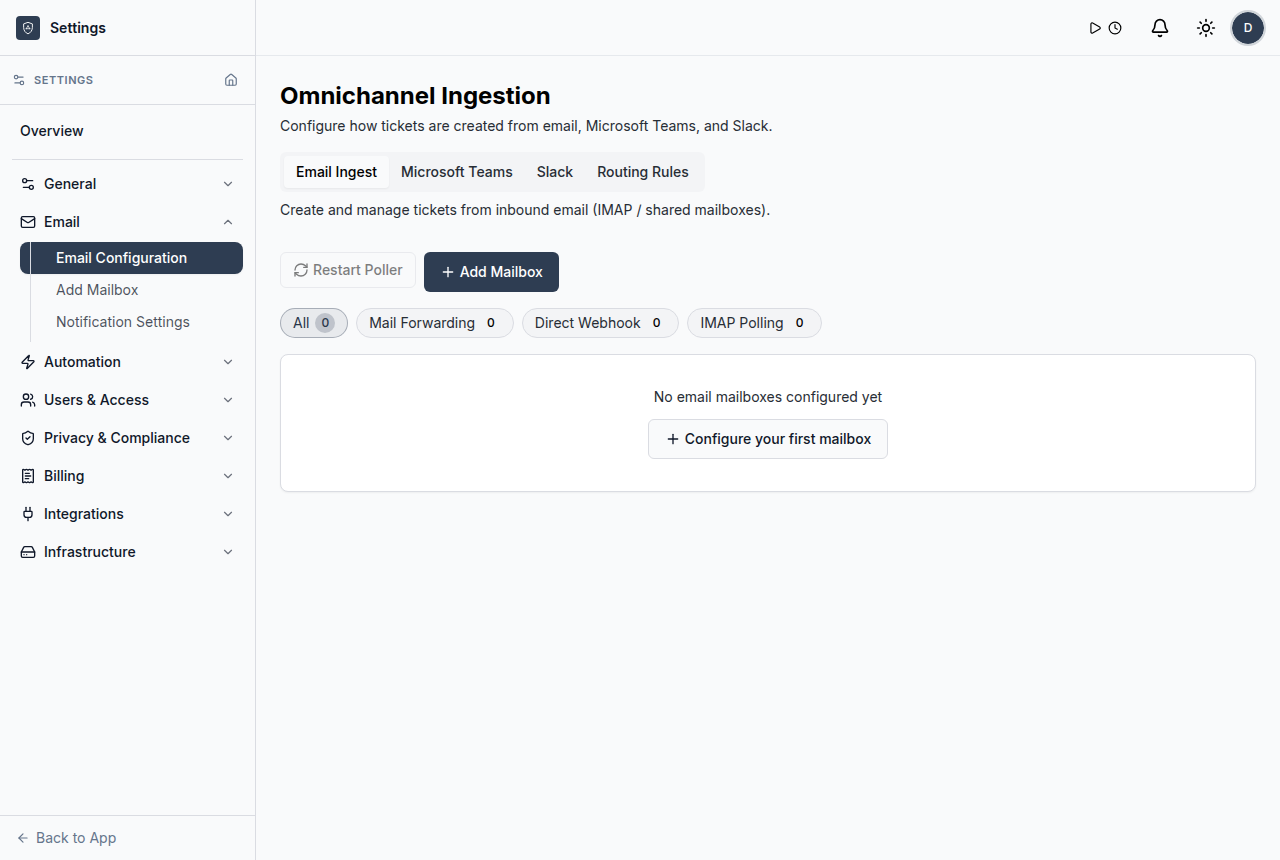
Email configuration
Configure mailboxes for service communication and ticket flow.
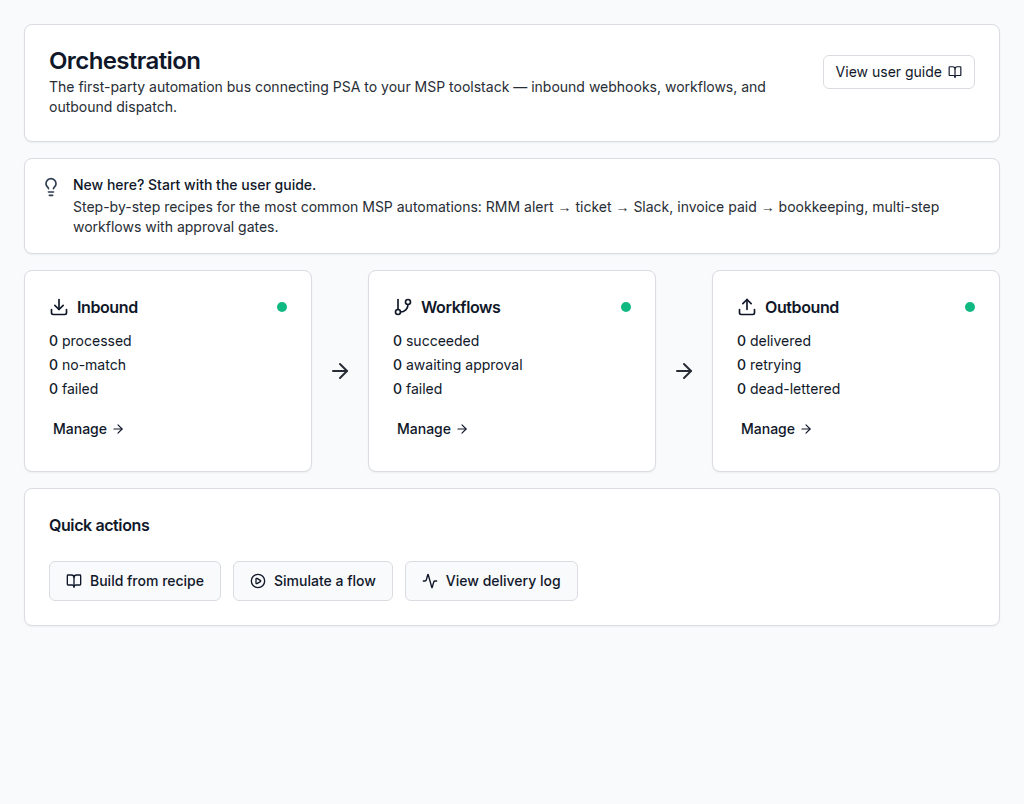
Webhook workflows
Connect webhooks to automated service workflows.
Marketplace integrations
Use a catalog-led surface for common external connection patterns.
Webhooks
Send and receive integration events through governed workflow endpoints.
Email configuration
Bring service communication into ticket workflows.
API and MCP access
Control external access through workspace-scoped settings.
Psa Integrations FAQs
What are PSA integrations?
PSA integrations connect external tools, messages, alerts, APIs, and workflows to service records inside the PSA.
Does ShieldPSA support webhooks?
Yes. ShieldPSA documentation includes inbound and outbound webhook patterns as part of orchestration.
Does ShieldPSA include a marketplace?
The user guide includes marketplace integrations and app-style connection surfaces.
How should MSPs govern integrations?
Review OAuth scopes, API keys, workspace boundaries, and external access before enabling each connection.
Connect MSP tools to a free PSA platform.
Use ShieldPSA to bring tickets, integrations, automation, and reporting into one service operations workspace.