AI assistance for MSP service operations.
Use optional, admin-configured AI to help teams summarize work, draft responses, surface insights, and find service knowledge without removing human review.
AI should support service teams, not obscure control
ShieldPSA AI features are positioned as assistance for service operations: answers, drafts, suggestions, and insights that remain grounded in the PSA workspace.
- Configure AI providers intentionally before use.
- Review suggested replies and assignments before sending or acting.
- Use AI as a productivity layer over tickets, knowledge, and dashboards.
AI assistance where service work already happens
The page keeps AI claims practical and product-true: assistive, optional, and connected to real PSA context.
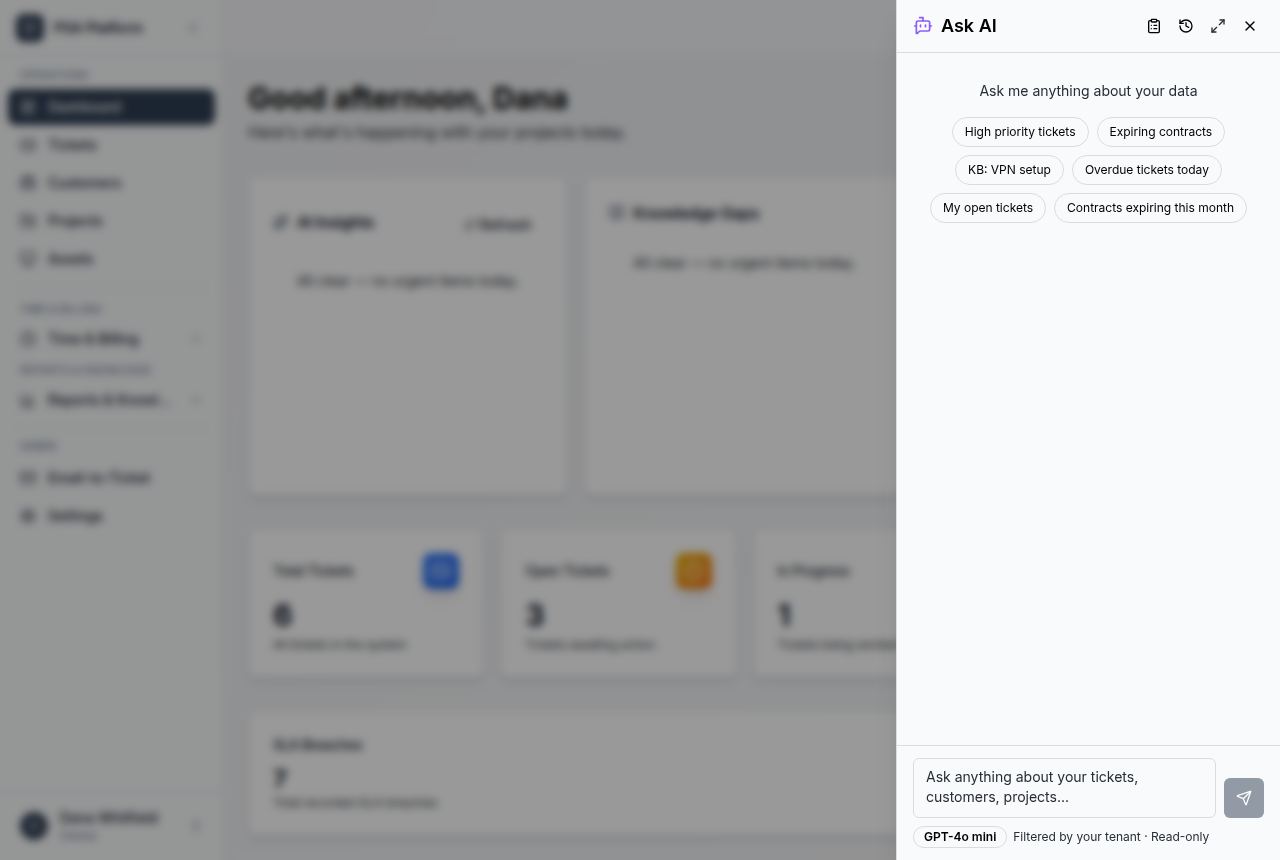
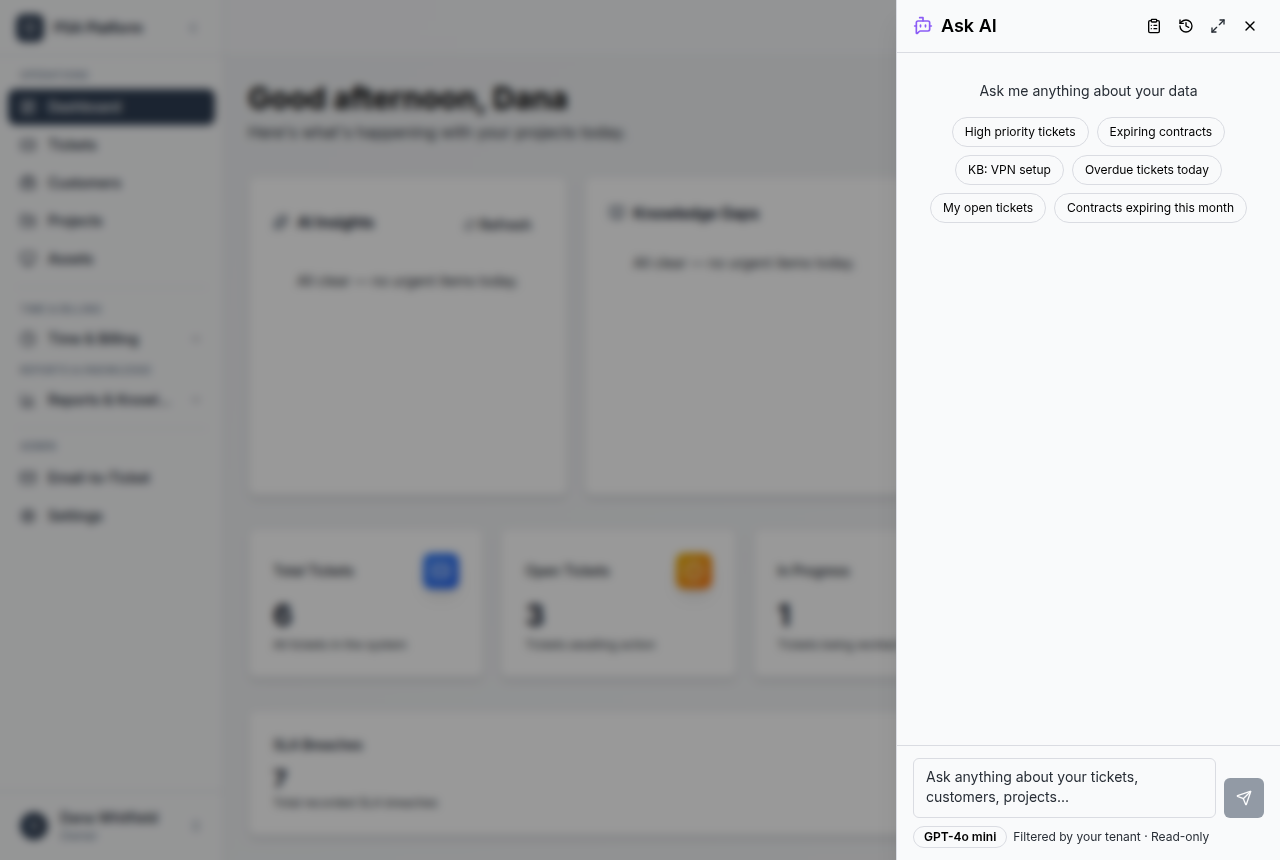
Ask AI panel
Ask grounded operational questions from within ShieldPSA.
Explore ask ai panel →Ticket response drafts
Generate response drafts that technicians can review and edit.
Explore ticket response drafts →Dashboard insights
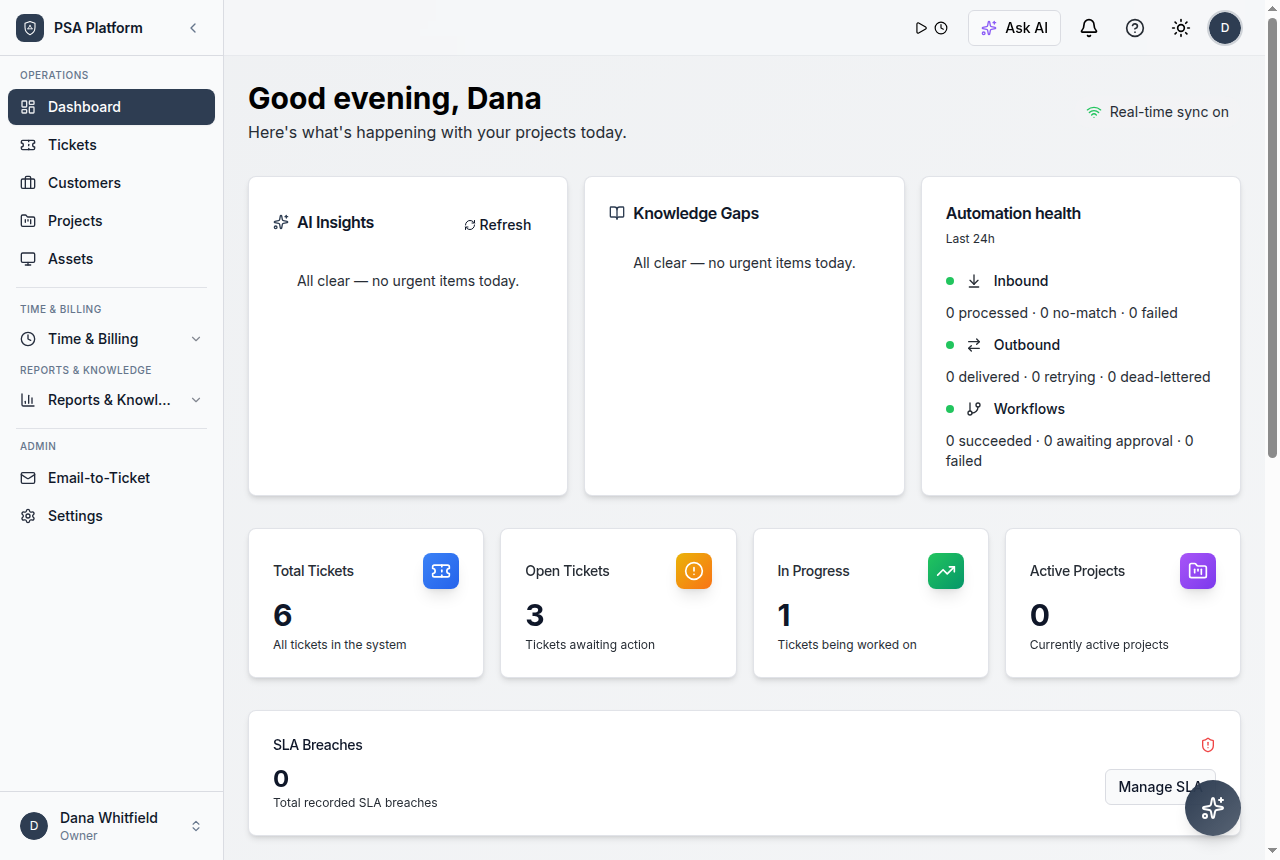
Surface operational patterns and service signals for managers.
Explore dashboard insights →Suggested assignment
Use available context to help route work to the right owner.
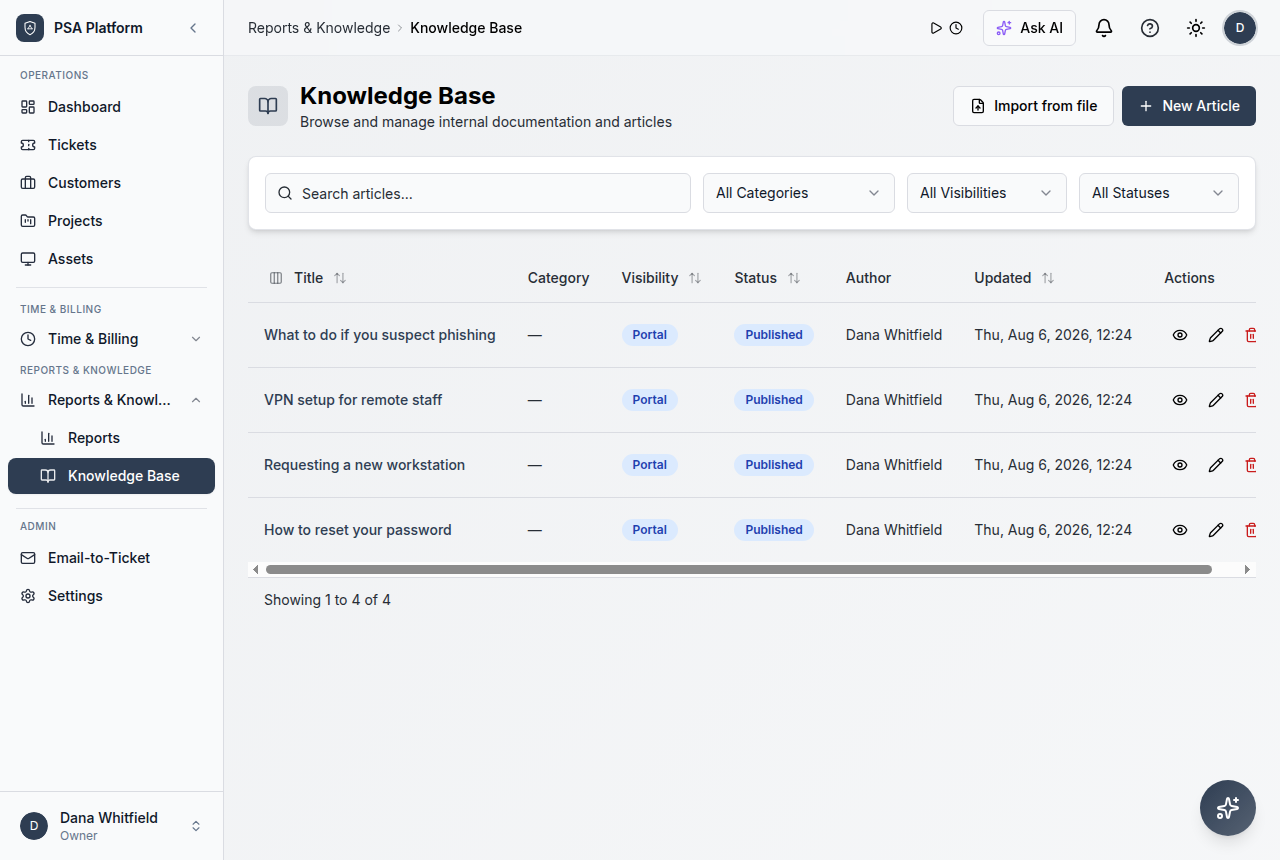
Explore suggested assignment →Knowledge help
Find and summarize knowledge material for faster resolution.
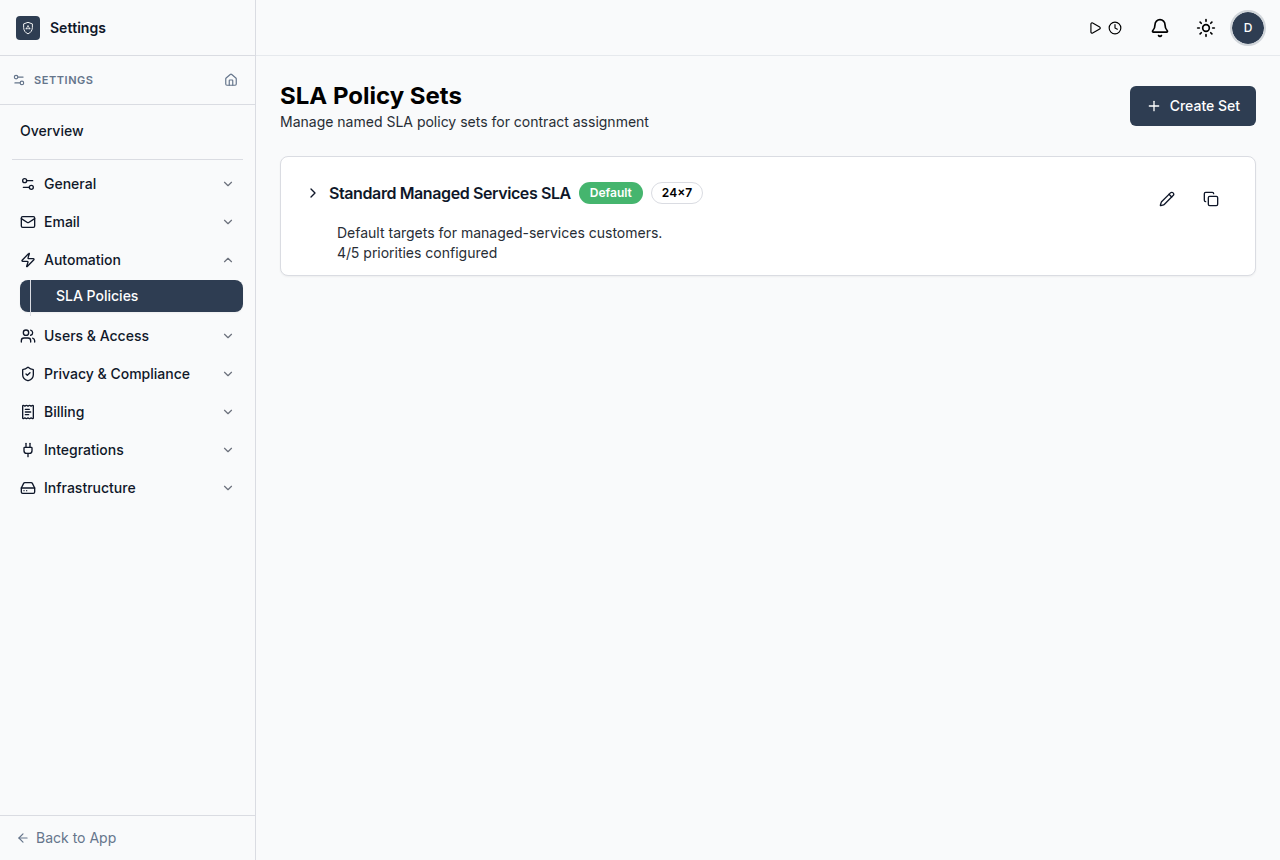
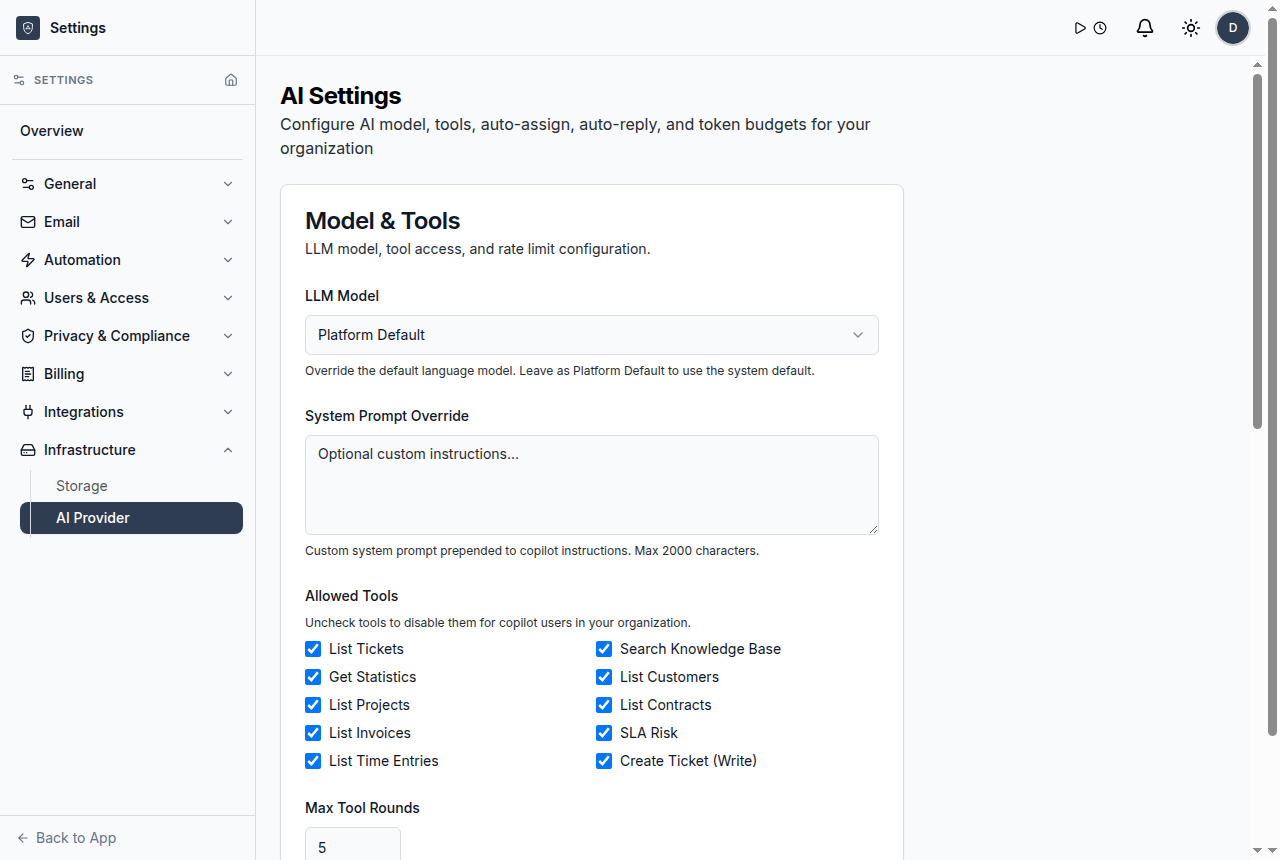
Explore knowledge help →Provider configuration
Choose and control provider settings before enabling AI use.
Explore provider configuration →Ask AI
Ask operational questions and get assistance from the ShieldPSA workspace.
Explore ask ai →AI provider settings
Configure AI provider access before teams use AI assistance.
Explore ai provider settings →How AI stays governed
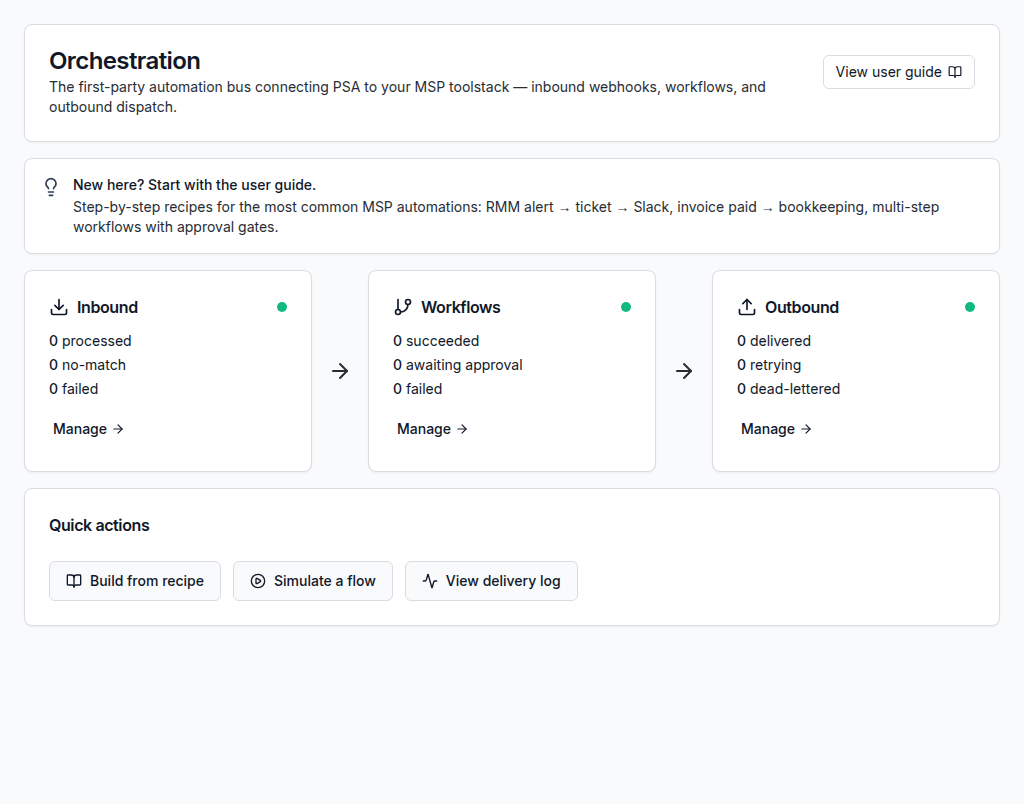
Use a connected workflow that helps teams understand what came in, who owns it, what changed, and what needs review.
Admins configure the AI provider and understand data handling before enablement.
Teams ask for help around tickets, dashboard signals, or knowledge articles.
Humans review suggestions, drafts, or insights before taking action.
AI reduces lookup and drafting effort while operations stay accountable.
Use customer, ticket, SLA, workflow, or reporting context before the next action.
Keep service updates, ownership, and operational handoffs visible.
AI works best with connected service data
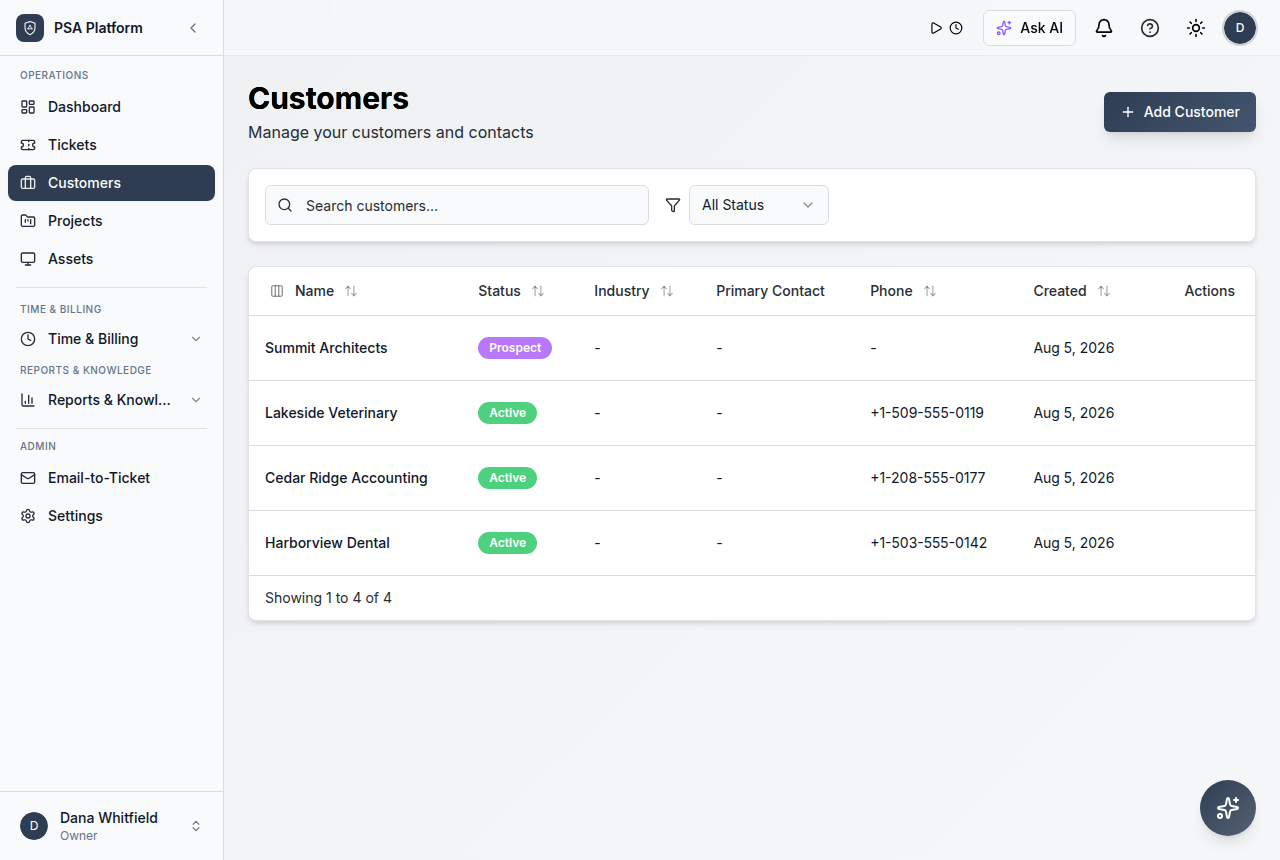
AI assistance becomes useful when tickets, customer context, knowledge, assignments, and reports are already organized in the PSA.
Explore ReportsWork from one clear record instead of scattered updates.
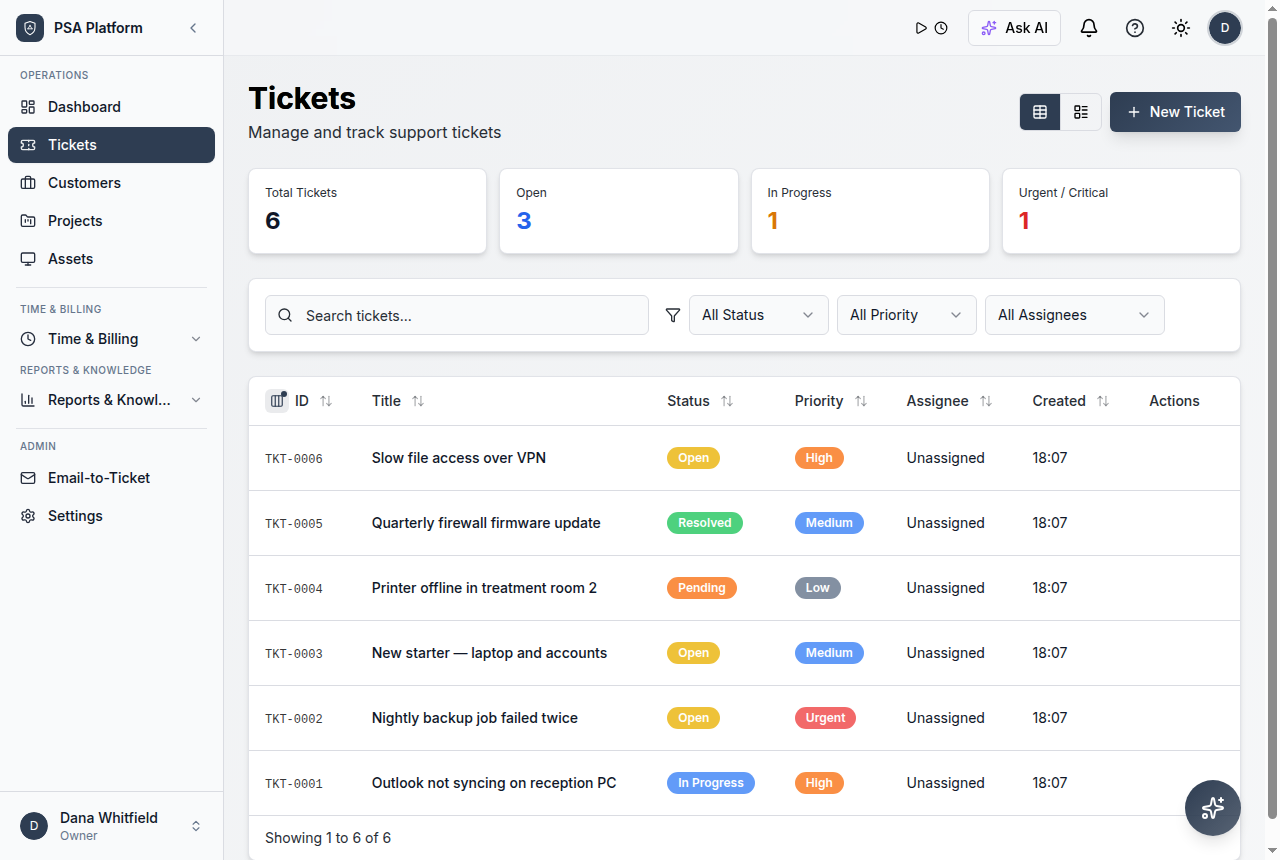
Keep requests, notes, customer context, time entries, status changes, and follow-up evidence together so each action has context.
Explore AutomationUse AI without overpromising automation
Managers
Review dashboard insights and service patterns.
Technicians
Draft replies and find knowledge faster.
Admins
Configure providers and keep AI usage intentional.
Detailed AI assistance capabilities for ShieldPSA.
Use optional AI capabilities to assist service operations while keeping human control visible.
Ask AI
Ask operational questions and get assistance from the ShieldPSA workspace.
AI provider settings
Configure AI provider access before teams use AI assistance.
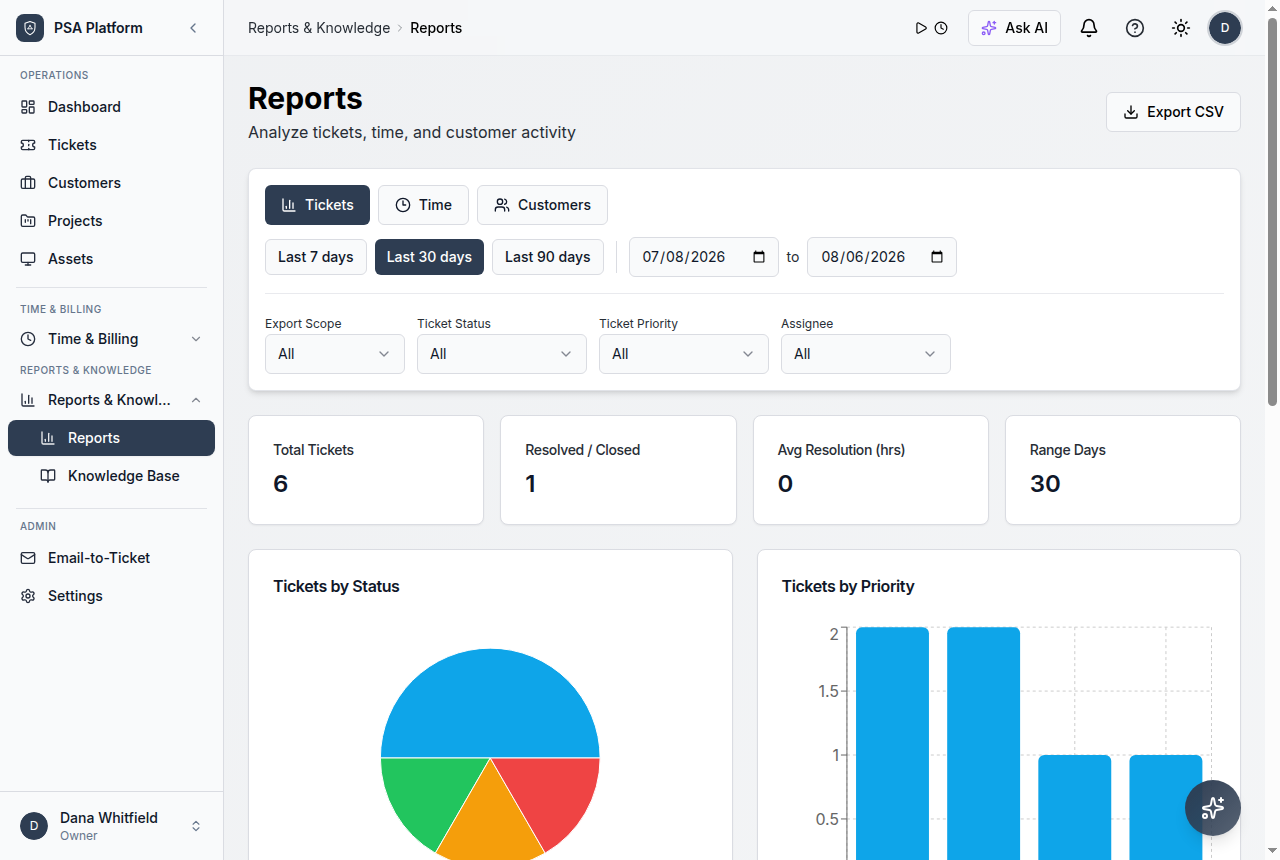
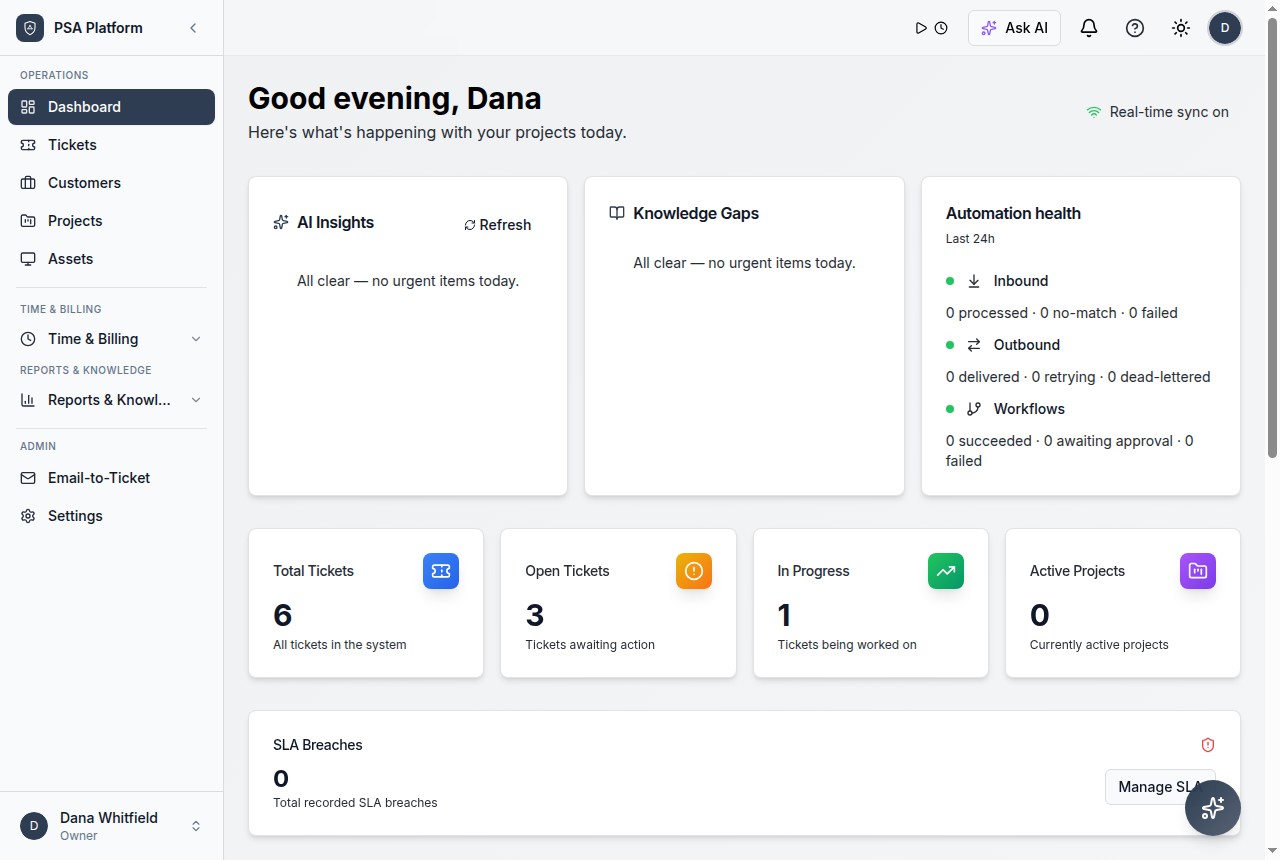
Dashboard insights
Review service signals that can help managers understand queue and operational trends.
Knowledge support
Use knowledge material as a support layer for faster technician work.
Ask AI panel
Ask grounded operational questions from within ShieldPSA.
Ticket response drafts
Generate response drafts that technicians can review and edit.
Dashboard insights
Surface operational patterns and service signals for managers.
Suggested assignment
Use available context to help route work to the right owner.
Ai Psa Software FAQs
What is AI PSA software?
AI PSA software adds assistive features such as summaries, drafts, recommendations, and insights to PSA workflows.
Does ShieldPSA AI act without people?
No. The recommended framing is AI assistance with human review, not autonomous customer-facing action.
Is AI required to use ShieldPSA?
No. AI is optional and should be configured by administrators before use.
What can ShieldPSA AI help with?
It can help with grounded answers, ticket drafts, dashboard insights, suggested assignment, and knowledge help.
Add practical AI assistance to free PSA operations.
Use ShieldPSA to combine tickets, service context, knowledge, and optional AI assistance in one free PSA workspace.