Free PSA software for service managers
Control queues, assignments, SLA pressure, approvals, reporting, and client follow-up from one free PSA workspace built for service operations.
Service managers need visibility before work slips
ShieldPSA gives managers a clearer way to understand demand, ownership, response commitments, and follow-through.
One management layer across service operations
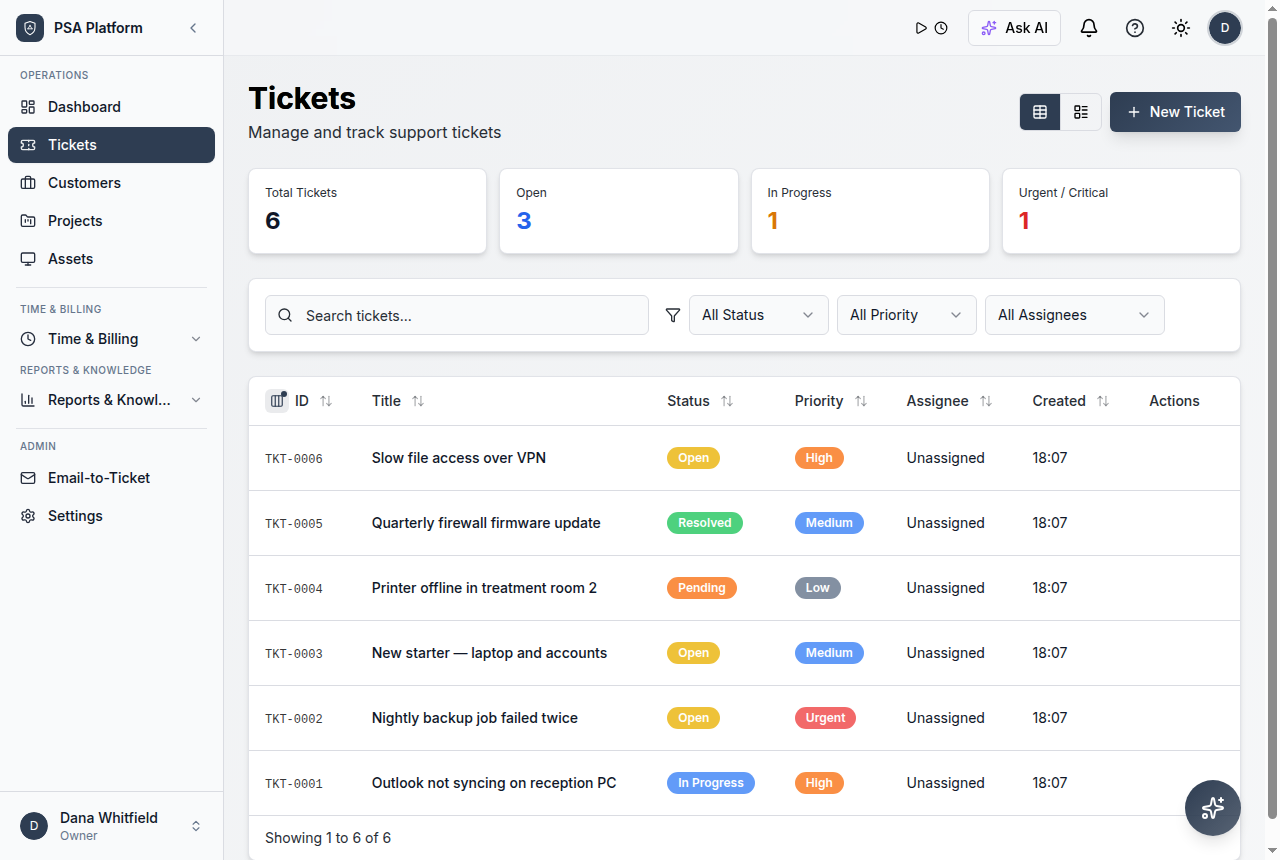
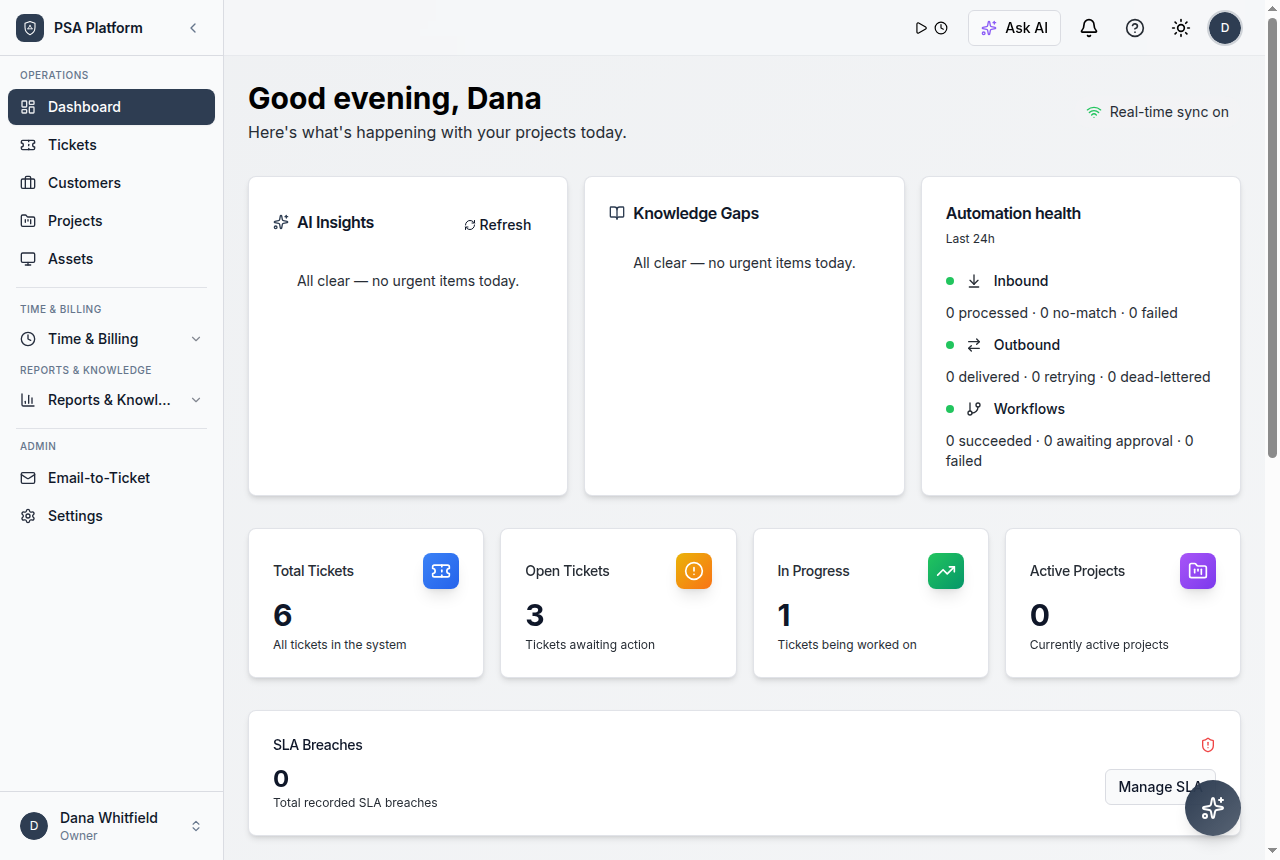
Managers can use tickets, SLAs, workflows, time, approvals, reports, and AI assistance together rather than switching between disconnected tools.
- Free PSA software for service managers stays connected to tickets, customers, SLAs, time, approvals, reporting, and service history.
- The PSA platform is free; optional paid services are limited to implementation, migration, training, or customization help.
- Related ShieldPSA feature pages give teams deeper implementation context.
Manager workflows supported in ShieldPSA
These capabilities help service managers move from reactive chasing to structured service control.
Queue management
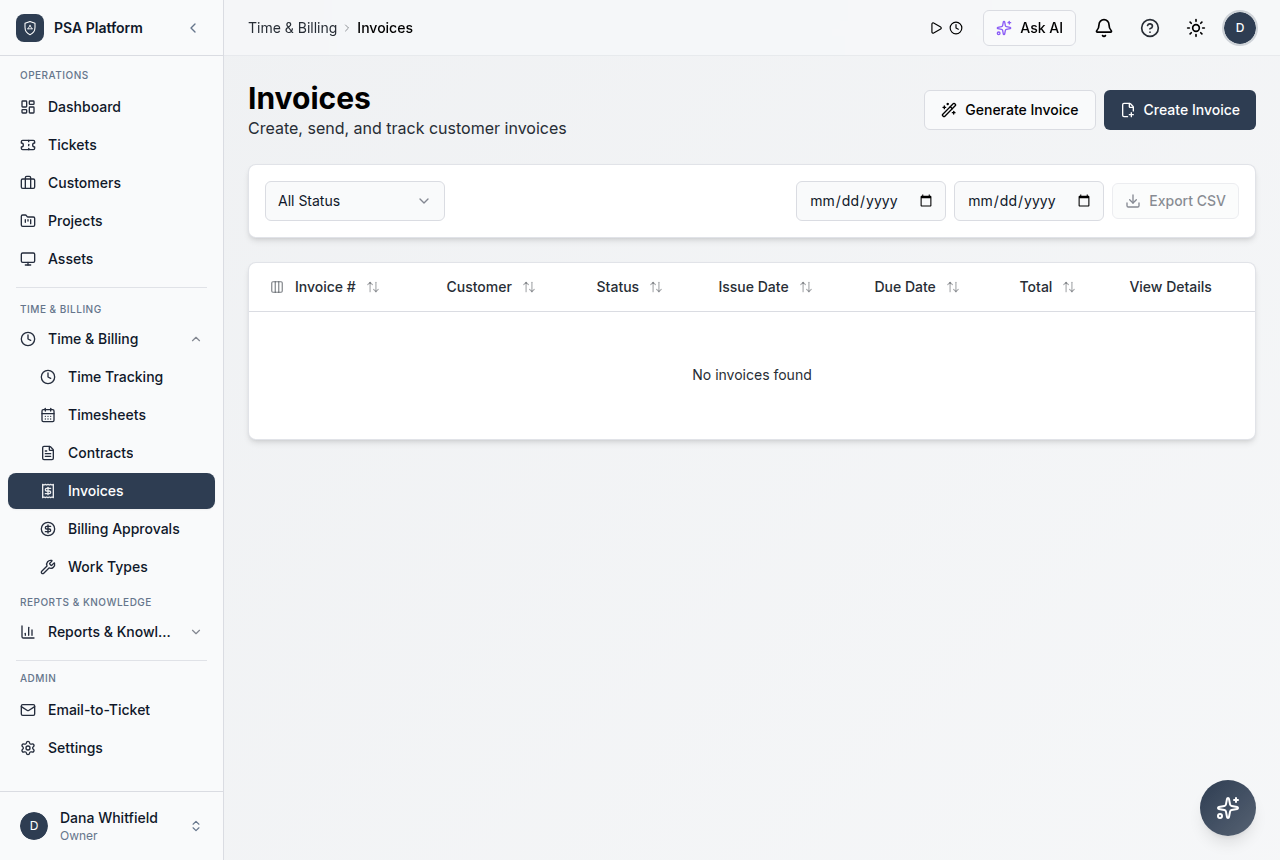
Understand what is open, who owns it, and where work is stuck.
Explore queue management →SLA policies
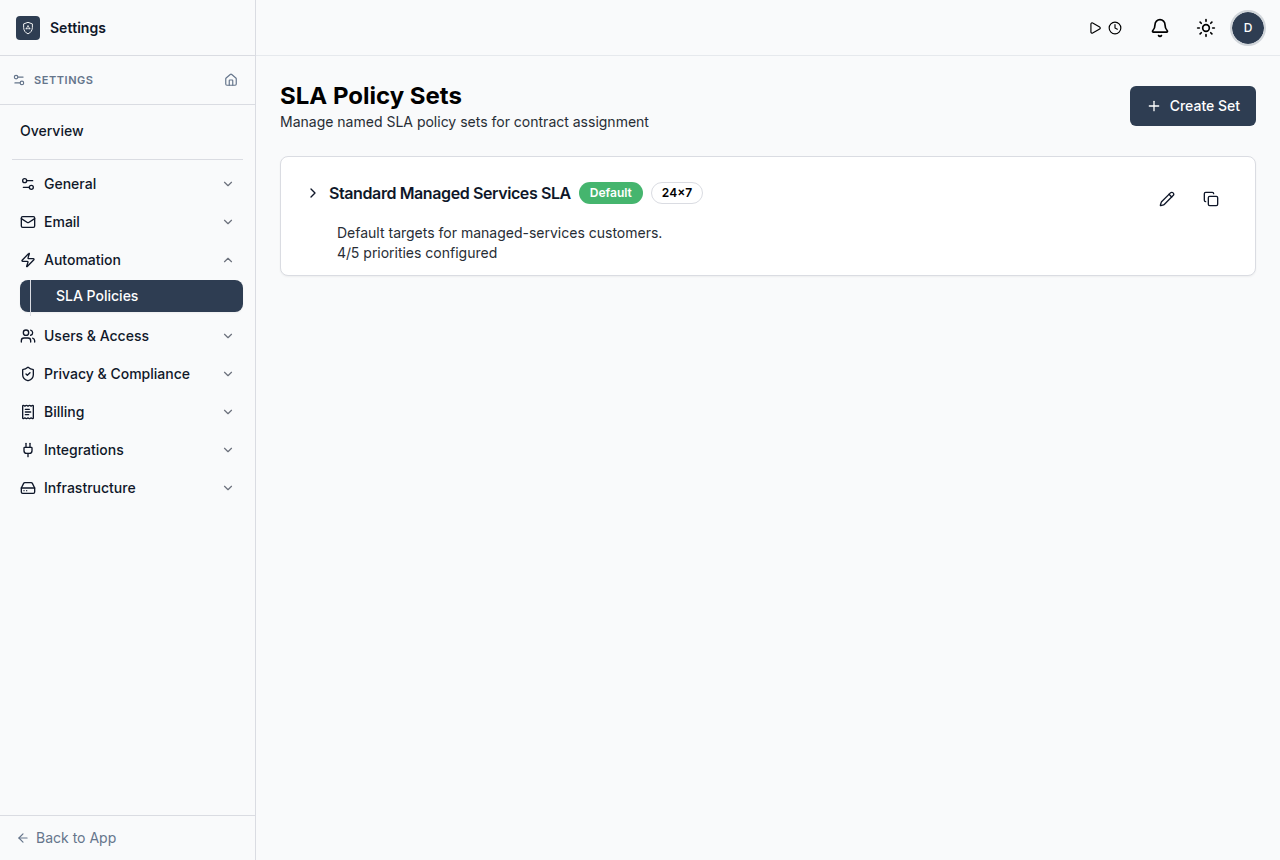
Monitor response and resolution expectations across tickets.
Explore sla policies →Assignment context
Match tickets to the right technician or team.
Explore assignment context →Billing approvals
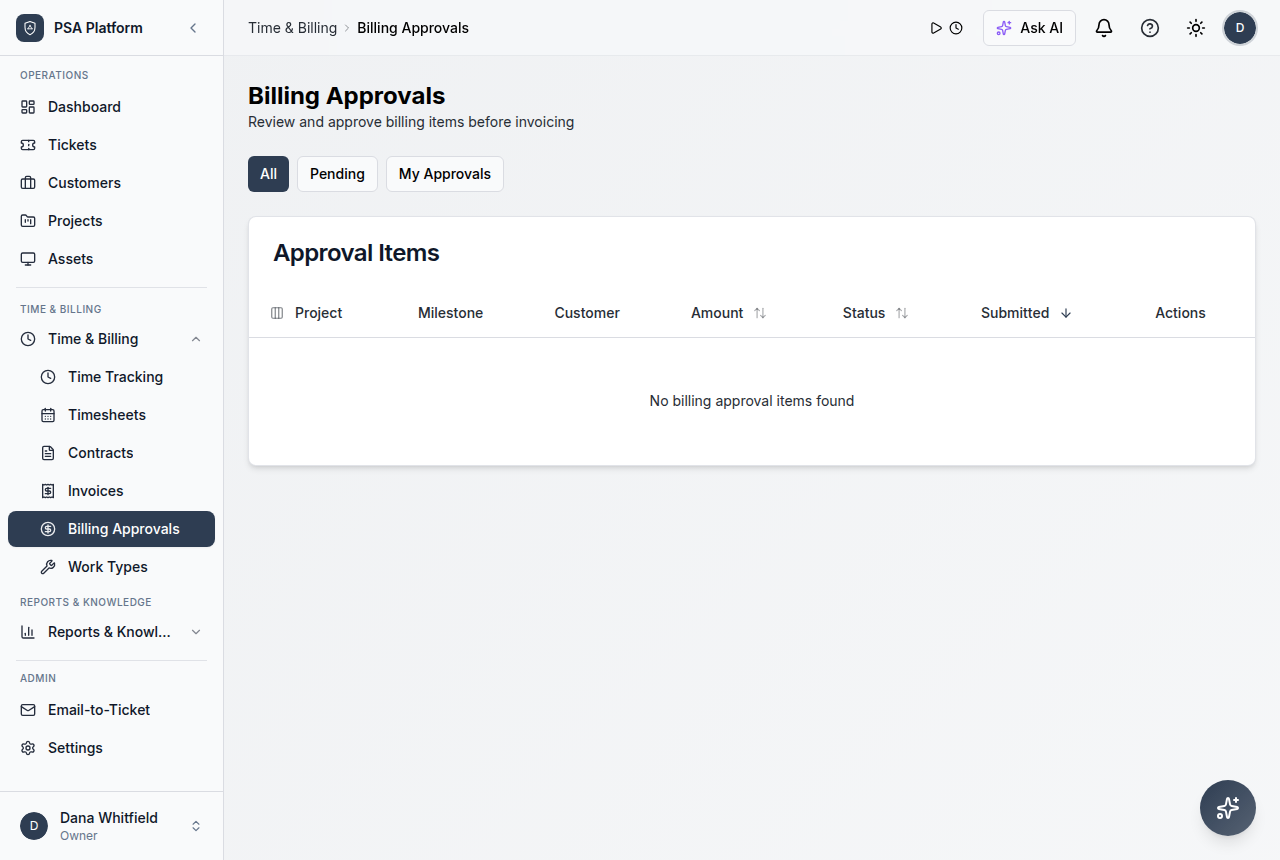
Review work and approvals before billing moves forward.
Explore billing approvals →Operational reports
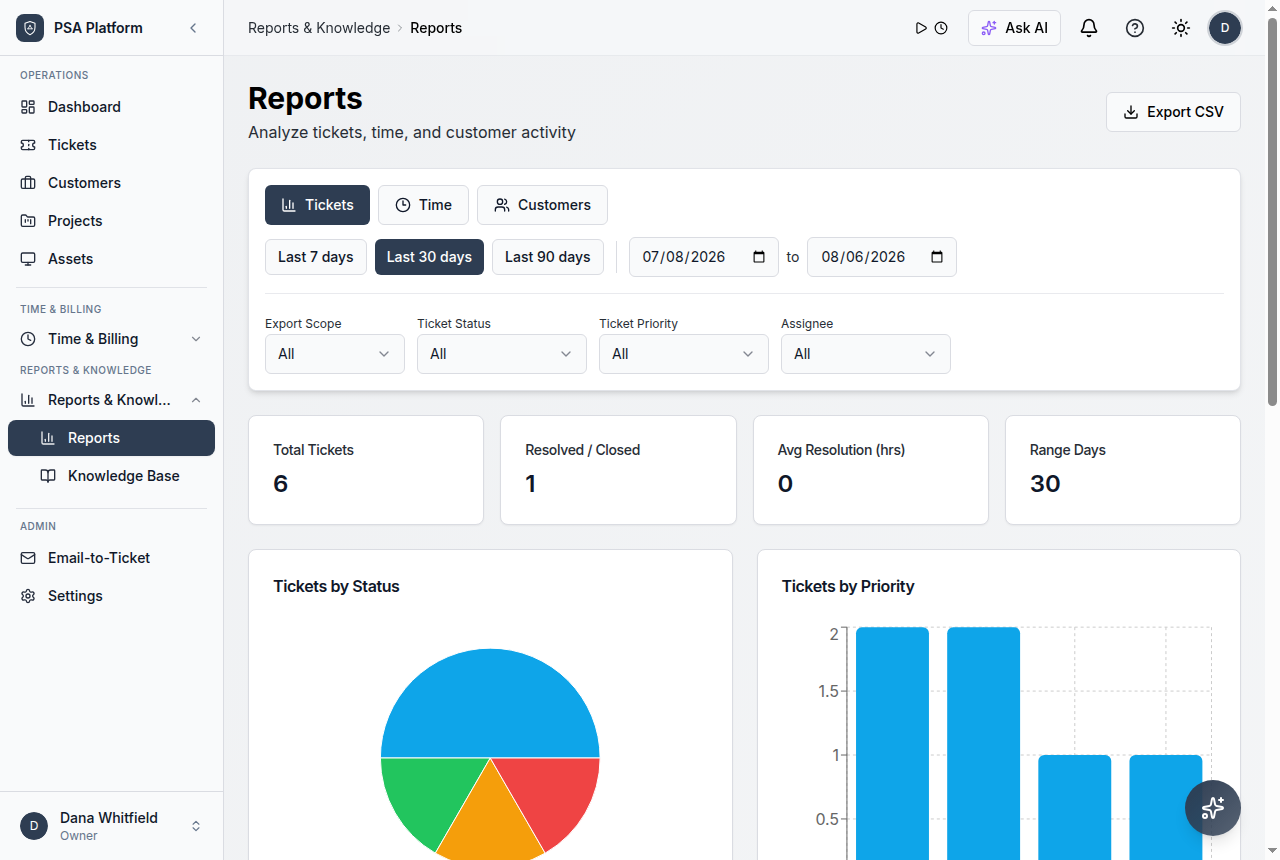
Use ticket, SLA, time, utilization, and customer views.
Explore operational reports →AI assistance
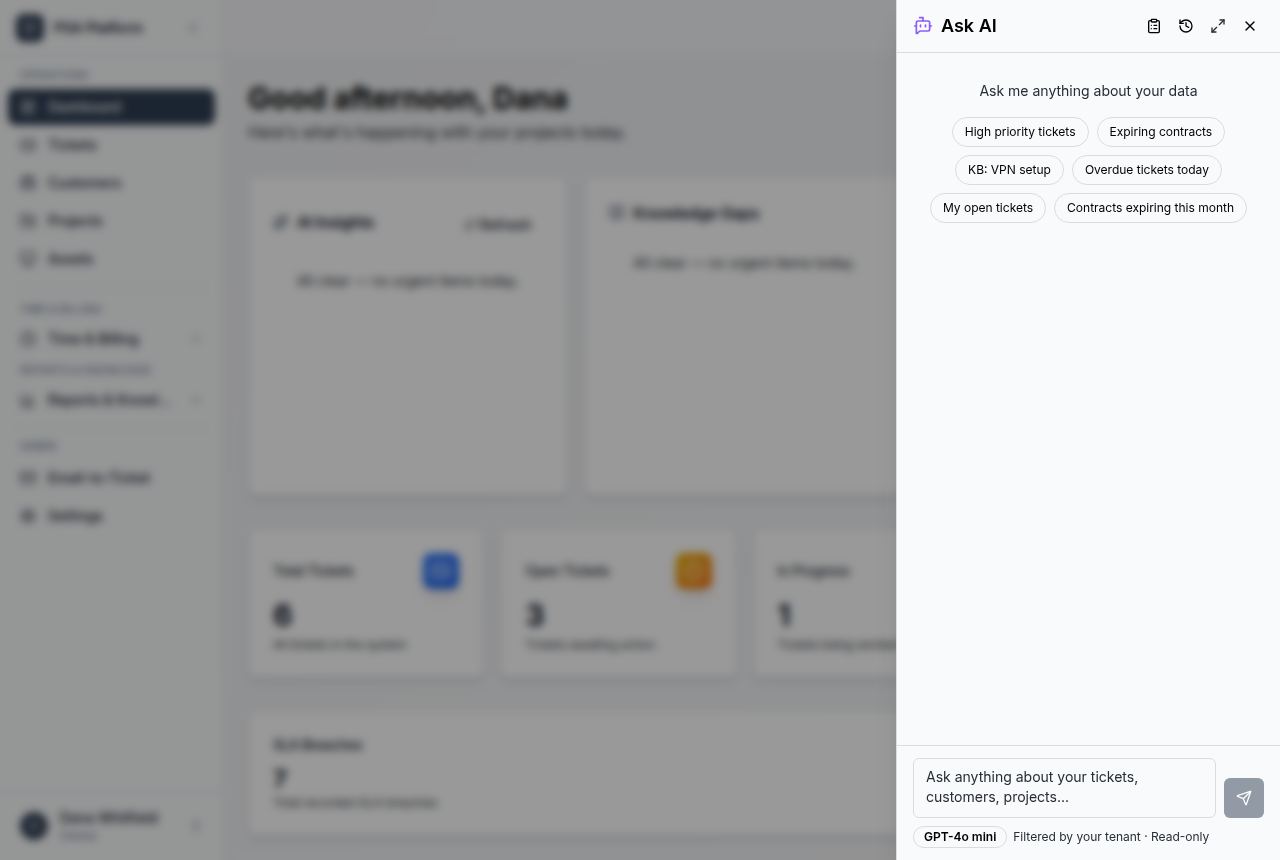
Use optional AI for insights, drafts, and context support.
Explore ai assistance →Request intake
Capture related service work with clear ownership and context.
Explore request intake →Time and review
Keep activity available for reporting, billing, and follow-up.
Explore time and review →A manager’s daily ShieldPSA rhythm
A repeatable workflow helps teams deliver service without losing scope, ownership, or billing accuracy.
Review the queue
Start with dashboard and ticket list signals.
Resolve ownership gaps
Adjust assignments, priorities, and escalations.
Check SLA and billing risk
Look at response commitments and approval queues.
Improve the system
Use reporting, workflows, and knowledge to reduce repeat problems.
Connect related features
Use the relevant ShieldPSA modules that support the workflow.
Review and improve
Use reports and operational feedback to refine the service model.
Service manager use cases
These service-provider use cases benefit from one connected free PSA workspace.
Morning queue review
See the work that needs assignment or escalation.
SLA triage
Spot service commitments that need attention.
Billing readiness
Approve time and work before invoice creation.
Operational improvement
Use reports to improve recurring service processes.
See queue pressure
Review ticket activity, priorities, owners, and status.
Protect SLA commitments
Use SLA policies and reporting context to spot response and resolution pressure.
Map common service-provider needs to the ShieldPSA workflows that support them.
This table helps MSP teams decide which ShieldPSA area covers each operational responsibility.
| Area | What it means | How teams use it |
|---|---|---|
| Service delivery | Service desk, ticketing, SLAs, client portal, knowledge base | Use for intake, ownership, prioritization, resolution, and customer communication. |
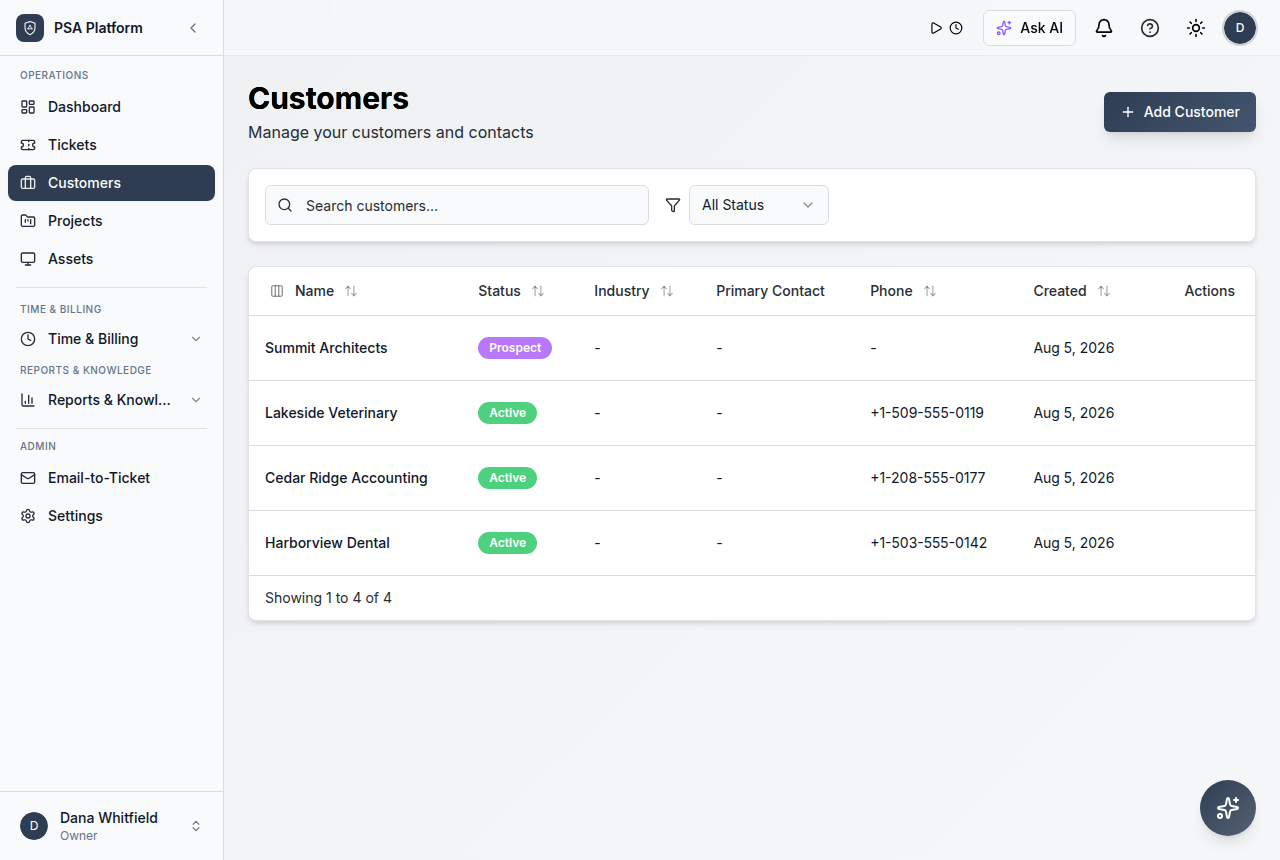
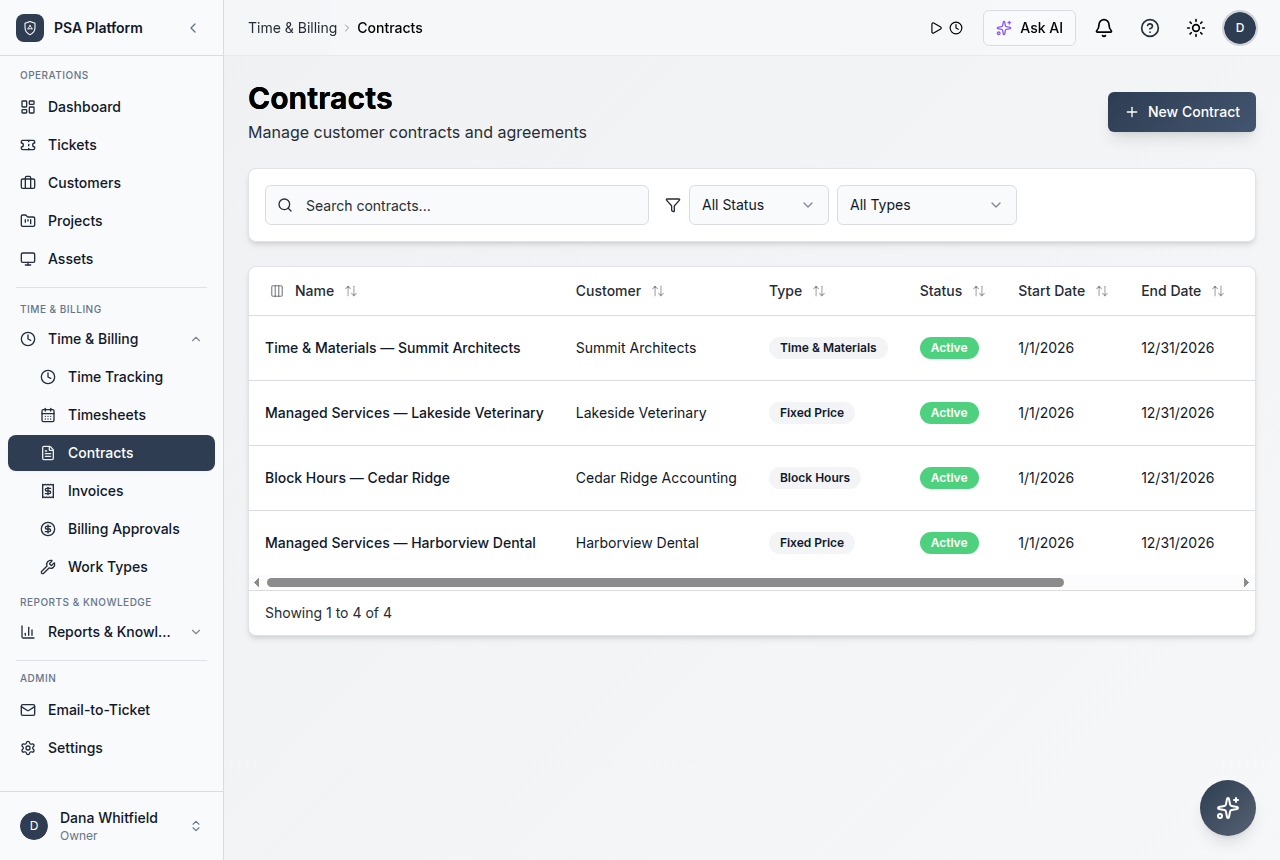
| Commercial operations | Customers, contracts, time tracking, approvals, invoices | Use for billing-ready records and management review. |
| Operational control | Automation, integrations, administration, AI assistance | Use for repeatable workflows, governed access, and reduced manual follow-up. |
| Performance visibility | Dashboards, reports, customer and technician views | Use for service reviews, queue pressure, utilization, and continuous improvement. |
MSP solution fit and related ShieldPSA workflows.
Use these paths when shaping or validating your service model.
For MSP owners
Use this path when designing the service model, cost structure, and customer review evidence.
- Full platform at no software licence cost — margins stay with the service, not the tooling.
- Contracts, approvals, and invoices keep billing health visible.
- Optional paid services exist only for implementation, migration, and training.
For service leaders
Use this path when improving queue control, ownership, SLA visibility, and team follow-through.
- Ticket queues and SLA signals show what needs attention.
- Automation, AI assistance, and integrations reduce repeat manual work.
- Reports help review service quality and operational pressure.
Psa Software For Service Managers FAQs.
How does PSA software help service managers?
It gives managers one place to review queues, assignments, SLAs, approvals, reports, and service context.
Can ShieldPSA help with SLA visibility?
Yes. ShieldPSA documentation includes SLA policy and reporting context.
Does ShieldPSA include approval workflows?
Yes. The user guide includes billing approvals and workflow approval steps.
Is ShieldPSA free for service teams?
ShieldPSA is positioned as entirely free PSA software, with optional paid Professional Services for help.
Manage service work from a free PSA workspace.
Use ShieldPSA to connect queues, SLAs, assignments, approvals, reporting, and service improvement.