PSA workflow automation for MSP service teams.
Build repeatable service workflows that move tickets, approvals, webhooks, and follow-up tasks forward without adding another paid automation layer.
What is PSA workflow automation?
PSA workflow automation uses triggers, conditions, waits, branches, approvals, and actions to advance service work consistently across the PSA.
- Route and escalate tickets from operational events.
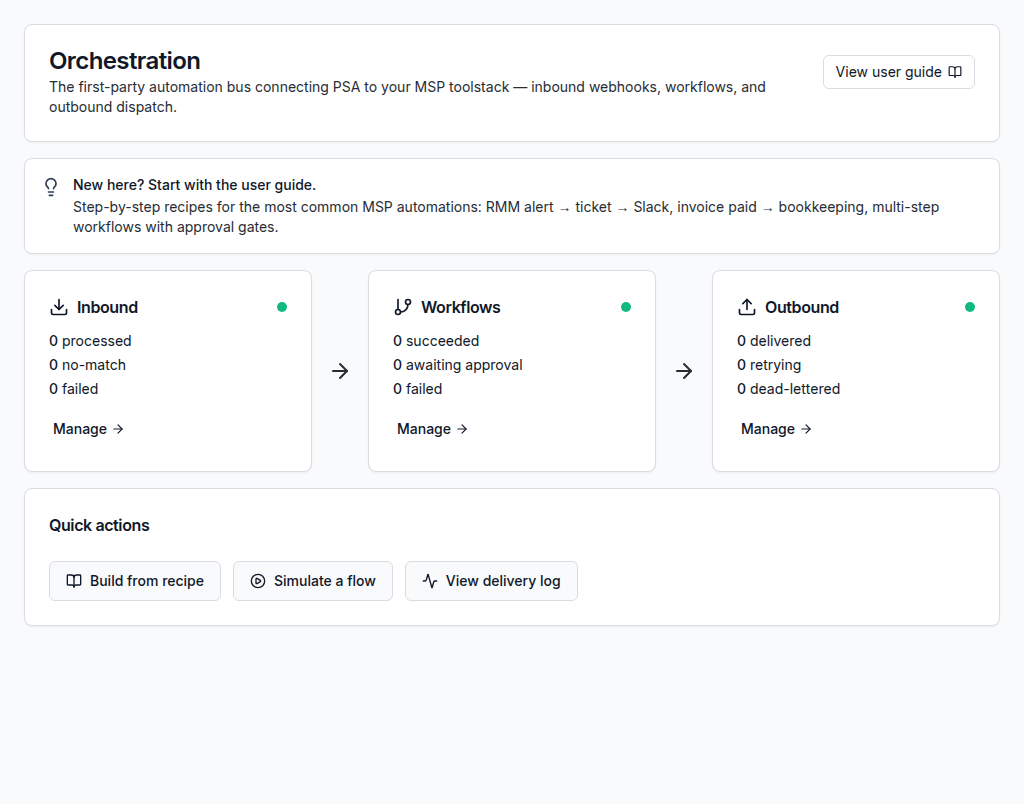
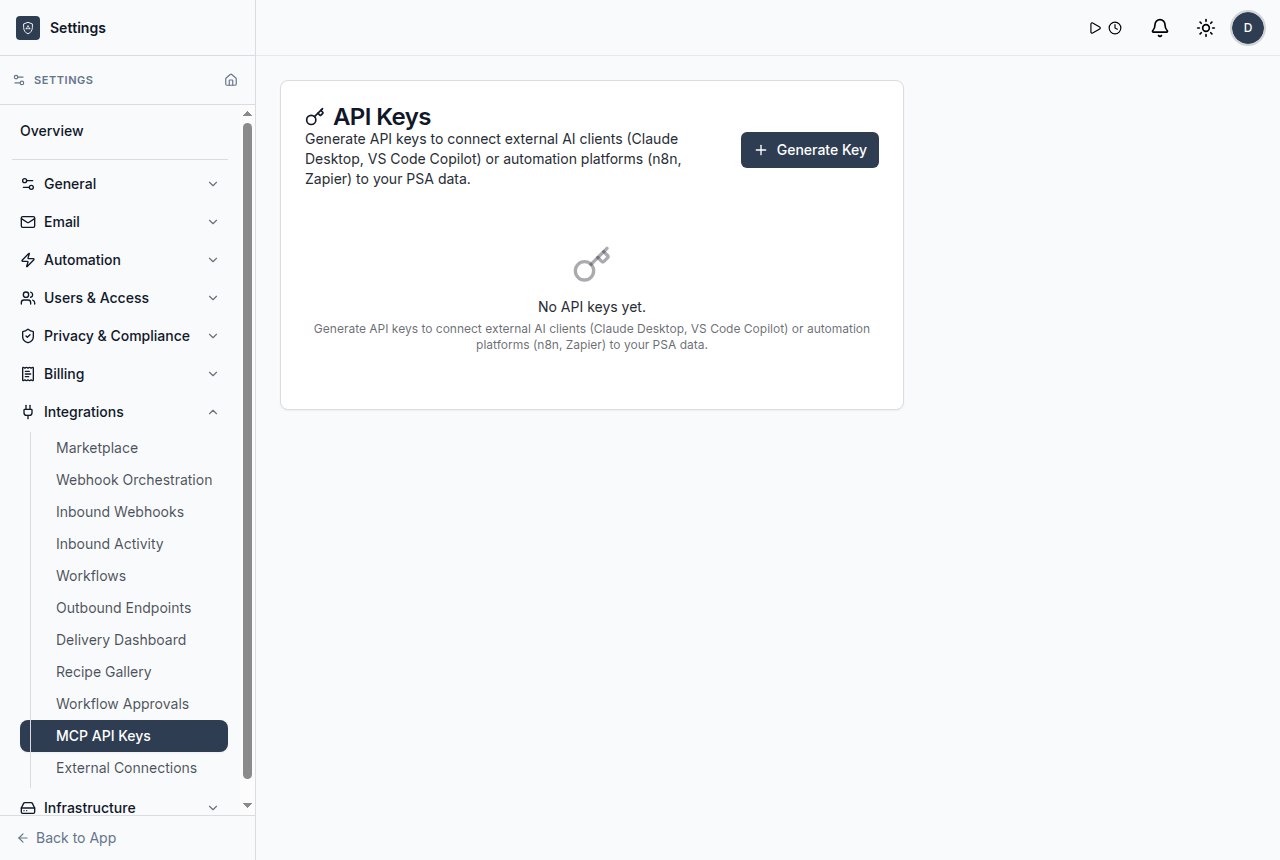
- Use inbound and outbound webhooks to connect external systems.
- Keep retries, delivery activity, and signing controls visible.
Automate the service steps that slow teams down
ShieldPSA automation is designed for practical MSP service operations: routing, approvals, external updates, and repeatable ticket flow.
Event-based triggers
Start workflows from service events, inbound webhooks, and operational changes.
Explore event-based triggers →IF, WAIT, BRANCH and APPROVE steps
Model common service decisions without turning every process into manual follow-up.
Explore if, wait, branch and approve steps →Signed webhook delivery
Use HMAC signing and delivery activity to make integration handoffs easier to govern.
Explore signed webhook delivery →Retry visibility
Review whether external workflow steps delivered successfully or need attention.
Explore retry visibility →Alert-to-ticket flow
Bring external alerts into PSA work instead of leaving them in disconnected inboxes.
Explore alert-to-ticket flow →Approval checkpoints
Pause important actions for human approval before they continue.
Explore approval checkpoints →Workflow pipeline overview
Build governed pipelines for repeatable service processes.
Explore workflow pipeline overview →Inbound and outbound webhooks
Connect external systems through inbound endpoints and outbound actions.
Explore inbound and outbound webhooks →From event to governed service outcome
Use a connected workflow that helps teams understand what came in, who owns it, what changed, and what needs review.
A ticket update, inbound webhook, or service event starts the workflow.
Rules check priority, customer, status, SLA context, or other operational fields.
ShieldPSA branches, waits, asks for approval, or sends the next action.
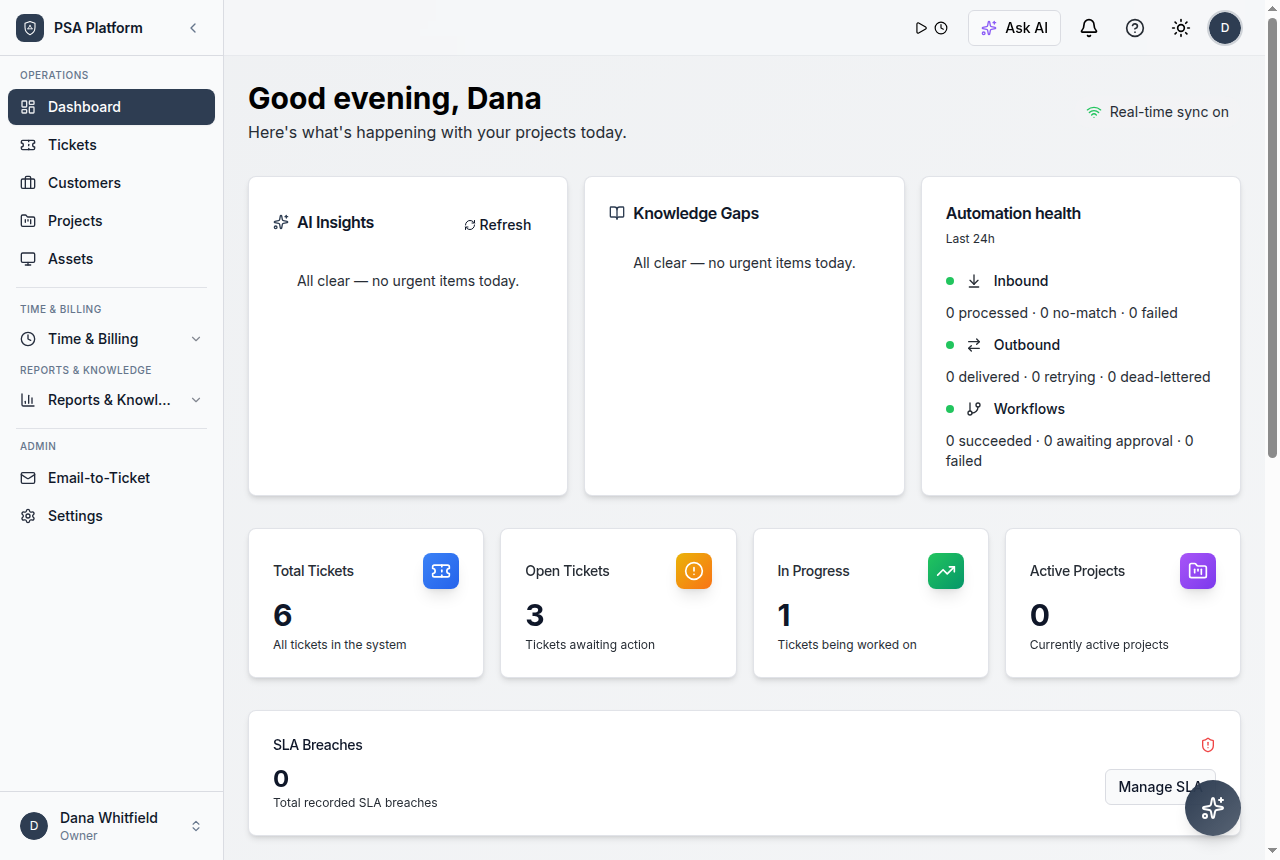
Webhook delivery and workflow activity stay visible for follow-up.
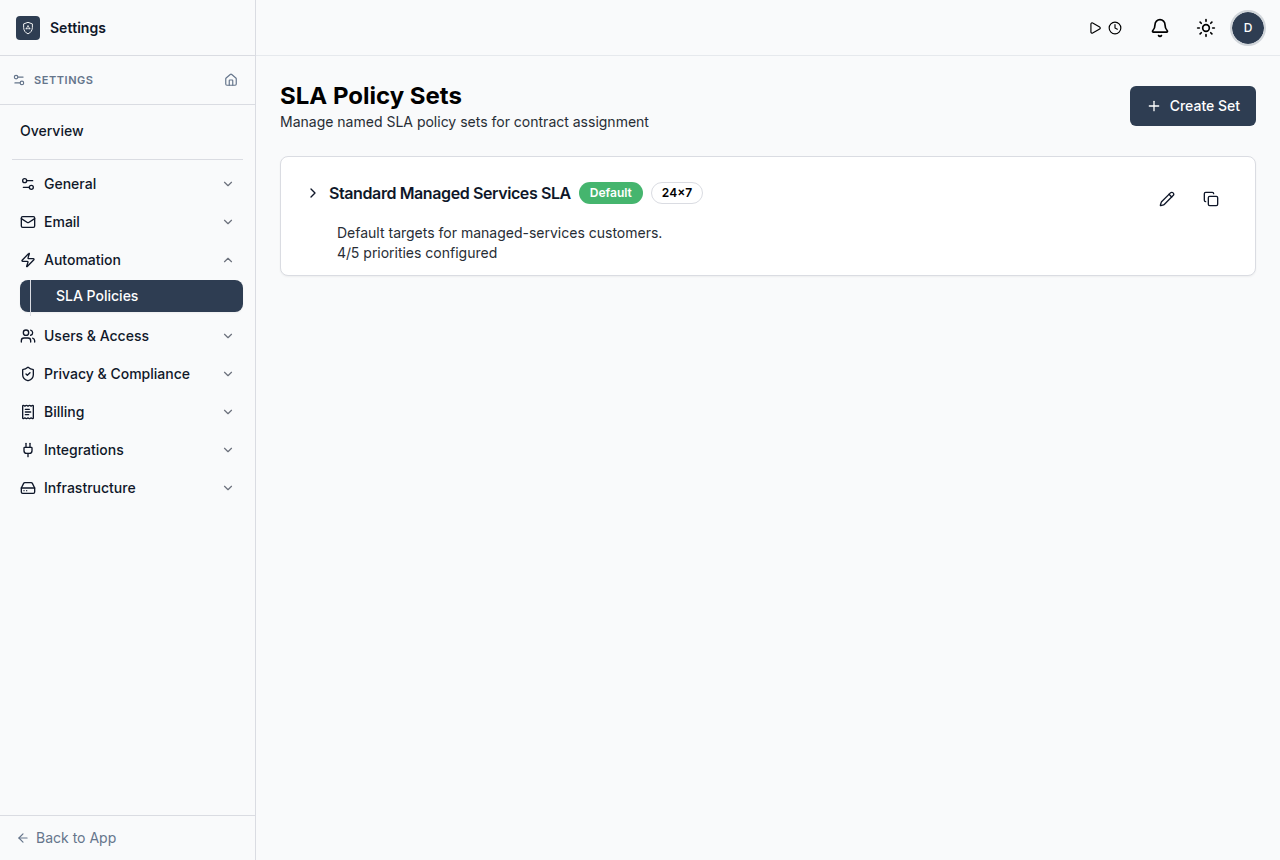
Use customer, ticket, SLA, workflow, or reporting context before the next action.
Keep service updates, ownership, and operational handoffs visible.
Automation connects to the rest of the PSA
The strongest automation belongs close to tickets, SLAs, customers, approvals, and reports. ShieldPSA keeps those signals in the same free platform.
Explore ReportsWork from one clear record instead of scattered updates.
Keep requests, notes, customer context, time entries, status changes, and follow-up evidence together so each action has context.
Explore AutomationWhere workflow automation helps most
Service managers
Standardize routing and escalation without chasing every ticket manually.
Technicians
Receive cleaner handoffs with the right customer and ticket context.
MSP owners
Reduce operational drag while keeping a free PSA platform model.
Detailed workflow automation capabilities for ShieldPSA.
Use these capabilities to connect repeatable service steps, integration events, approvals, and operational follow-up.
Workflow pipeline overview
Build governed pipelines for repeatable service processes.
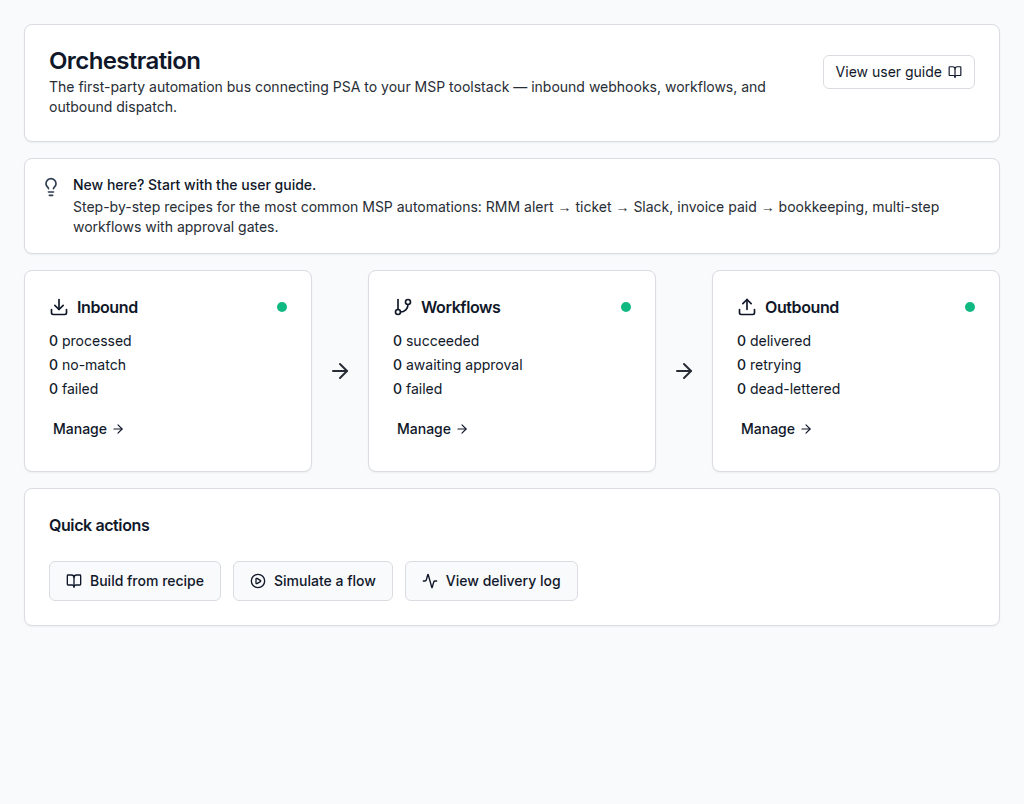
Inbound and outbound webhooks
Connect external systems through inbound endpoints and outbound actions.
Approval gates
Require a manager or owner approval before selected workflow steps continue.
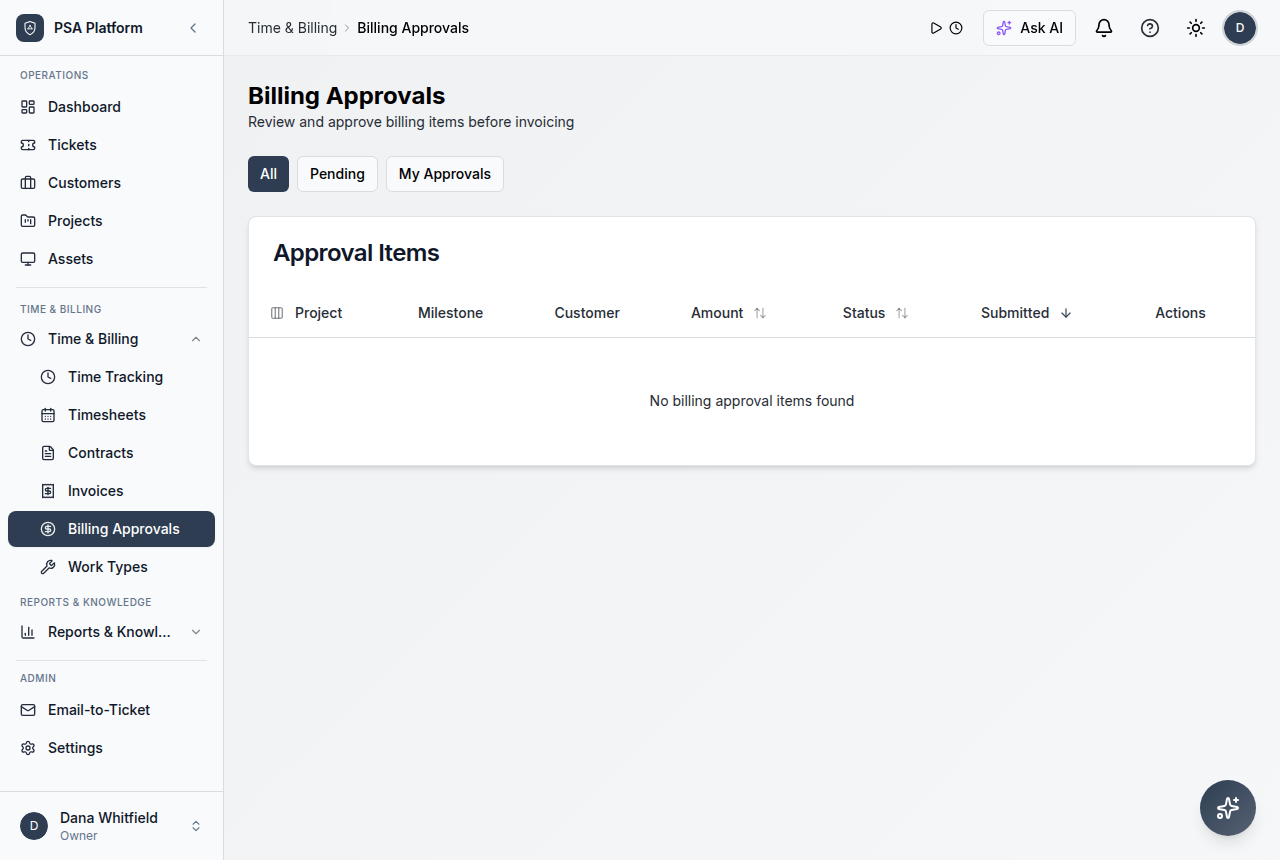
Operational visibility
Use reporting and dashboard context to monitor service pressure after automation is in place.
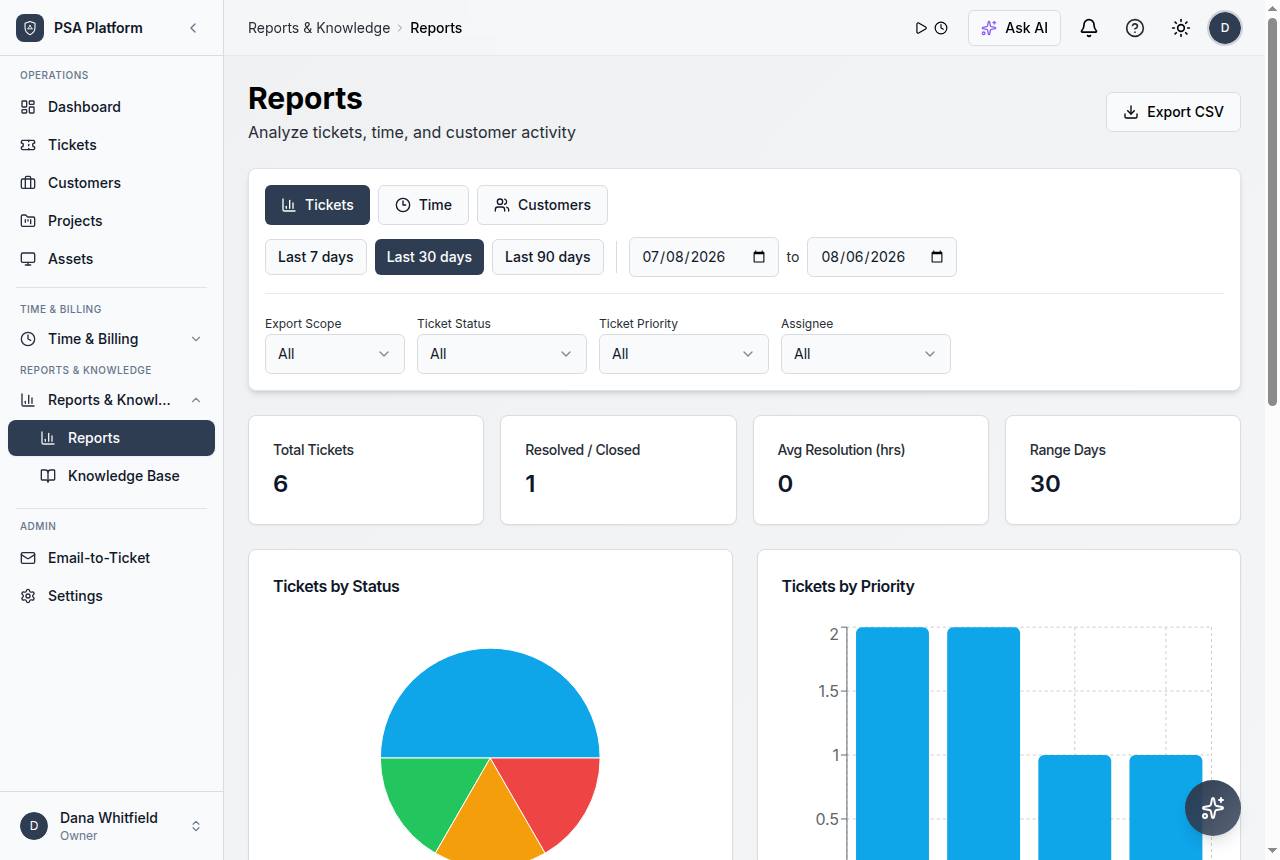
Event-based triggers
Start workflows from service events, inbound webhooks, and operational changes.
IF, WAIT, BRANCH and APPROVE steps
Model common service decisions without turning every process into manual follow-up.
Signed webhook delivery
Use HMAC signing and delivery activity to make integration handoffs easier to govern.
Retry visibility
Review whether external workflow steps delivered successfully or need attention.
Psa Workflow Automation FAQs
What is PSA workflow automation?
It is the use of triggers, conditions, and actions inside a PSA to move service work forward automatically.
Can ShieldPSA use webhooks?
Yes. ShieldPSA documentation includes inbound endpoints, outbound webhooks, delivery activity, retries, and HMAC signing.
Is this a paid add-on?
No. ShieldPSA is positioned as entirely free PSA software; optional paid help is available only for services such as implementation.
Should automation replace human review?
No. Approval steps and operational visibility help teams automate repeatable work while preserving control.
Build service automation inside a free PSA platform.
Start with practical workflows for tickets, approvals, integrations, and SLA-aware service operations.