Reporting and operations visibility for MSP service teams.
See service work, SLA pressure, technician effort, customer profitability, billing signals, and dashboard trends from one free PSA platform.
Reporting turns PSA activity into operational control
ShieldPSA reporting and dashboard views help service leaders understand queue pressure, SLA health, team utilization, customer impact, and commercial follow-through.
- Review ticket volume and service activity trends.
- Monitor SLA performance, time, utilization, and billing/revenue views.
- Use dashboards and exports where supported to keep operations visible.
Reports for service, people, customers, and billing
Reporting pages should connect data visibility to real MSP decisions, not just list charts.
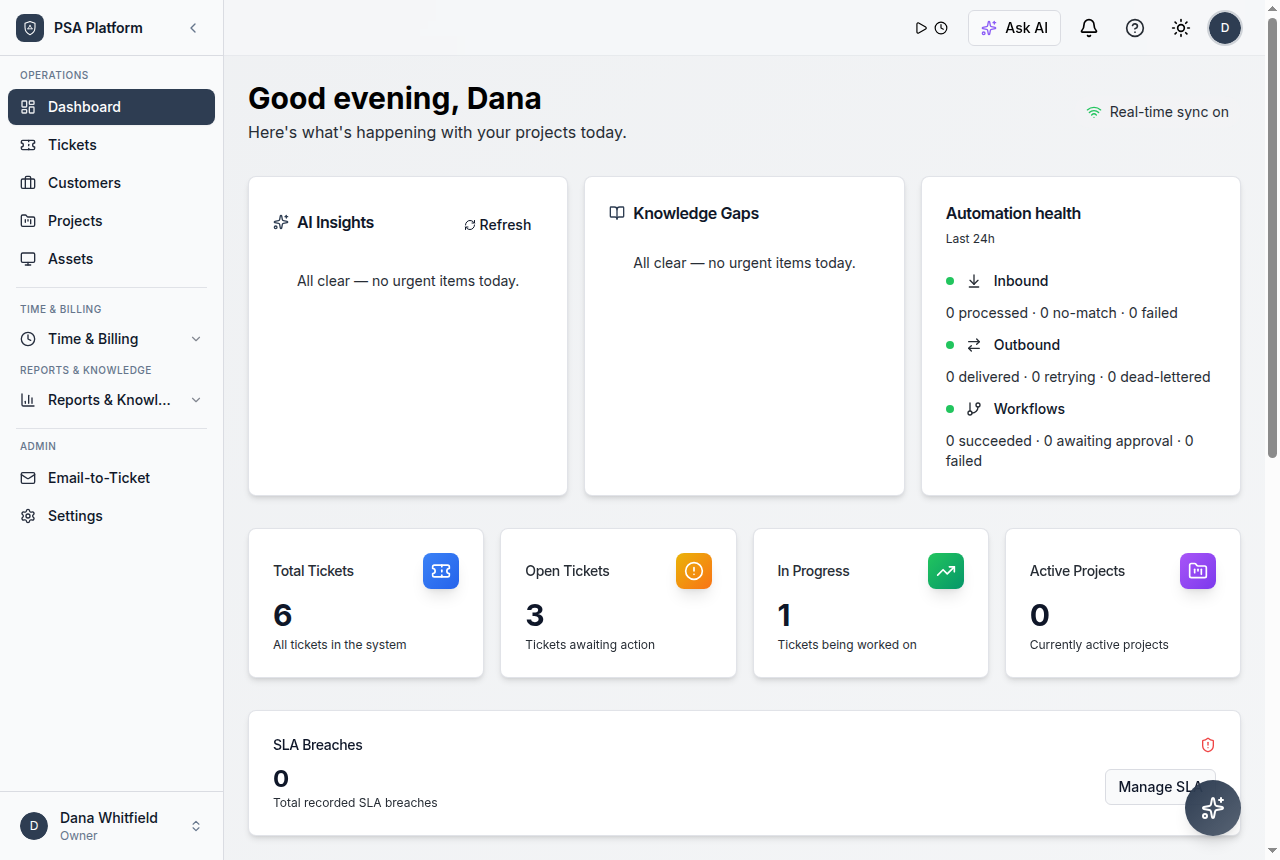
Dashboard overview
See service health and operational signals from a central view.
Explore dashboard overview →Ticket volume
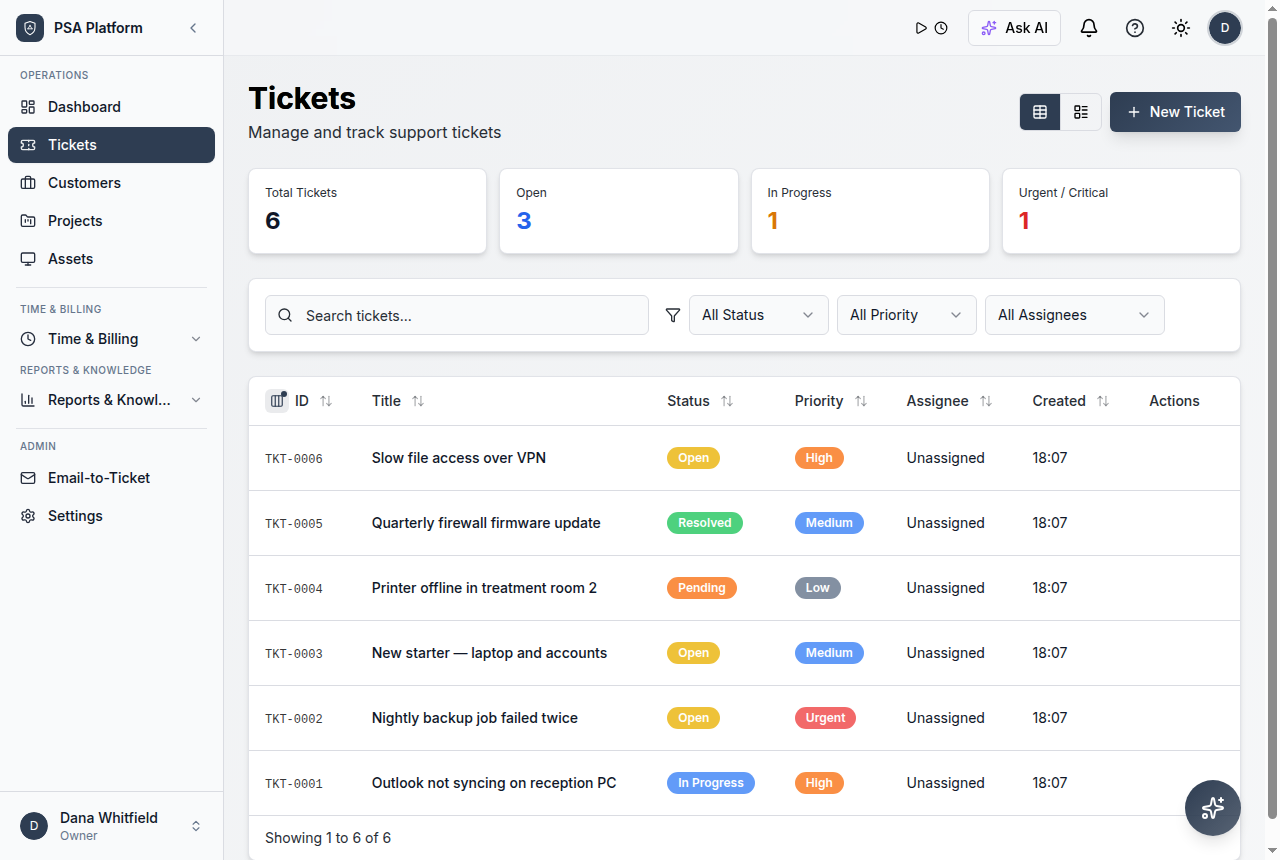
Review incoming and active service demand.
Explore ticket volume →SLA performance
Understand response and resolution pressure.
Explore sla performance →Time and utilization
Monitor effort, workload, and team productivity signals.
Explore time and utilization →Customer profitability
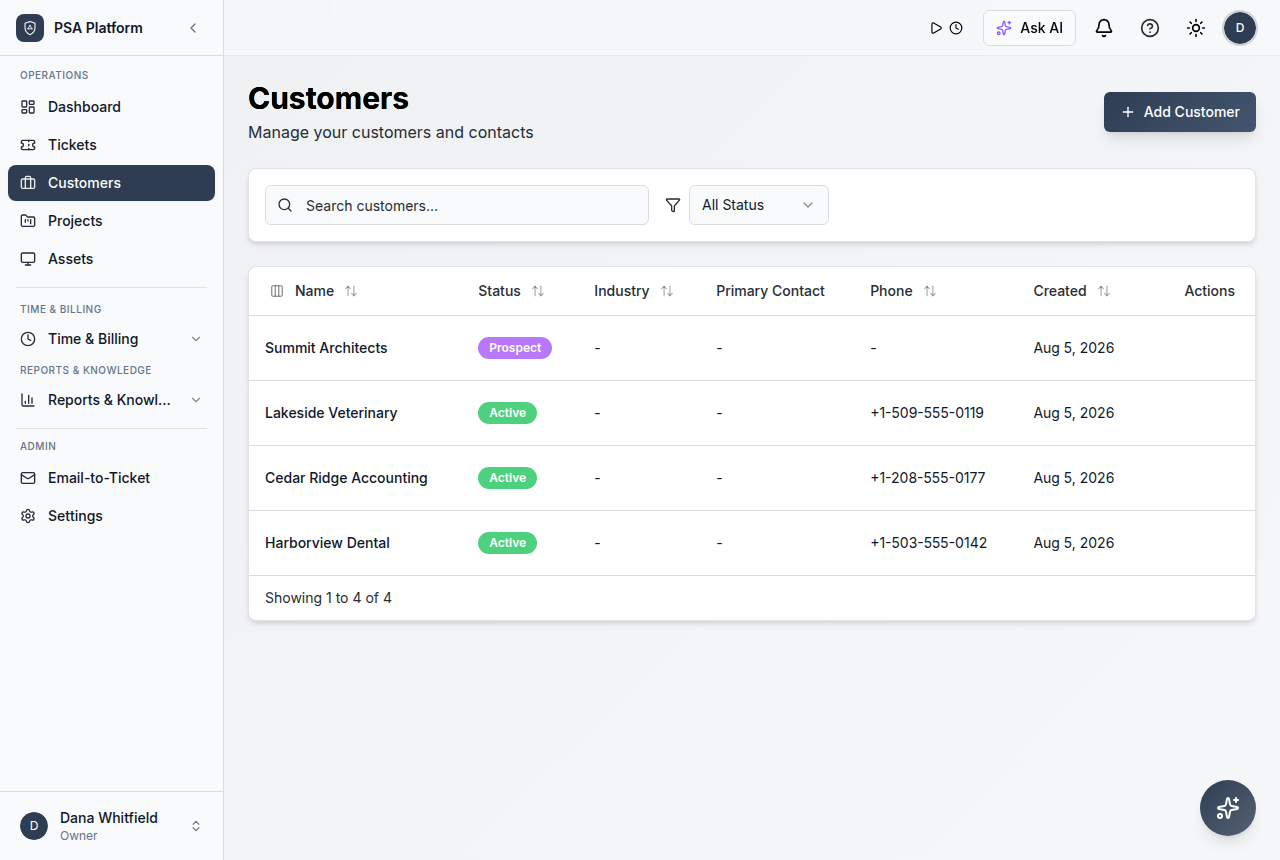
Review customer-level service and commercial visibility.
Explore customer profitability →Billing and revenue
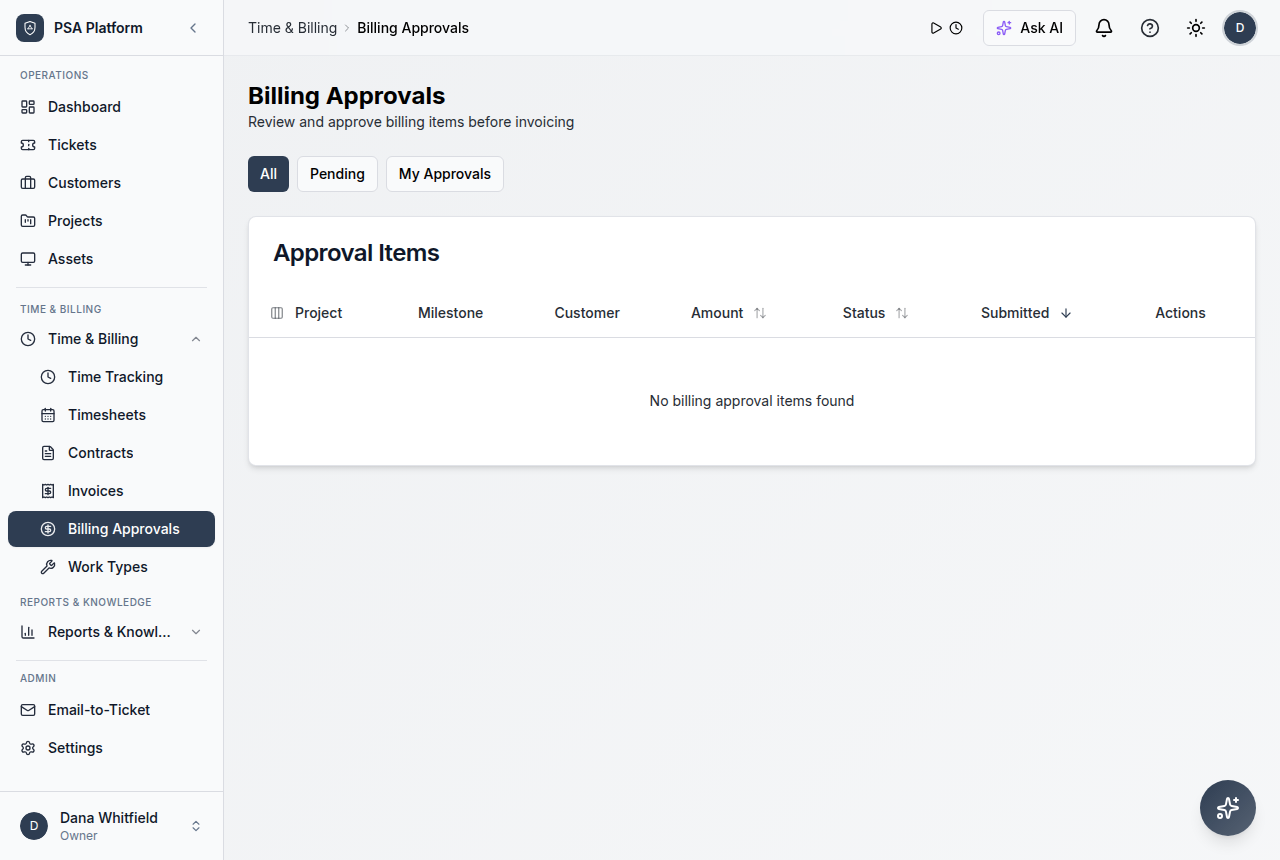
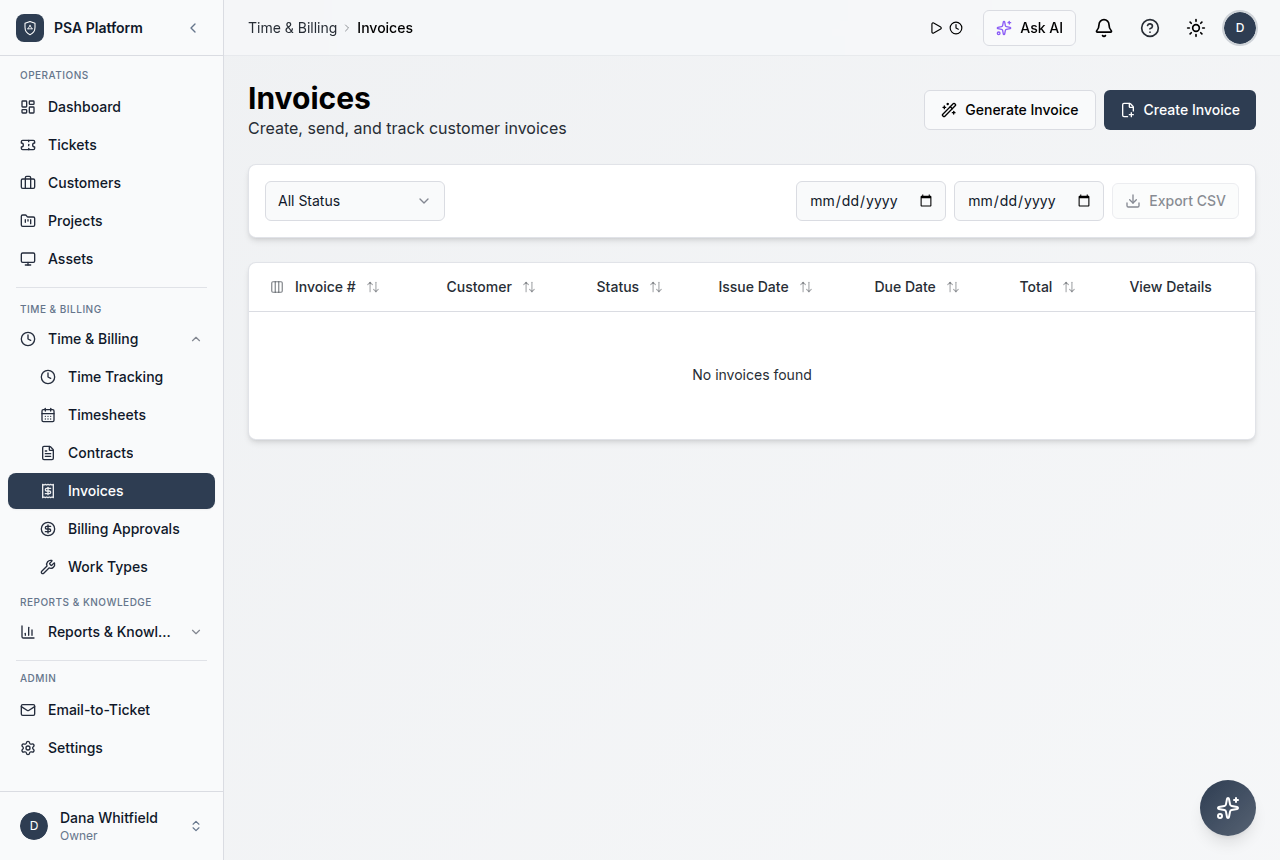
Connect approved work and invoices to operational reporting.
Explore billing and revenue →Reports overview
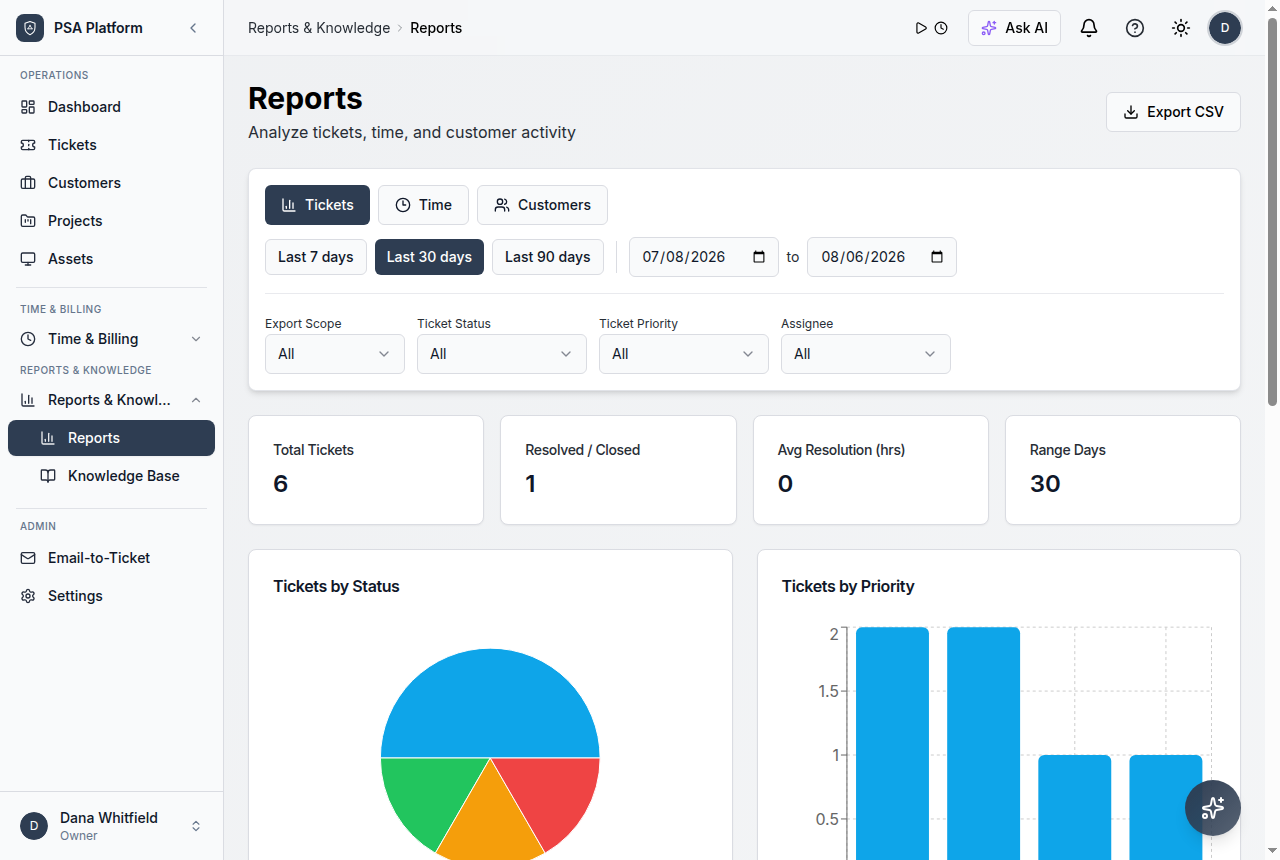
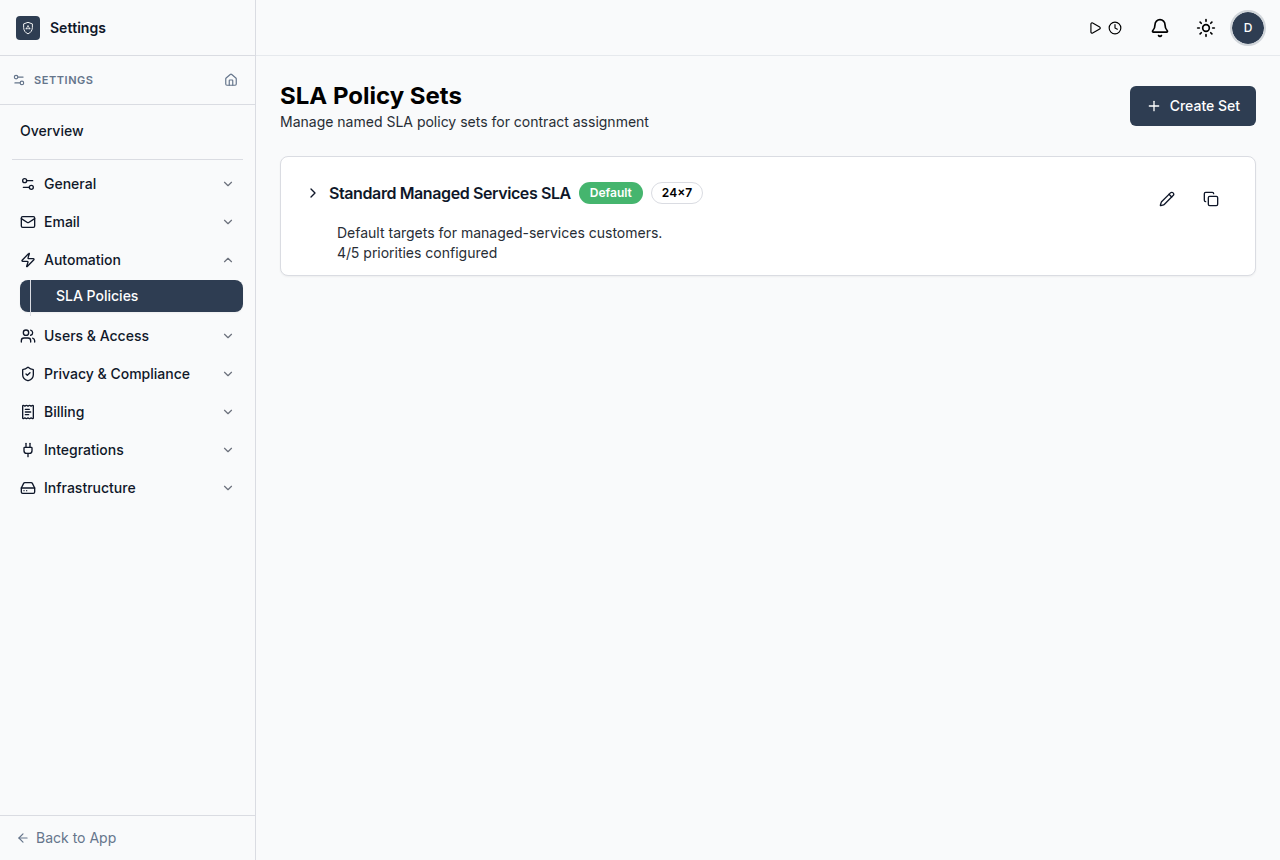
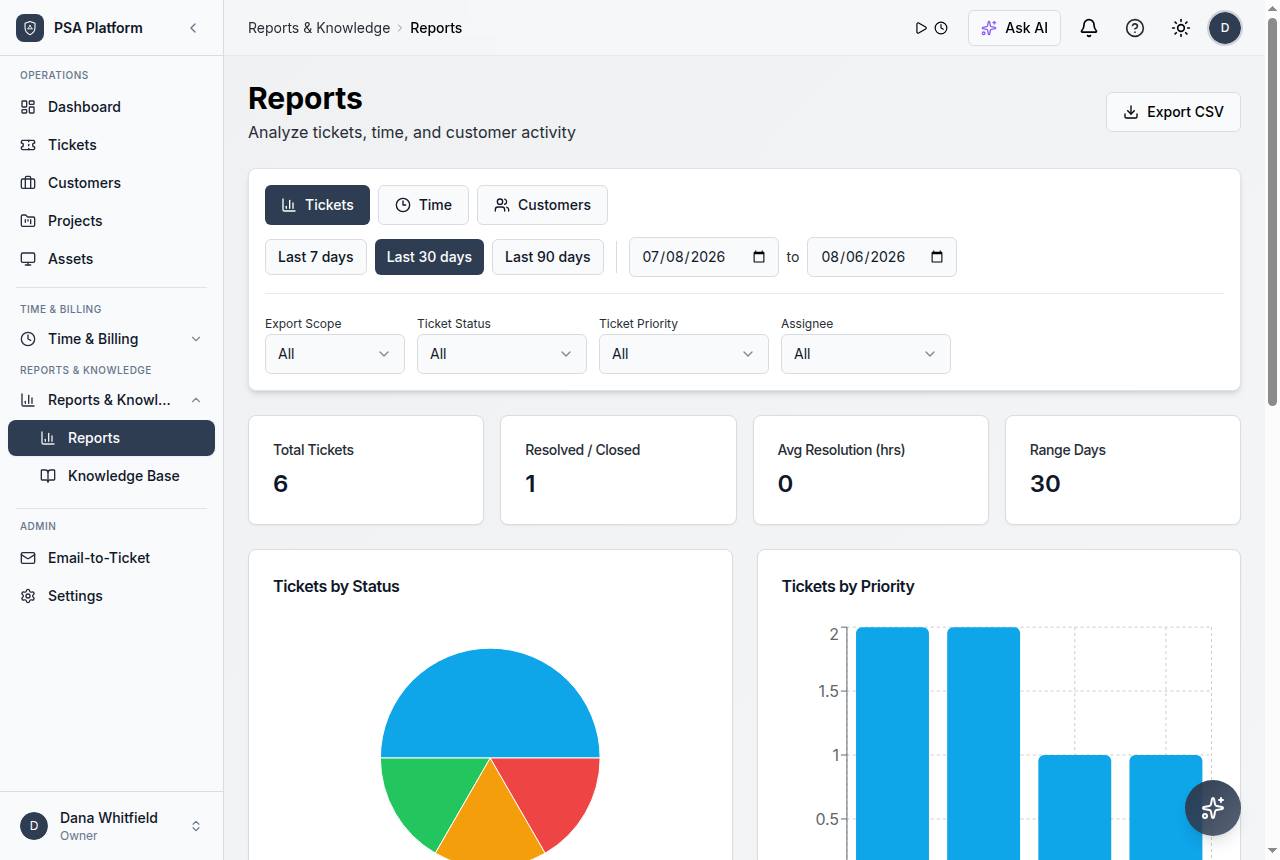
Review operational reports from one reporting surface.
Explore reports overview →Dashboard
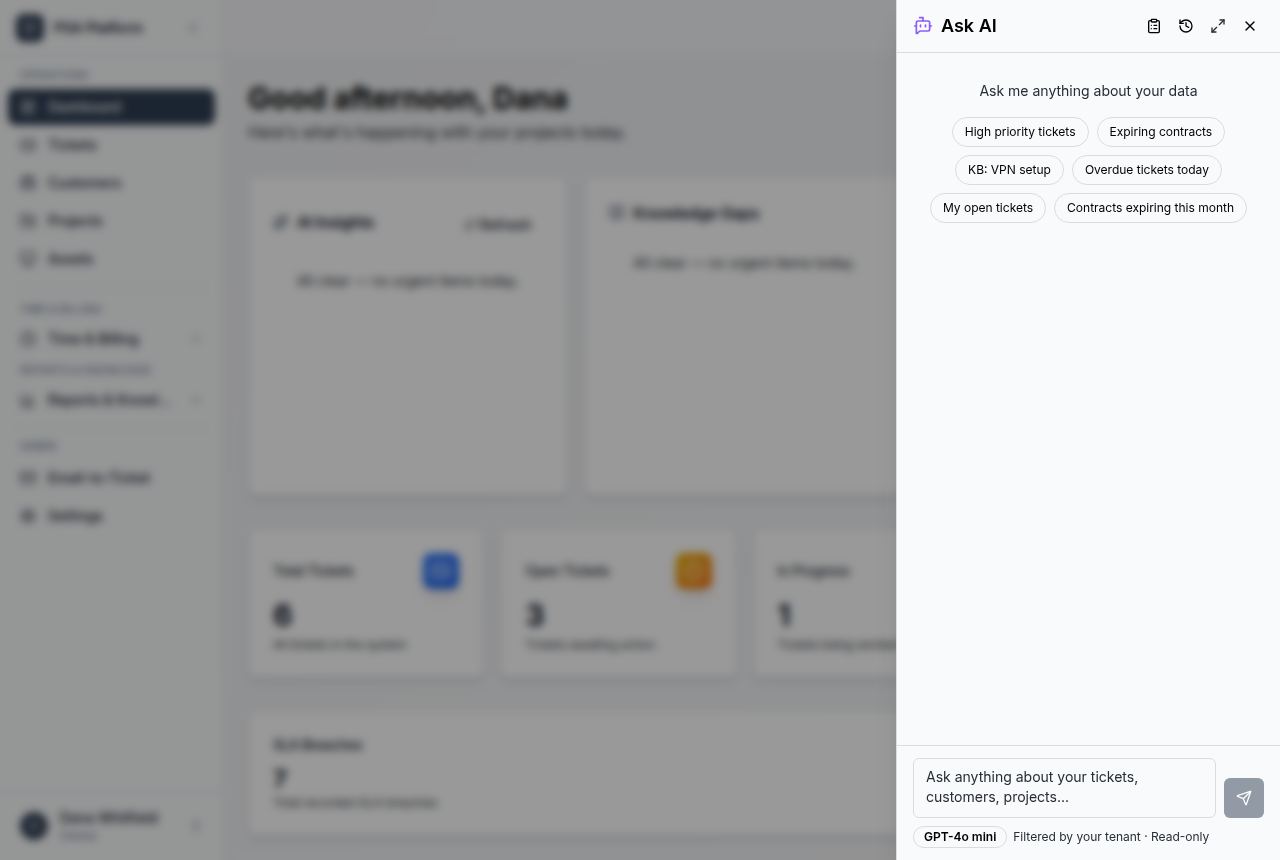
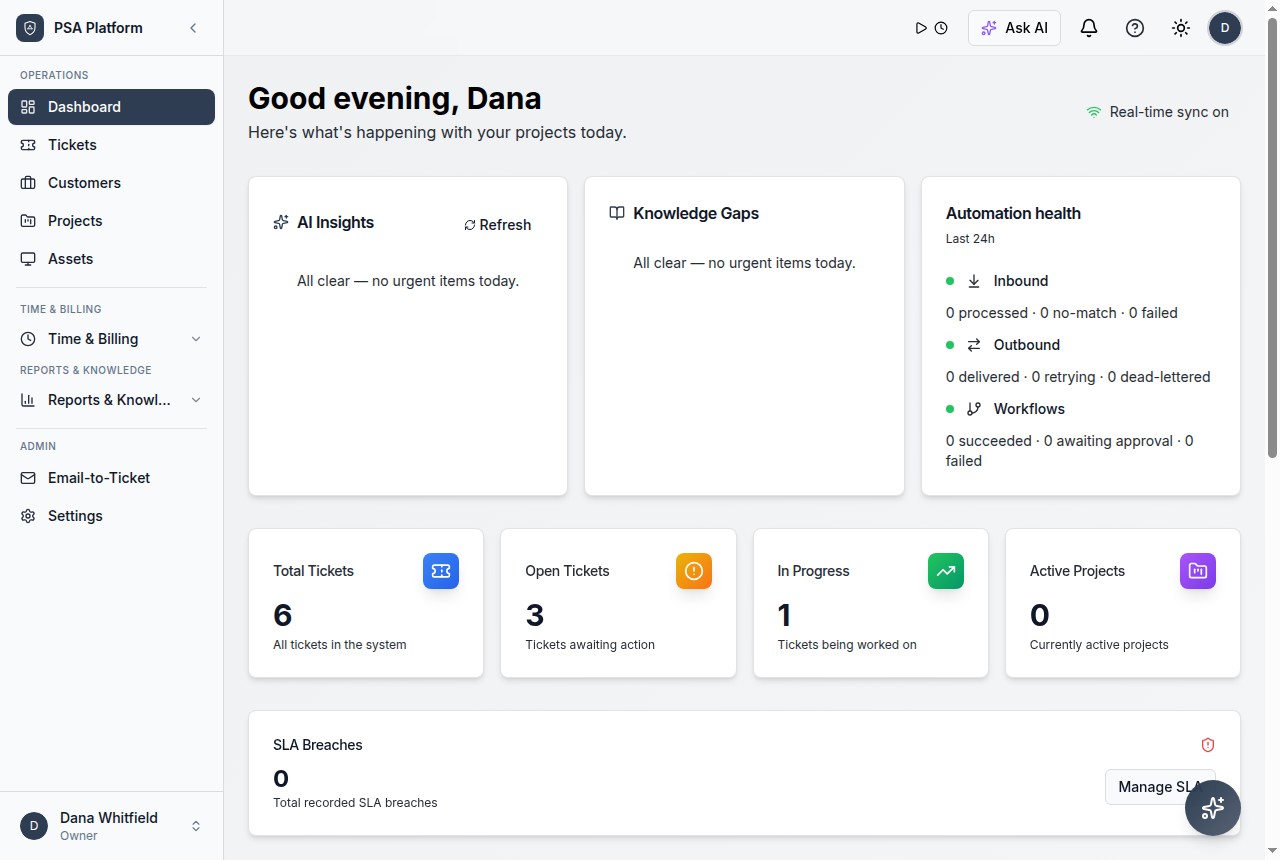
See service health, activity, and operational signals.
Explore dashboard →Use reporting to improve service operations
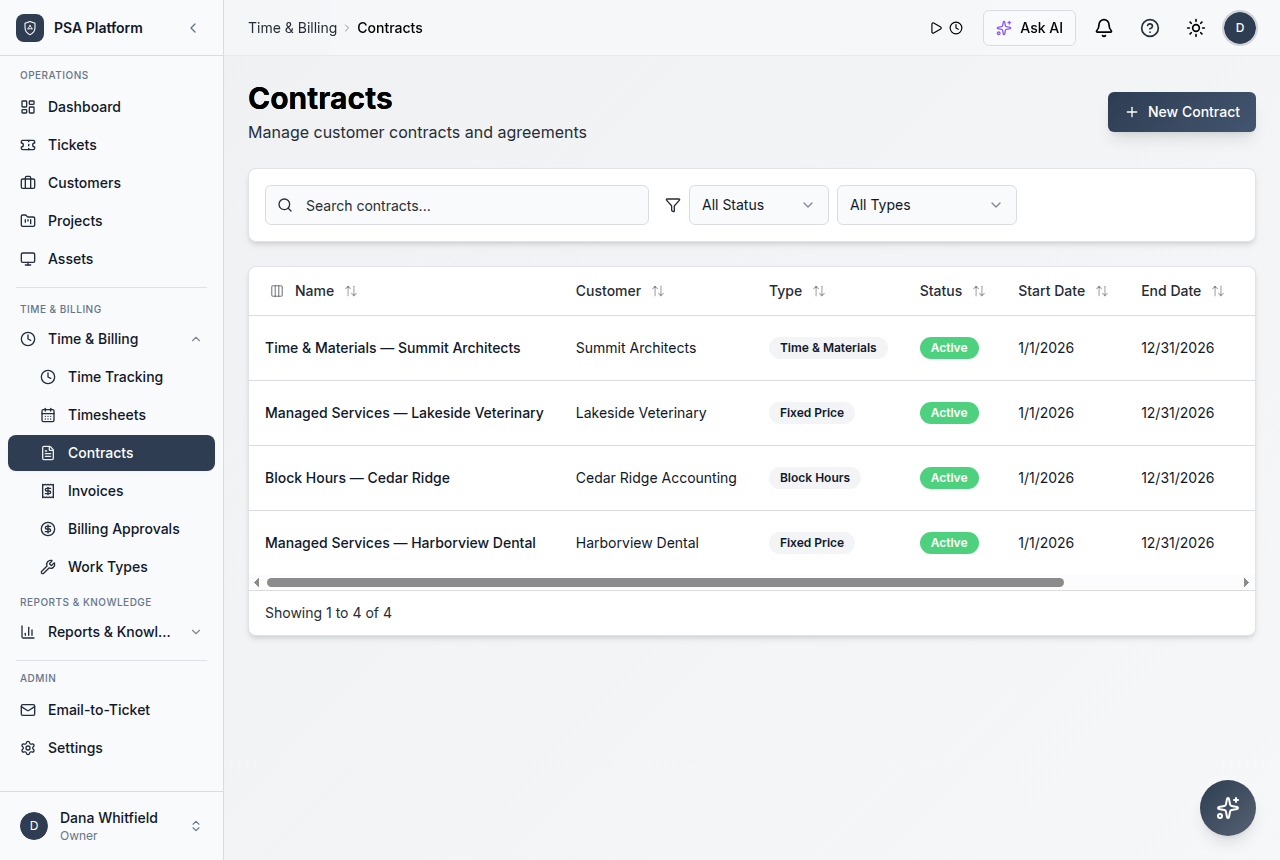
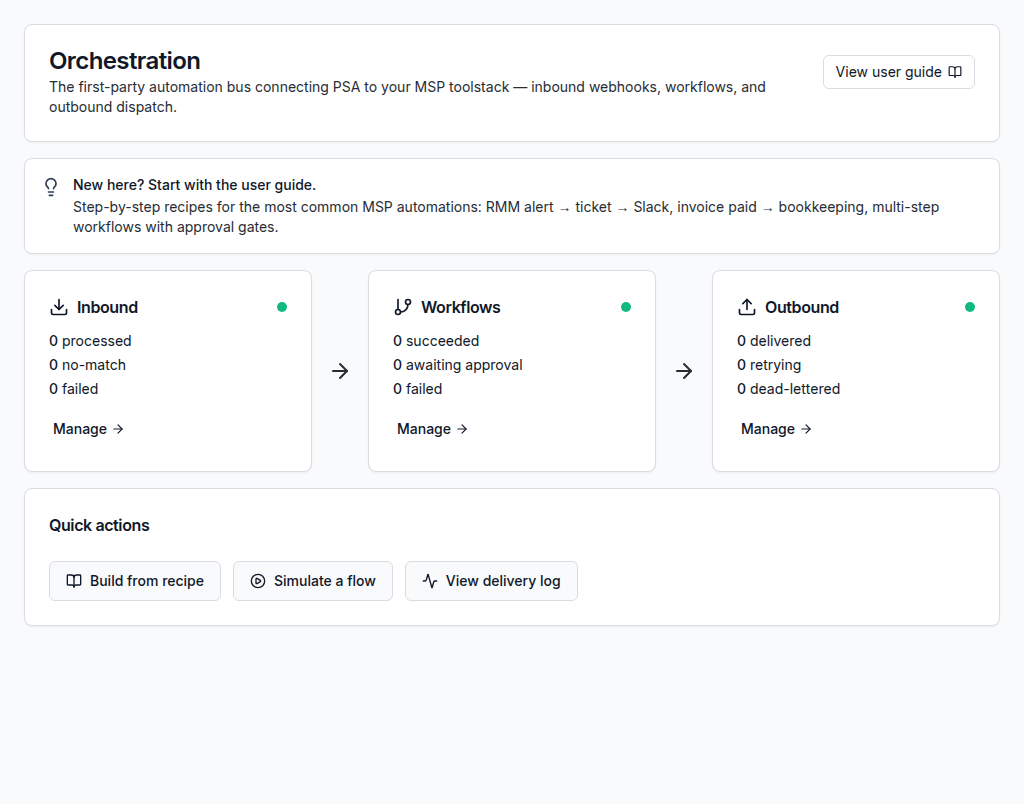
Use a connected workflow that helps teams understand what came in, who owns it, what changed, and what needs review.
Tickets, time, contracts, and billing records create operational context.
Managers inspect SLA, volume, utilization, and customer trends.
Teams rebalance queues, adjust workflows, or improve customer follow-up.
Reports help compare operational outcomes over time.
Use customer, ticket, SLA, workflow, or reporting context before the next action.
Keep service updates, ownership, and operational handoffs visible.
Reporting depends on connected PSA data
Service reports become more useful when tickets, time, approvals, customer records, contracts, and workflows live in the same platform.
Explore ReportsWork from one clear record instead of scattered updates.
Keep requests, notes, customer context, time entries, status changes, and follow-up evidence together so each action has context.
Explore AutomationReporting views for different decisions
Service managers
Understand queues, SLAs, ownership, and team capacity.
MSP owners
Review customer profitability and billing visibility.
Technicians
Use clearer activity context to prioritize work.
Detailed reporting and operations capabilities.
Use ShieldPSA reporting surfaces to understand operational demand, delivery health, and commercial follow-through.
Reports overview
Review operational reports from one reporting surface.
Dashboard
See service health, activity, and operational signals.
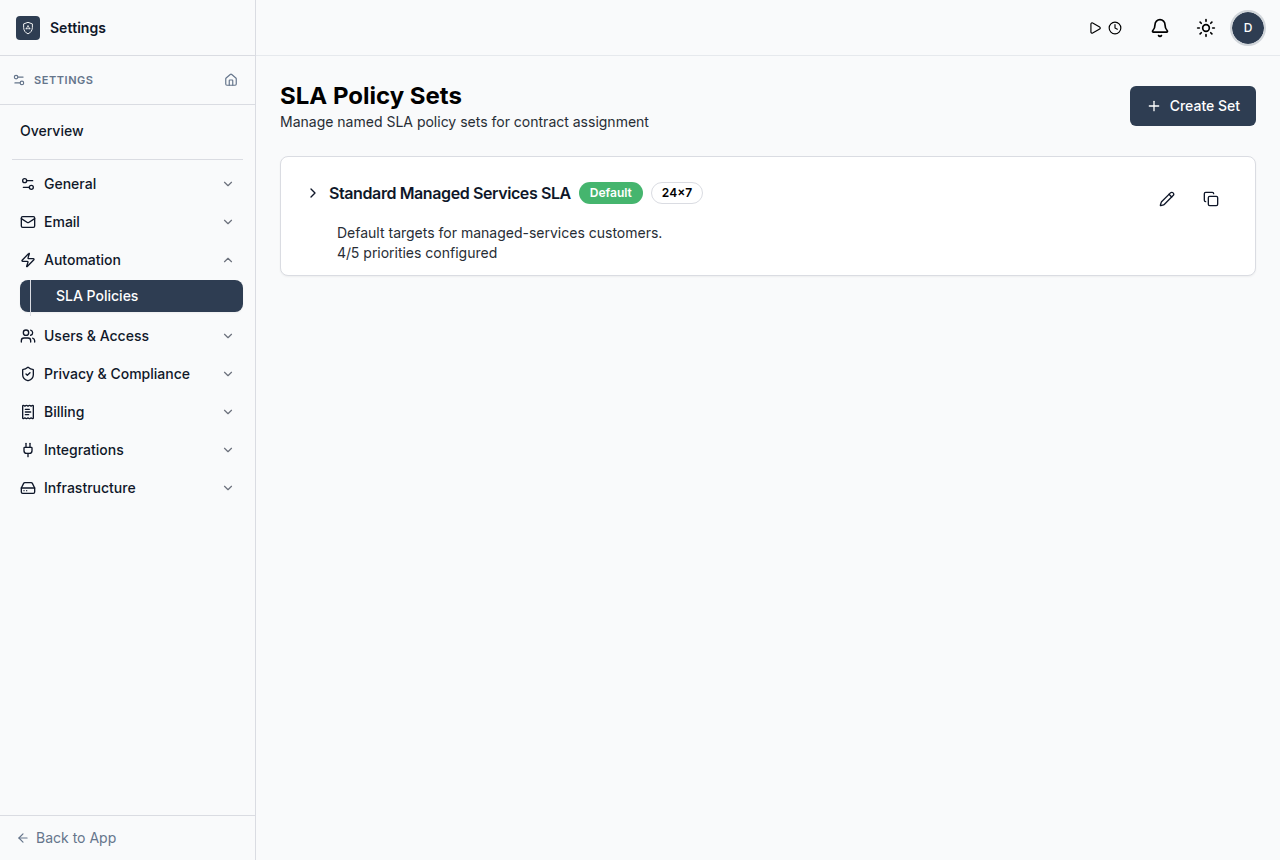
SLA reporting context
Use SLA policy context to understand response and resolution commitments.
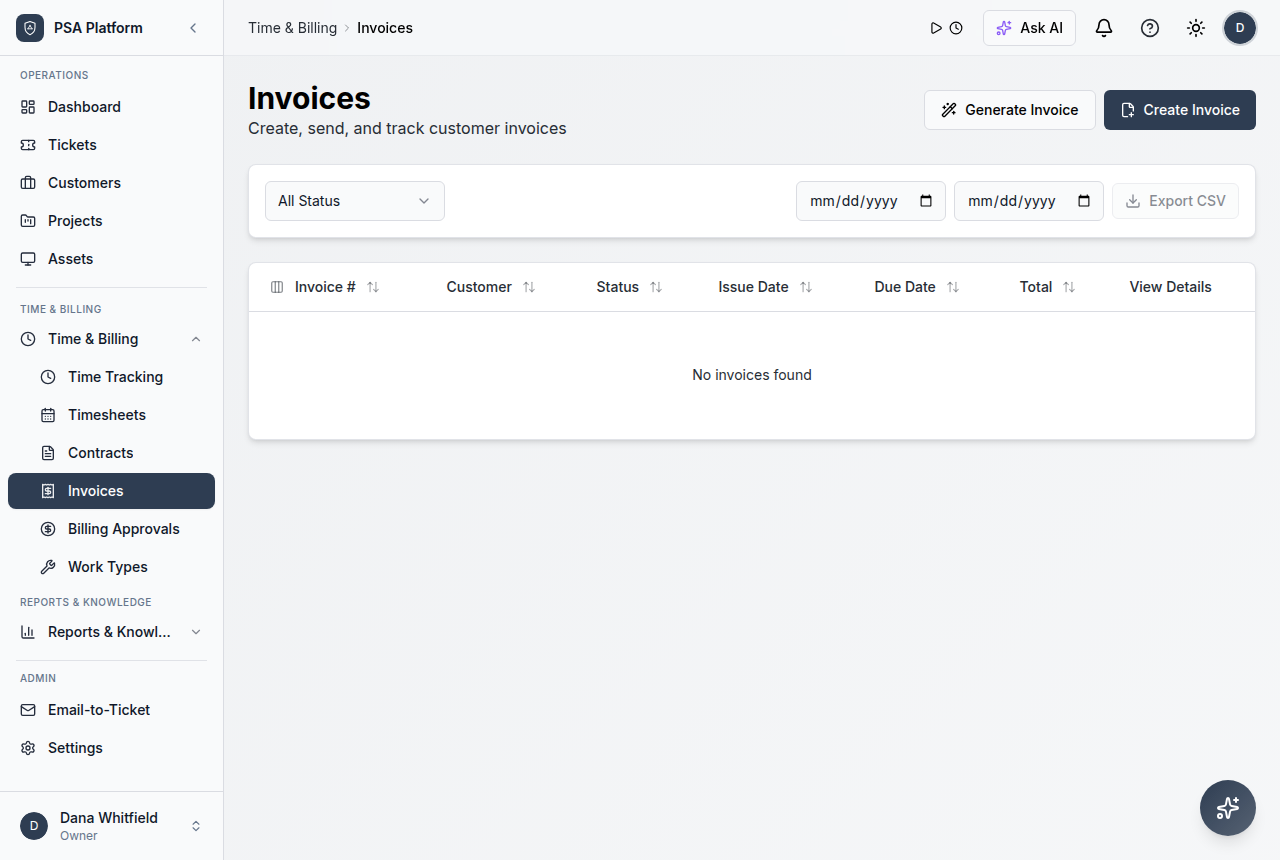
Billing visibility
Connect approvals and invoices to operational reporting.
Dashboard overview
See service health and operational signals from a central view.
Ticket volume
Review incoming and active service demand.
SLA performance
Understand response and resolution pressure.
Time and utilization
Monitor effort, workload, and team productivity signals.
Psa Reporting Dashboard FAQs
What is a PSA reporting dashboard?
It is a view that helps MSP teams understand service activity, SLA pressure, time, utilization, customers, and billing context.
What reports does ShieldPSA document?
The guide references ticket volume, SLA performance, time/utilization, customer profitability, billing/revenue, and dashboard views.
Does reporting replace service management?
No. Reports give visibility so managers can rebalance work, improve workflows, and follow up on issues.
Is reporting included in ShieldPSA?
ShieldPSA is positioned as entirely free PSA software, including its platform capabilities.
See service operations clearly in a free PSA.
Use ShieldPSA reporting to connect ticket activity, SLA pressure, time, customer context, and billing visibility.