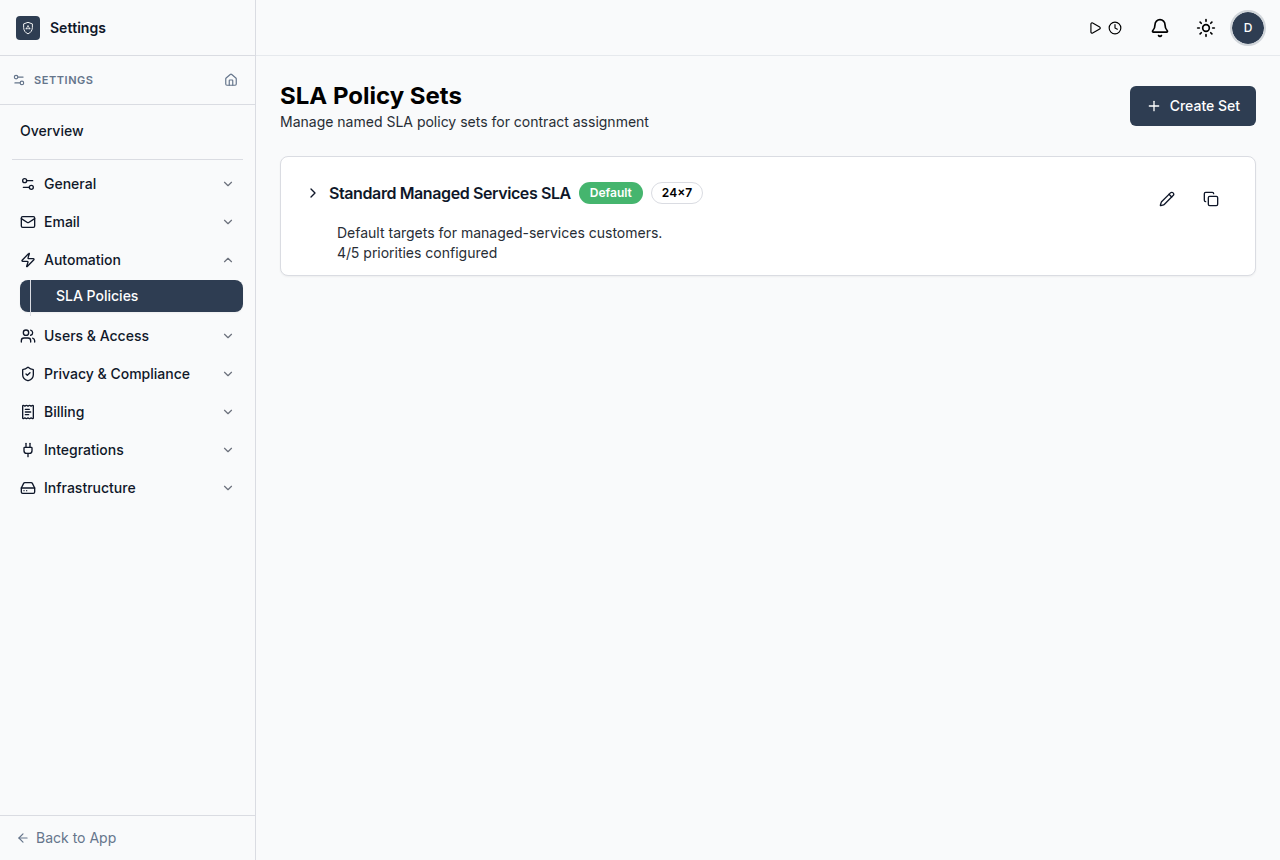
Security and administration controls for MSP PSA operations.
Manage users, roles, SSO, audit visibility, data handling, API keys, and workspace settings with practical controls for MSP service operations.
Administration is part of service reliability
ShieldPSA admin and security surfaces help teams control who can access the workspace, how authentication works, what activity can be reviewed, and how data can be managed.
- Assign five documented user roles for different responsibilities.
- Configure OIDC SSO and JIT provisioning guardrails.
- Use audit logs, erasure records, import/export, and API settings deliberately.
Controls for a governed PSA workspace
MSPs need practical administration controls that support service delivery without burying small teams in complexity.
Users and roles
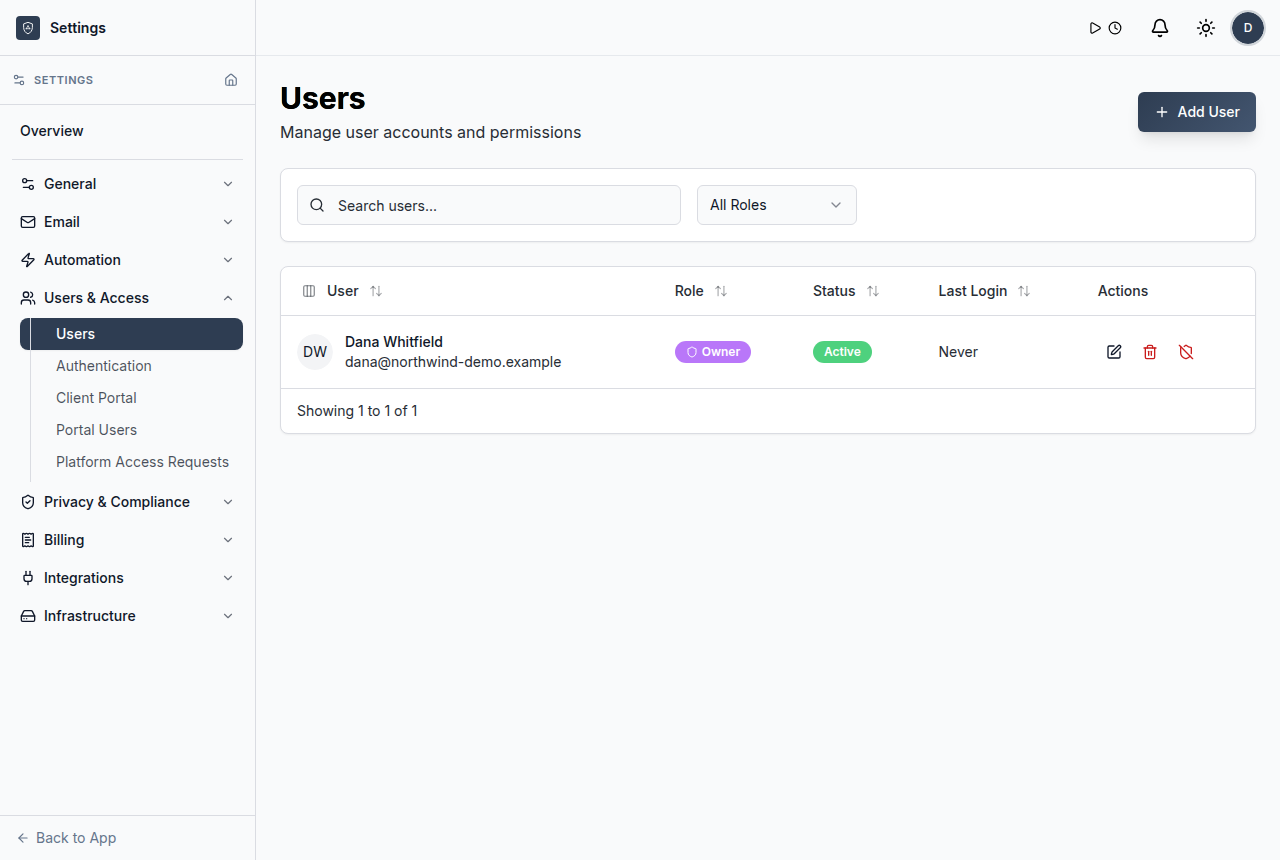
Assign documented roles for admins, managers, technicians, clients, and related users.
Explore users and roles →OIDC SSO
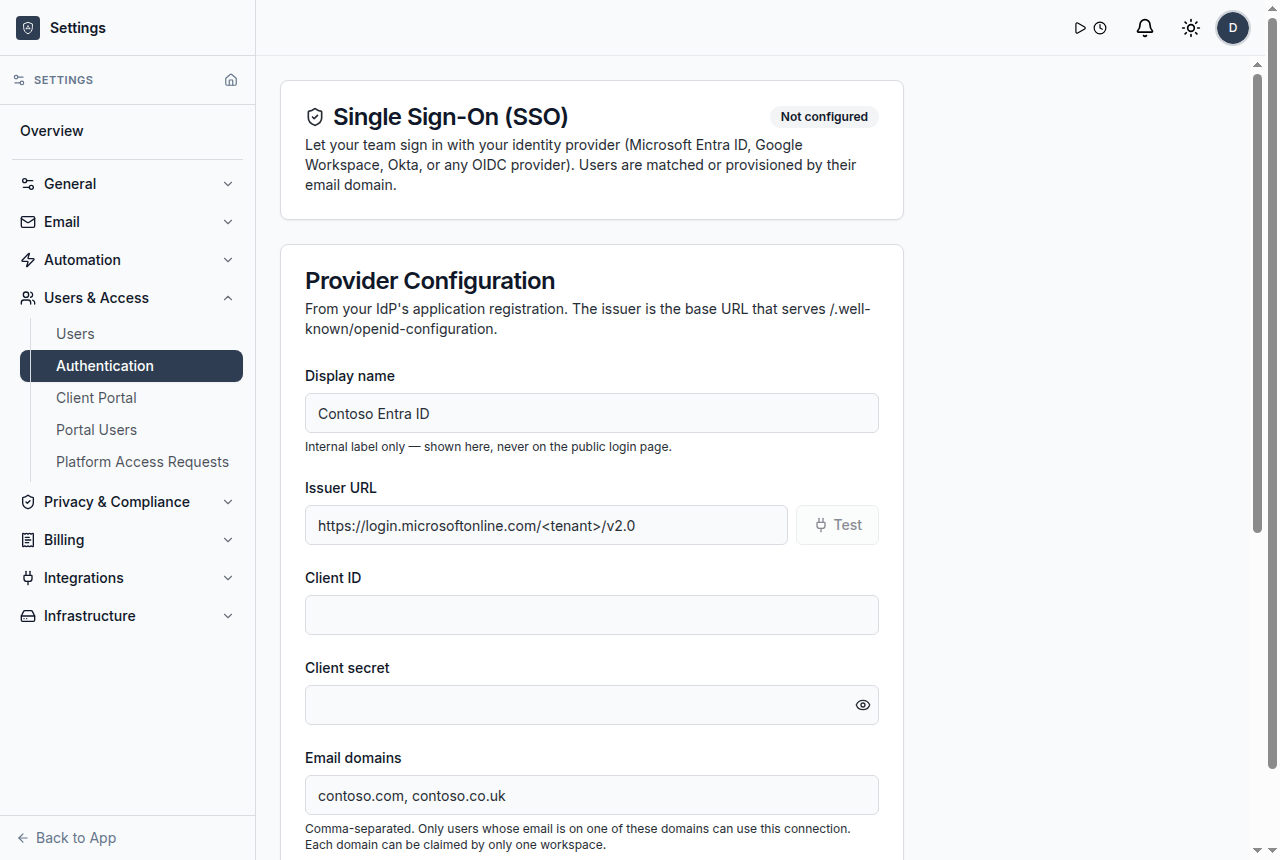
Configure SSO with guardrails for just-in-time provisioning.
Explore oidc sso →Audit logs
Review recorded administrative and operational activity.
Explore audit logs →Erasure records
Track data erasure handling where supported by the workspace.
Explore erasure records →API keys and external access
Manage external integration access intentionally.
Explore api keys and external access →Import and export
Use data portability surfaces for workspace management.
Explore import and export →SSO settings
Configure OIDC SSO and provisioning controls.
Explore sso settings →Data management
Import, export, and manage data-handling workflows.
Explore data management →Set up a controlled PSA workspace
Use a connected workflow that helps teams understand what came in, who owns it, what changed, and what needs review.
Map team responsibilities to ShieldPSA user roles.
Enable authentication settings such as OIDC SSO where needed.
Check API keys, external connections, and integration scopes.
Use audit logs and data records for operational accountability.
Use customer, ticket, SLA, workflow, or reporting context before the next action.
Keep service updates, ownership, and operational handoffs visible.
Security controls support the wider platform
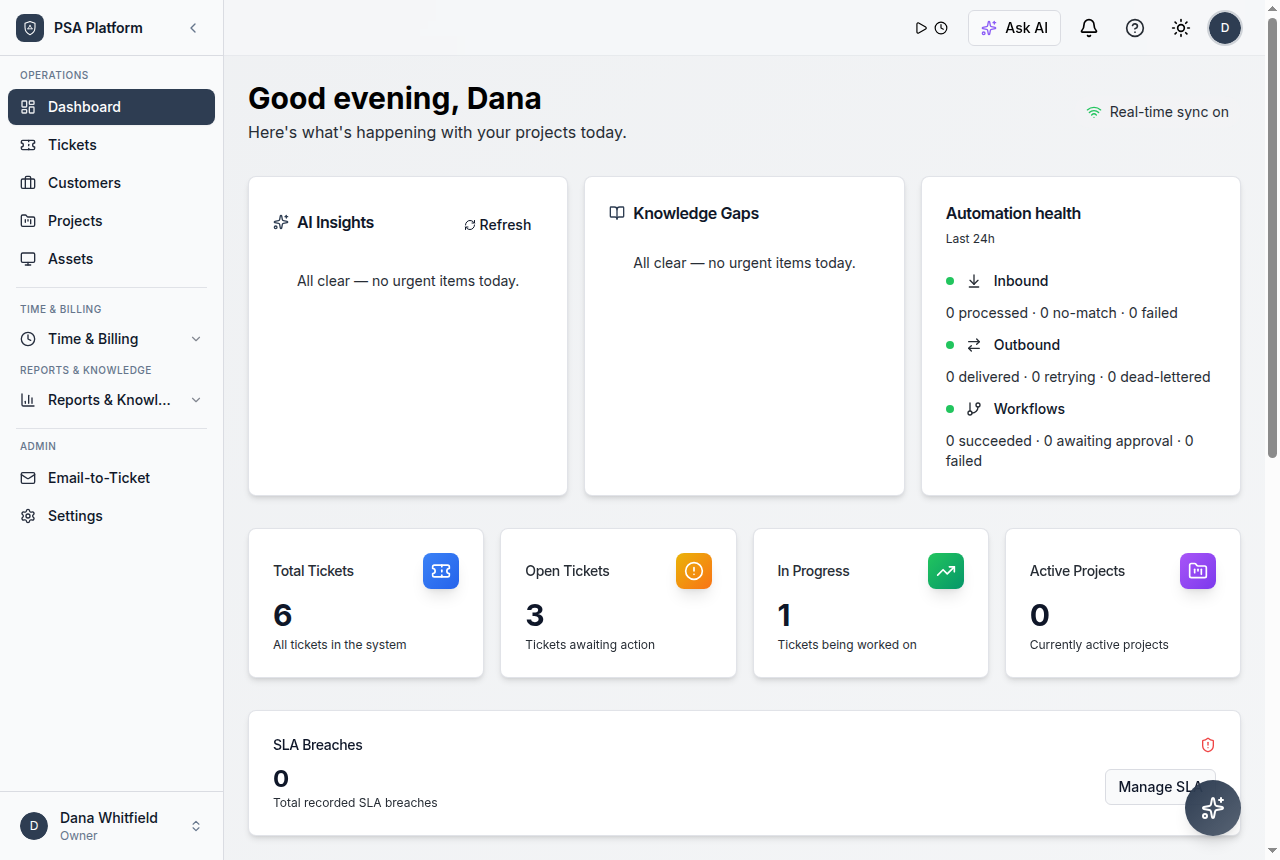
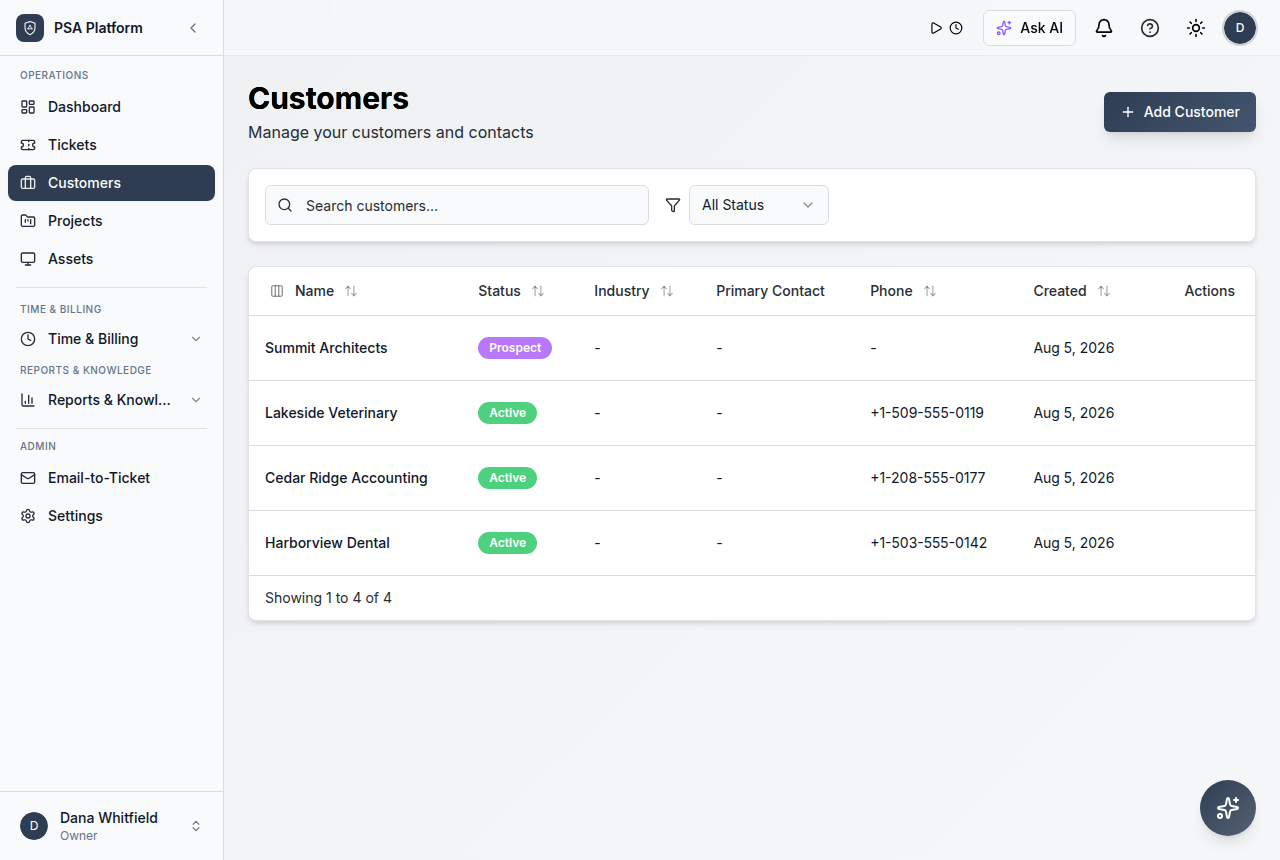
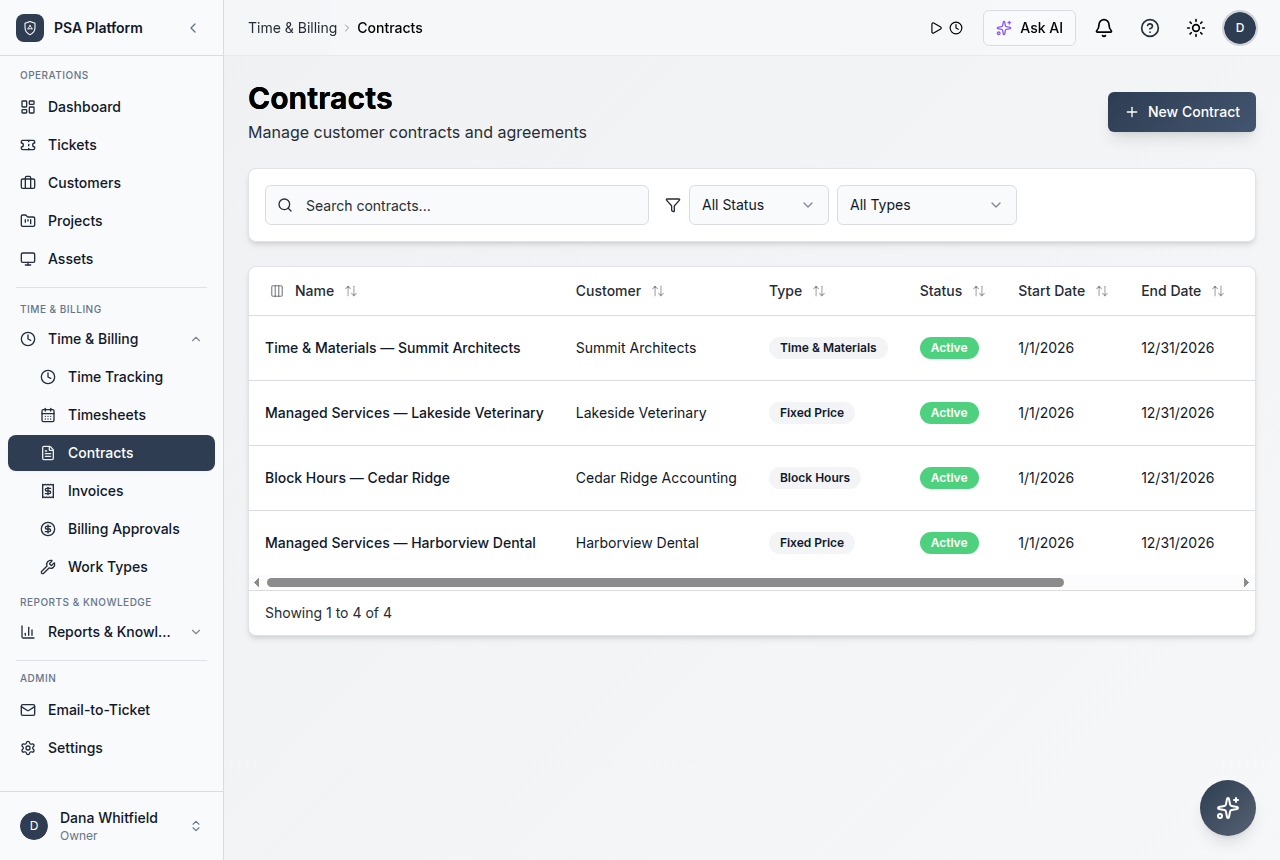
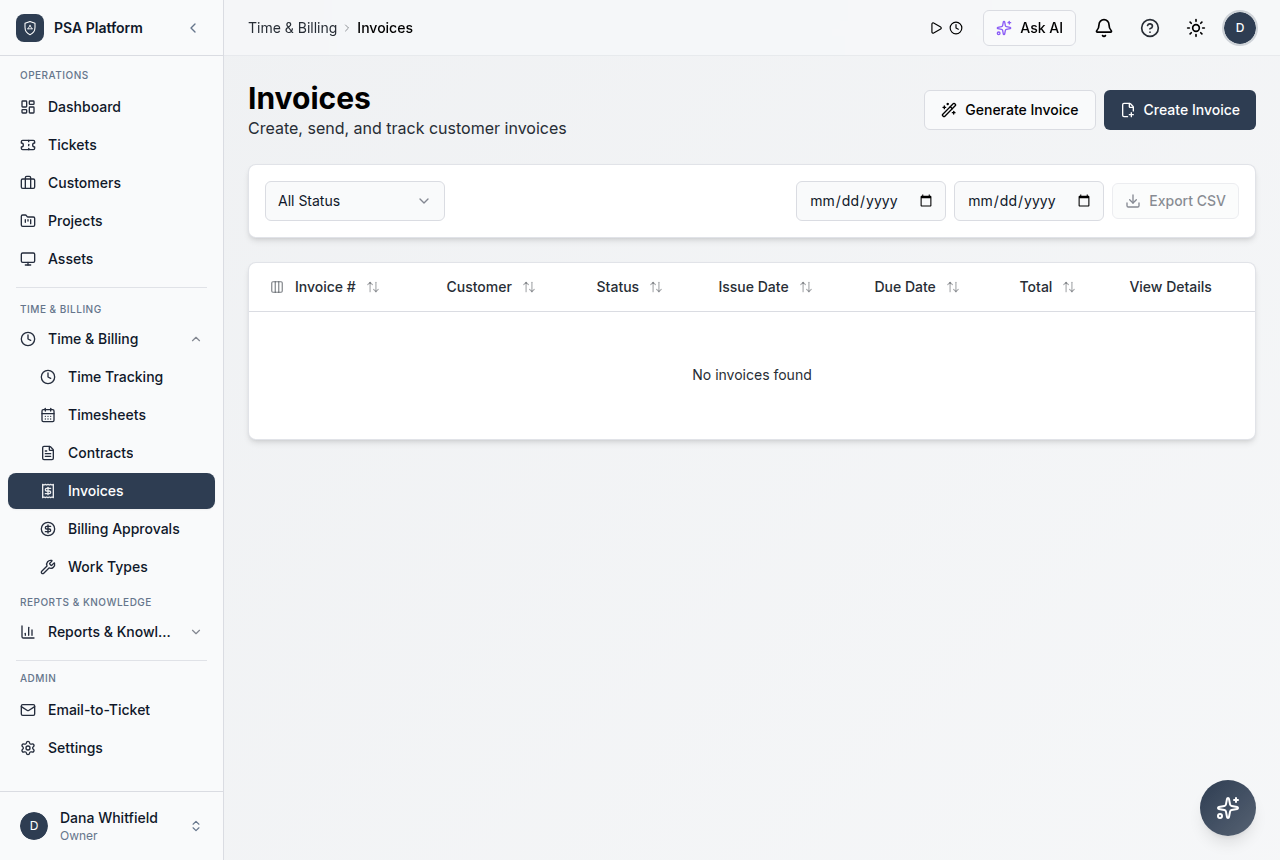
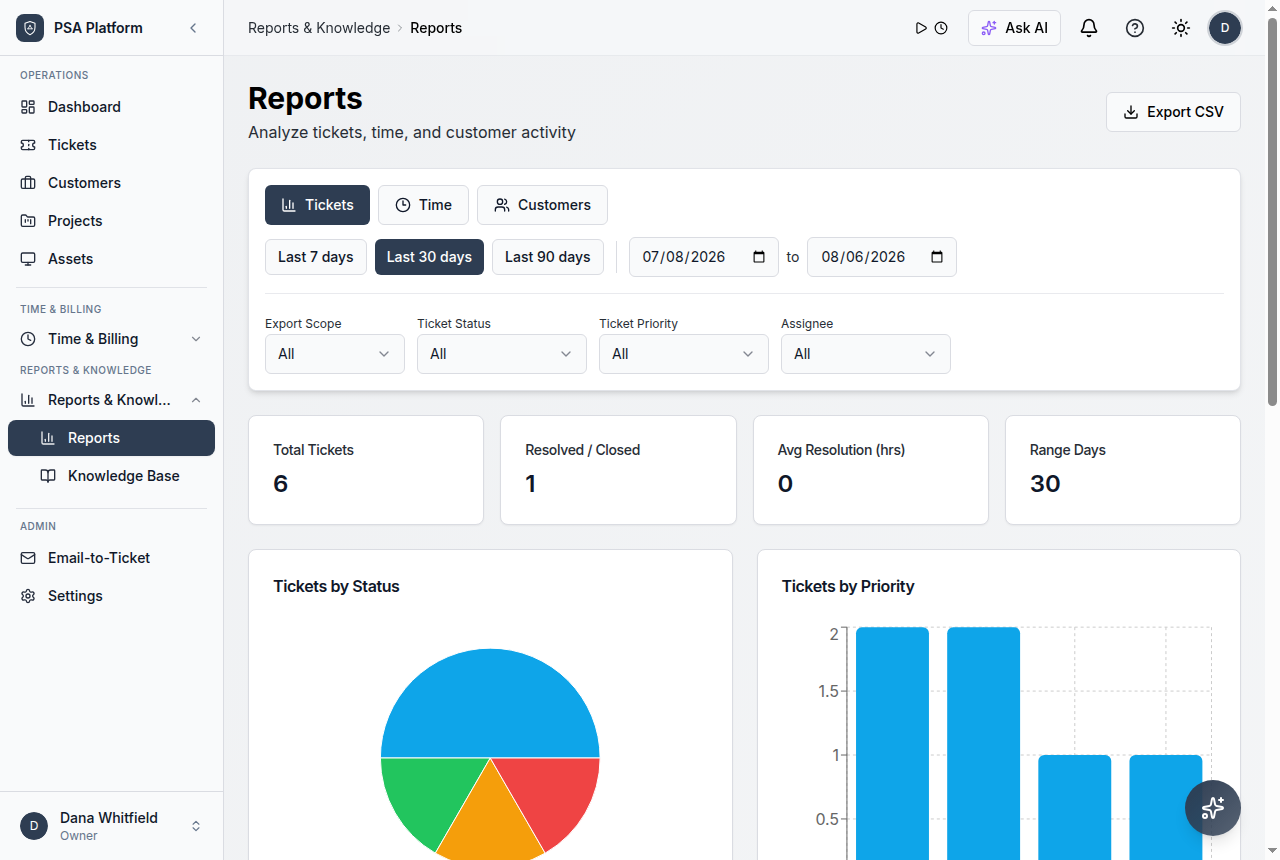
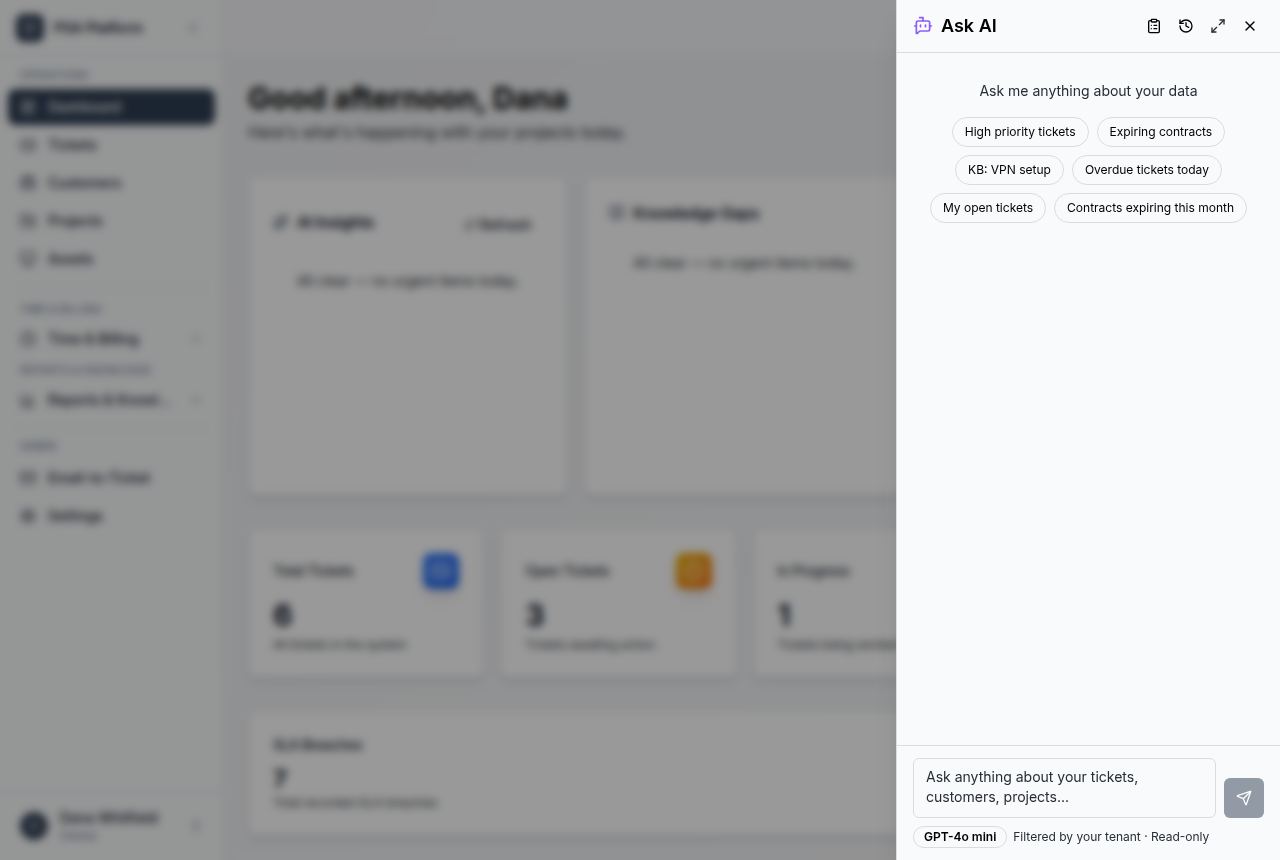
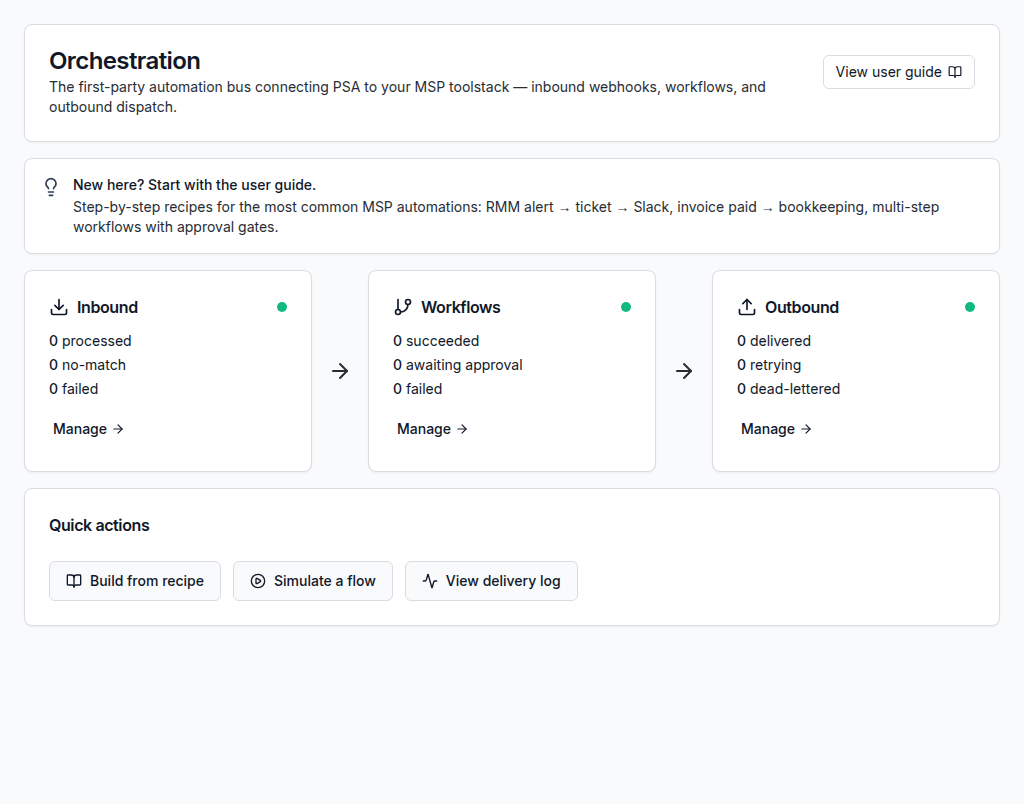
Administration connects to every module: tickets, customers, workflows, billing, portal users, integrations, AI provider access, and reporting.
Explore ReportsWork from one clear record instead of scattered updates.
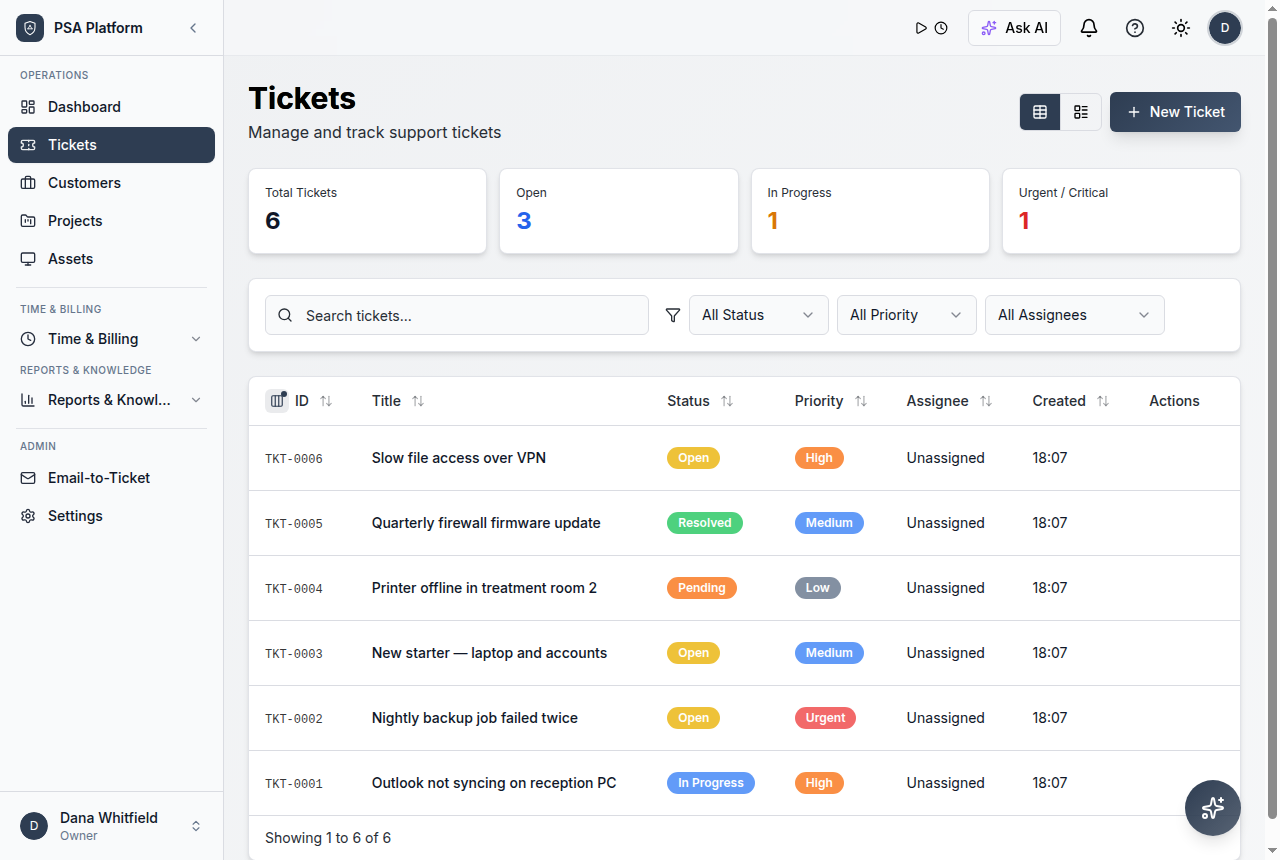
Keep requests, notes, customer context, time entries, status changes, and follow-up evidence together so each action has context.
Explore AutomationWho uses administration and security controls
Admins
Configure workspace access, authentication, and external connections.
Service leaders
Review role fit and operational activity.
Client-facing teams
Keep portal and customer access aligned with service responsibilities.
Detailed administration and security capabilities.
Use these ShieldPSA controls to keep workspace access, authentication, auditability, and data handling manageable.
Users and roles
Manage user access and role assignment.
SSO settings
Configure OIDC SSO and provisioning controls.
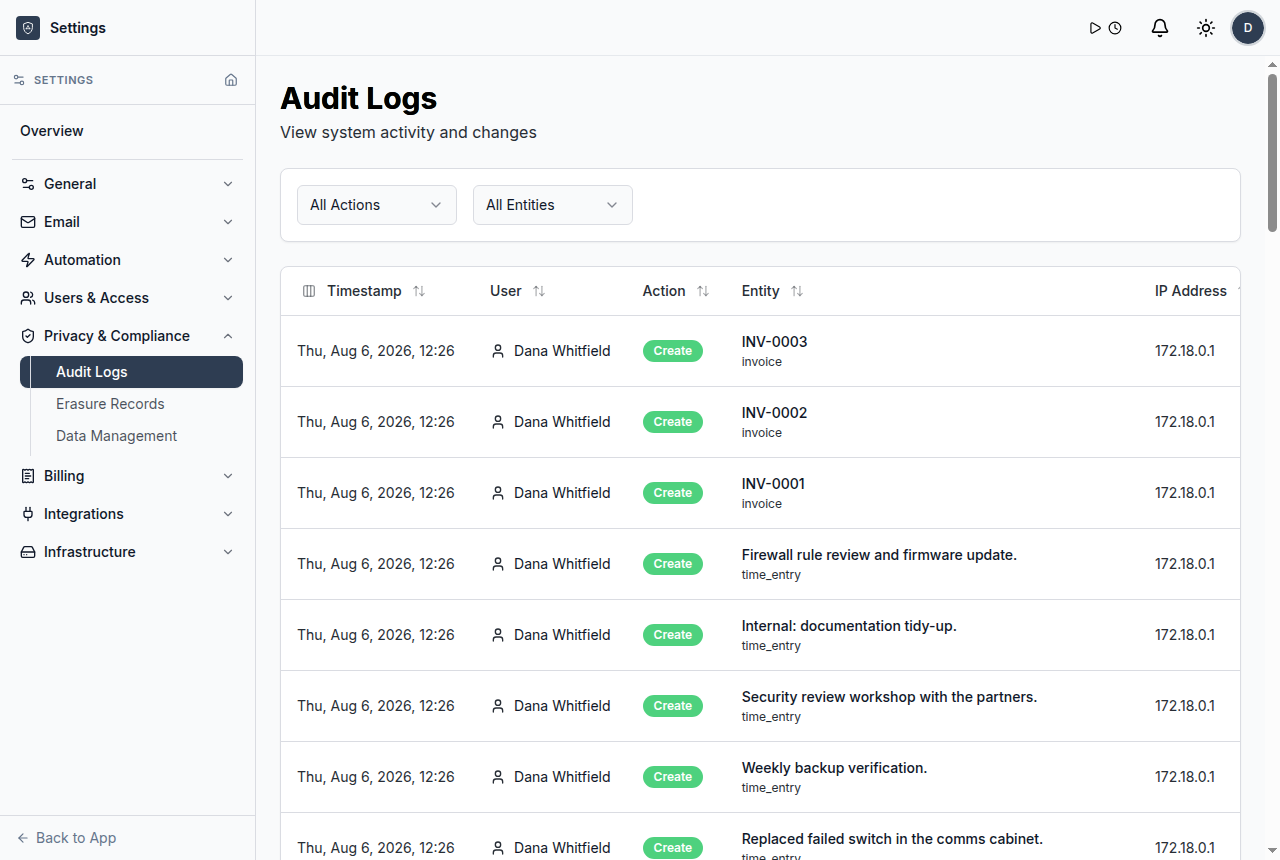
Audit logs
Review workspace activity records.
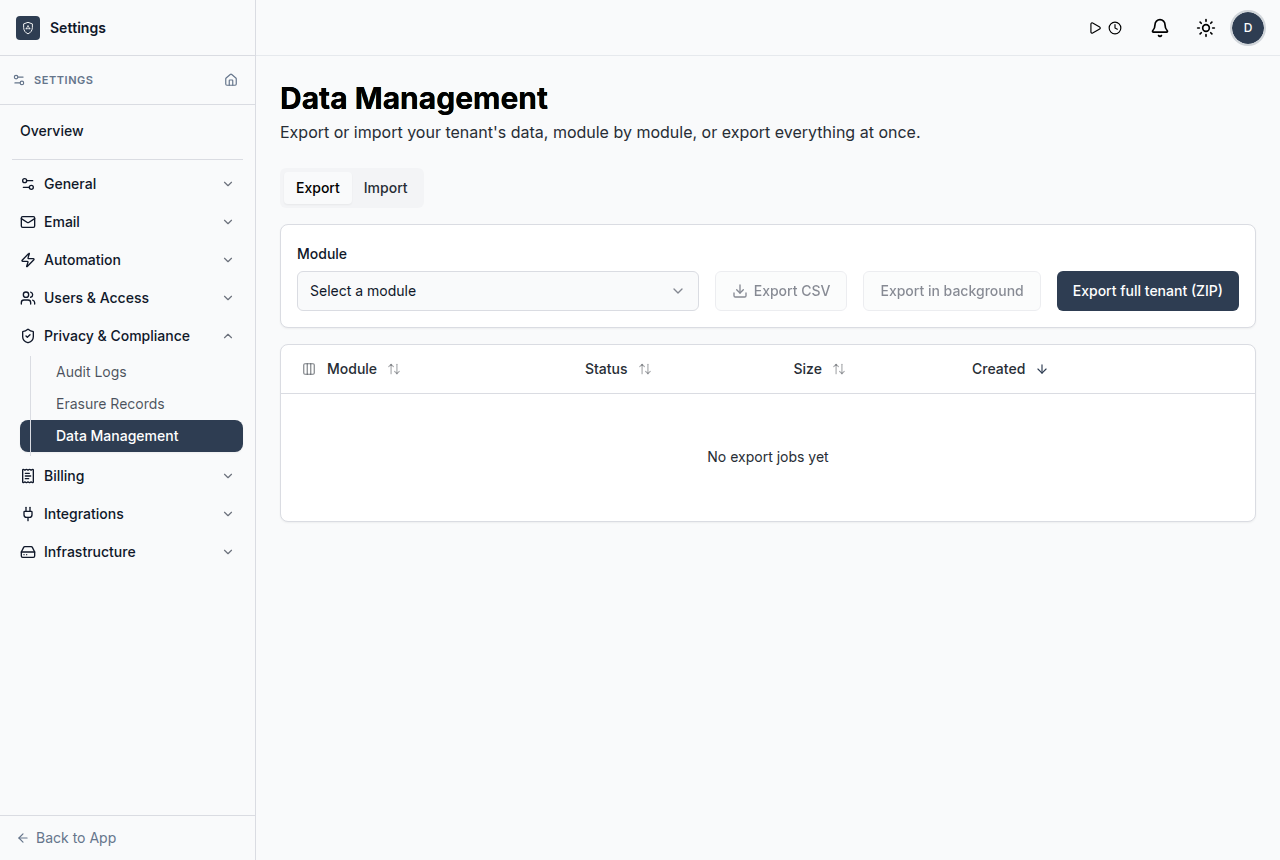
Data management
Import, export, and manage data-handling workflows.
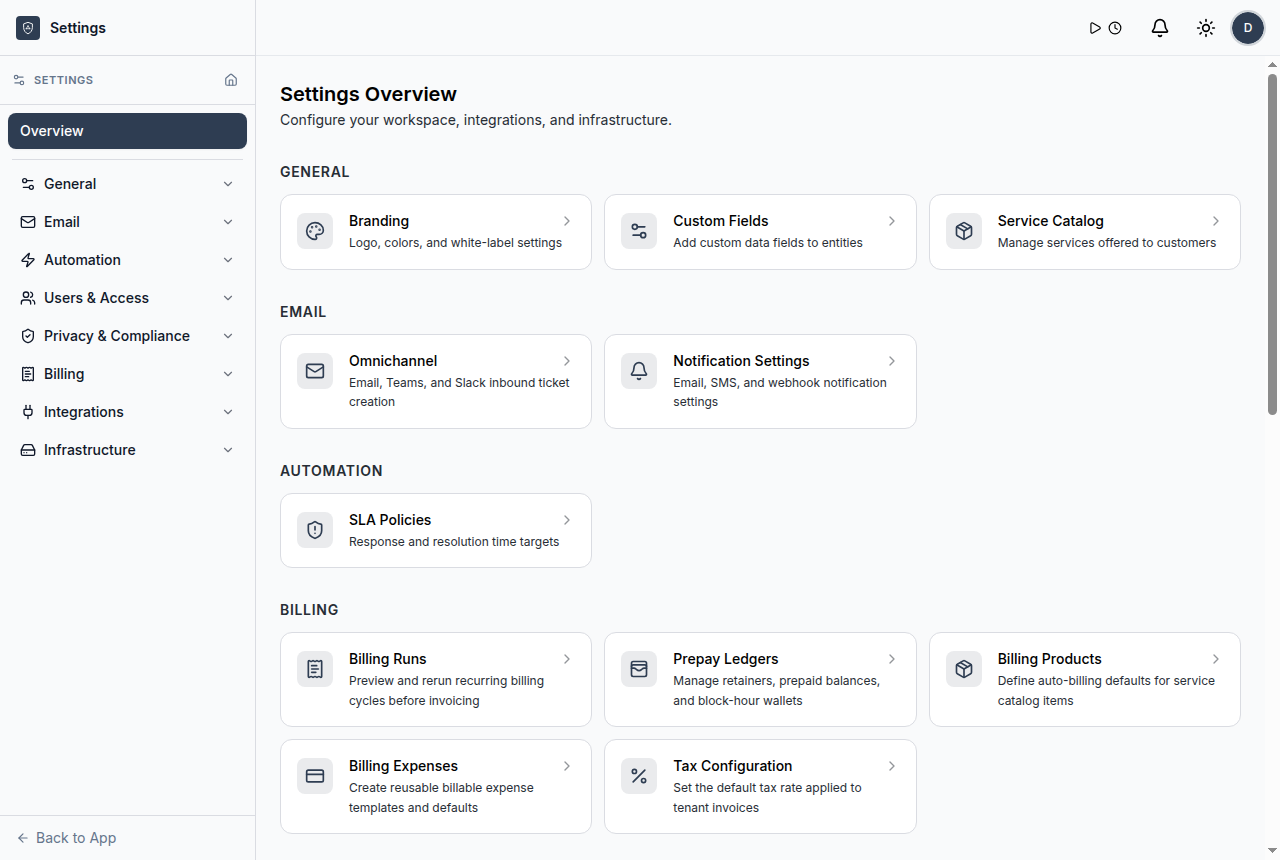
Users and roles
Assign documented roles for admins, managers, technicians, clients, and related users.
OIDC SSO
Configure SSO with guardrails for just-in-time provisioning.
Audit logs
Review recorded administrative and operational activity.
Erasure records
Track data erasure handling where supported by the workspace.
Psa Security Administration FAQs
What is PSA security administration?
It is the set of controls used to manage user access, authentication, external connections, logs, and data handling inside a PSA.
Does ShieldPSA support roles?
Yes. The documentation describes five user roles for different workspace responsibilities.
Does ShieldPSA support SSO?
Yes. ShieldPSA documentation includes OIDC SSO and just-in-time provisioning guardrails.
Why do audit logs matter in PSA software?
They help teams review activity and maintain accountability around operational and administrative changes.
Govern PSA operations from a free workspace.
Use ShieldPSA to manage roles, authentication, integrations, AI settings, audit logs, and service operations together.