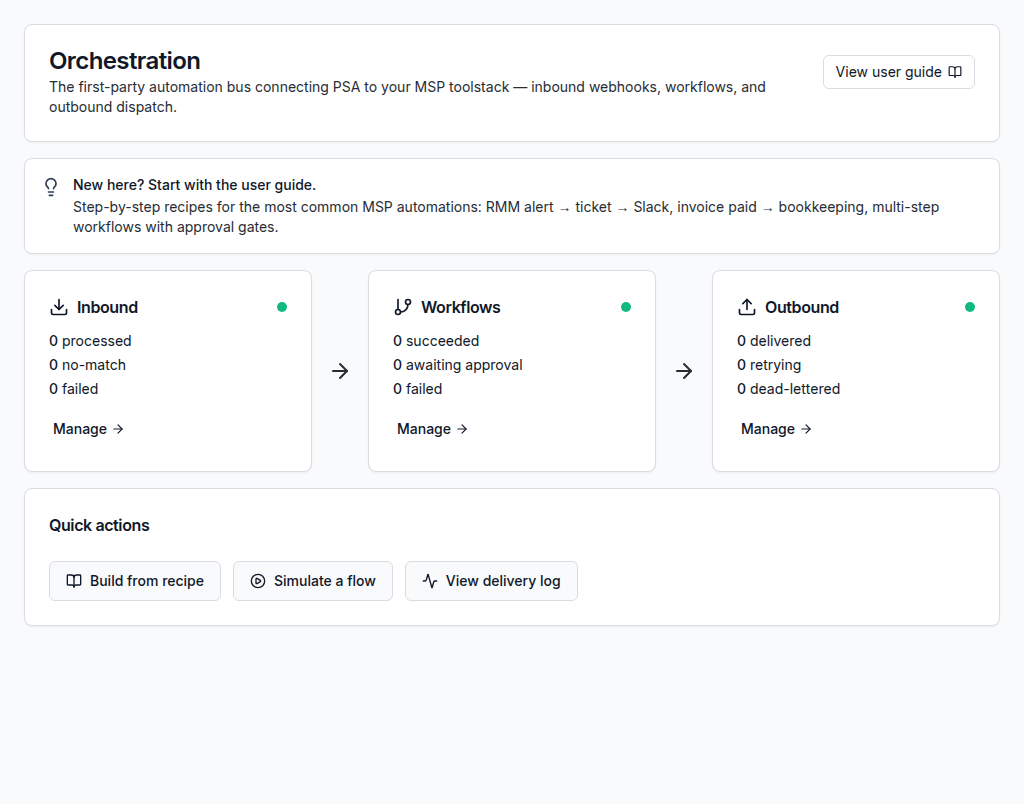
Free PSA software for small MSPs
Give a small MSP team structured ticketing, customer context, time capture, billing workflows, and reporting without adding PSA software licence cost.
Small teams need structure without weight
ShieldPSA helps smaller MSPs move away from scattered inboxes and spreadsheets into a connected service workflow.
A practical PSA foundation for small teams
Small MSPs can start with service desk basics, then add automation, billing, reporting, integrations, AI, and administration controls when ready.
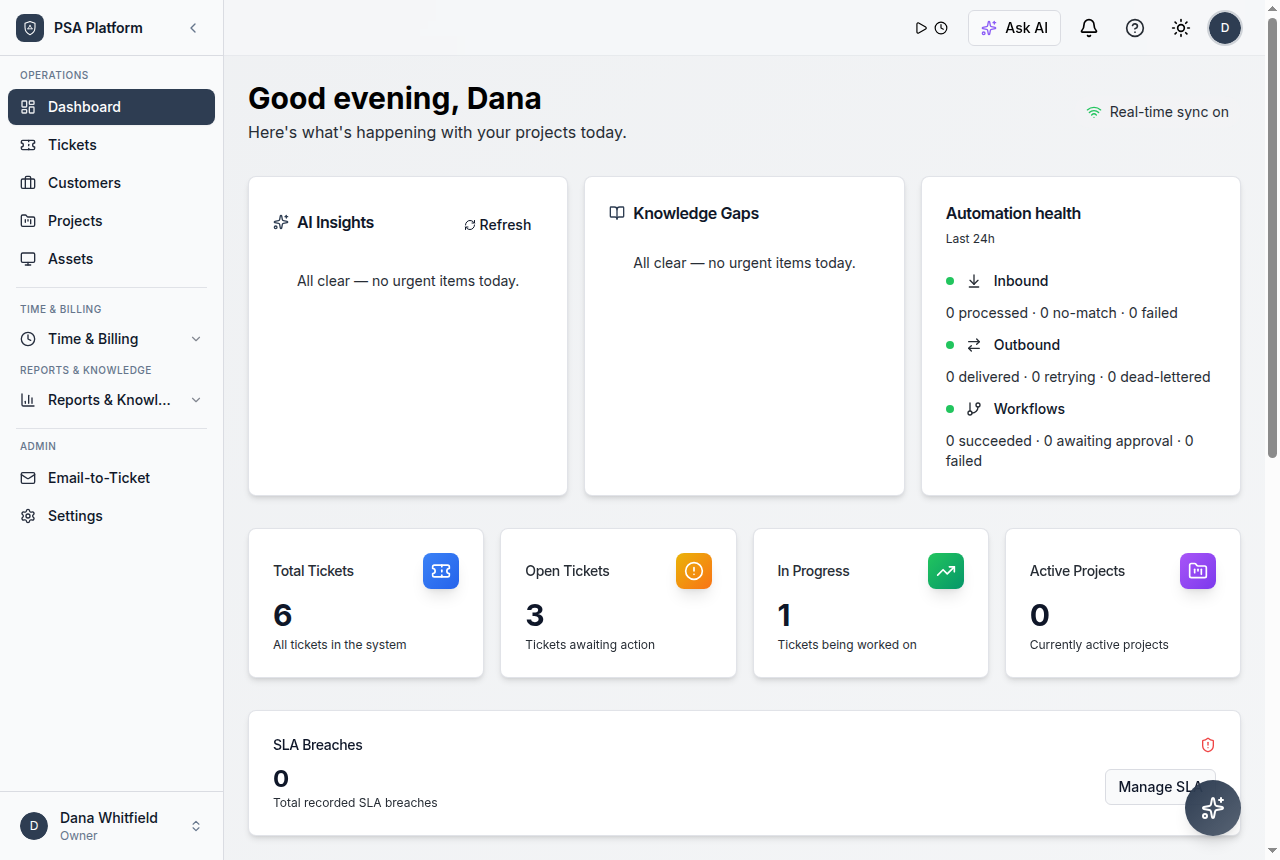
- Free PSA software for small MSPs stays connected to tickets, customers, SLAs, time, approvals, reporting, and service history.
- The PSA platform is free; optional paid services are limited to implementation, migration, training, or customization help.
- Related ShieldPSA feature pages give teams deeper implementation context.
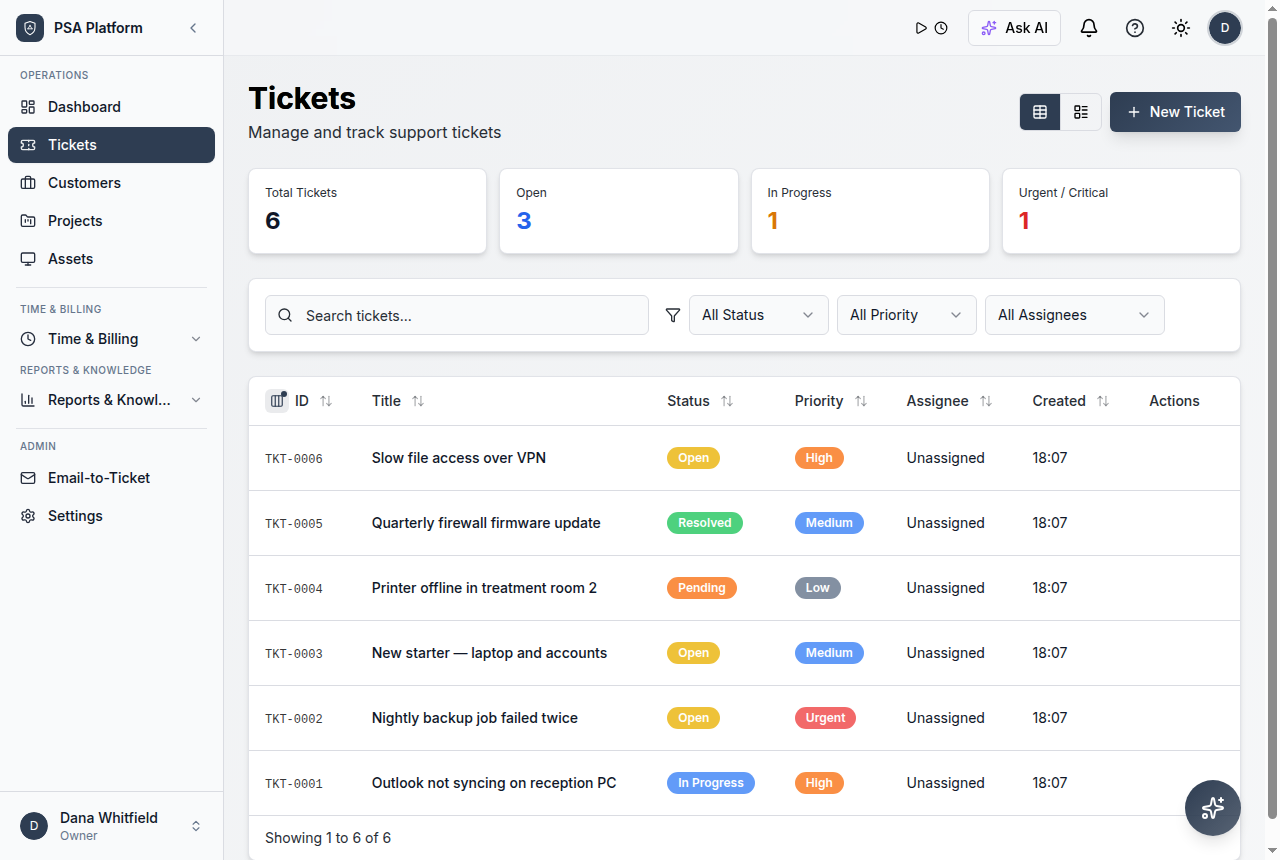
What small MSPs can run in ShieldPSA
The platform connects the core workflows small service teams need most.
Ticketing
Organize requests by customer, priority, status, owner, and progress.
Explore ticketing →Customer records
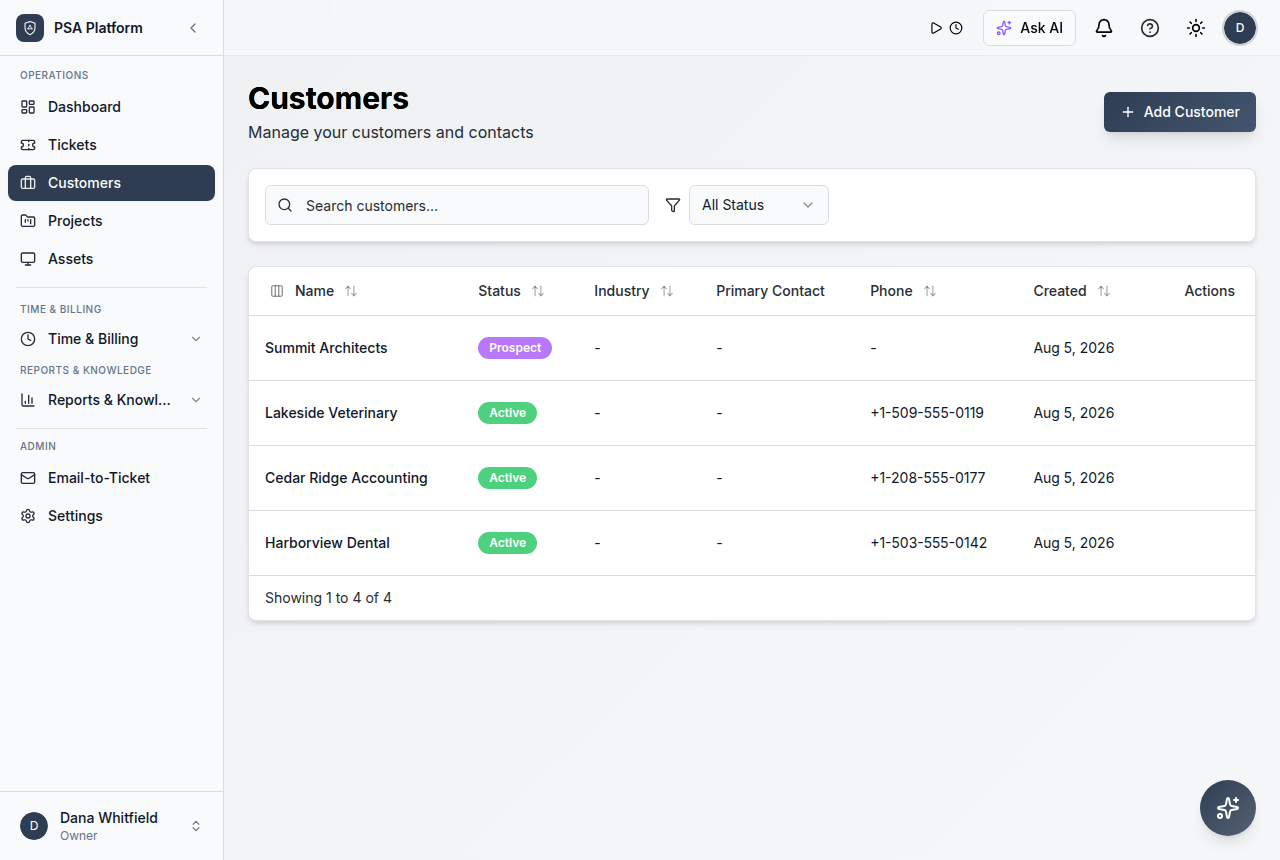
Keep accounts, contacts, portal users, and service context together.
Explore customer records →Time tracking
Record billable and non-billable work before it is forgotten.
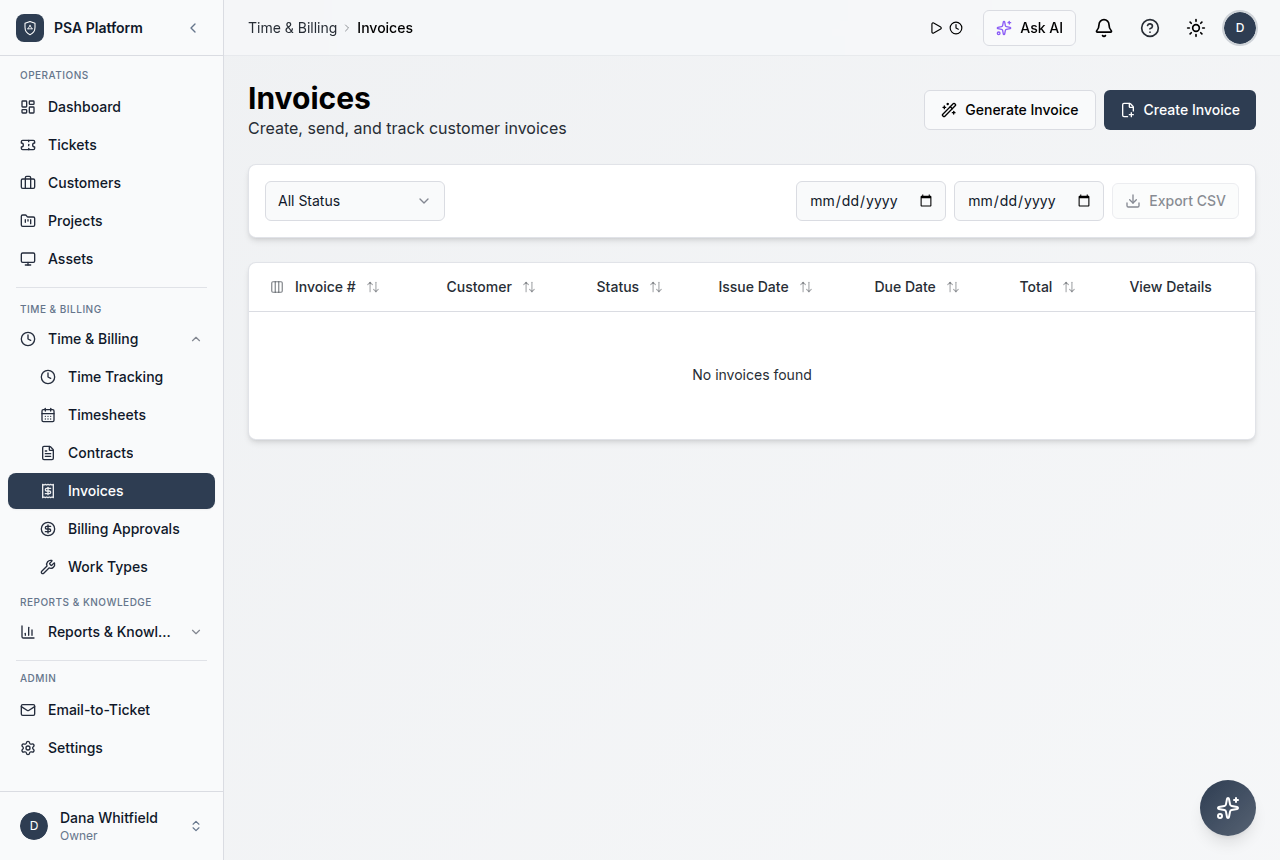
Explore time tracking →Contracts and billing
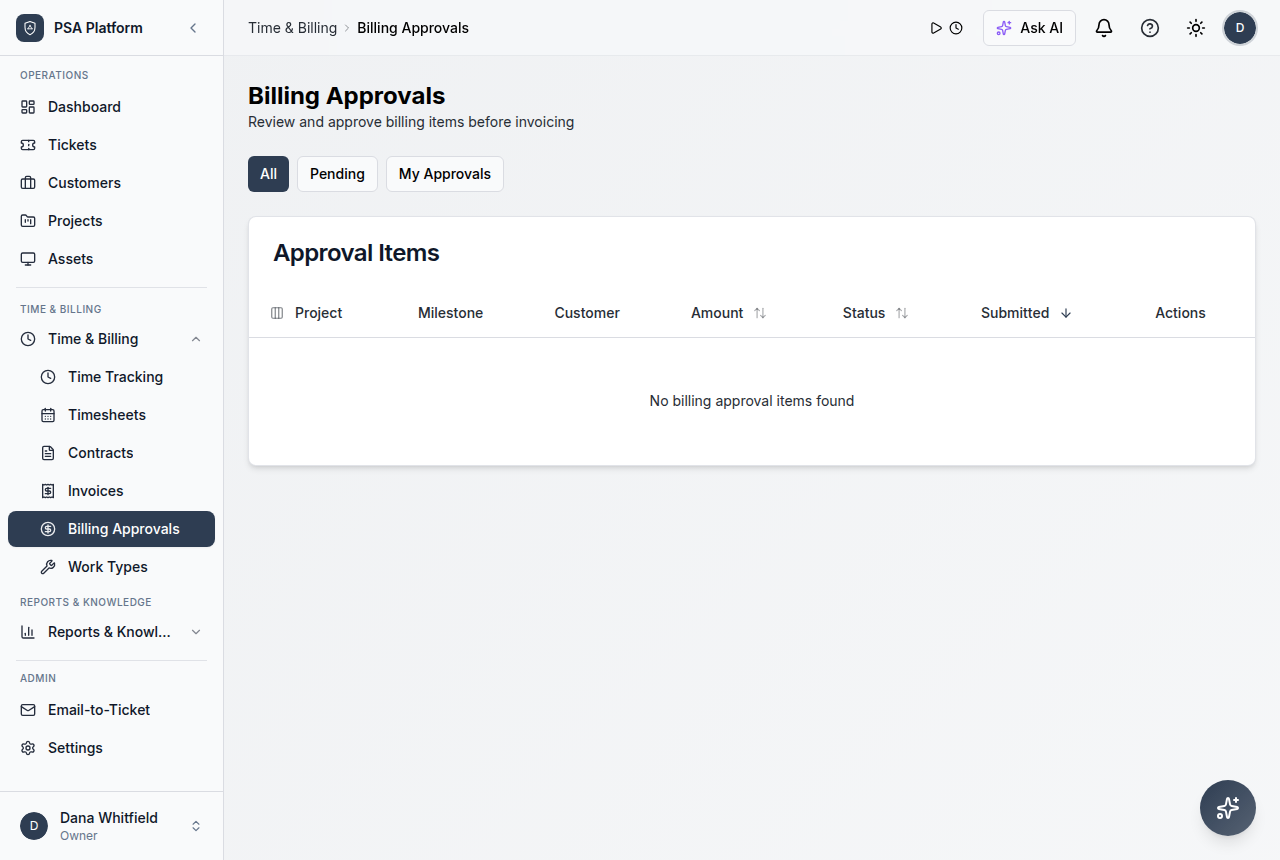
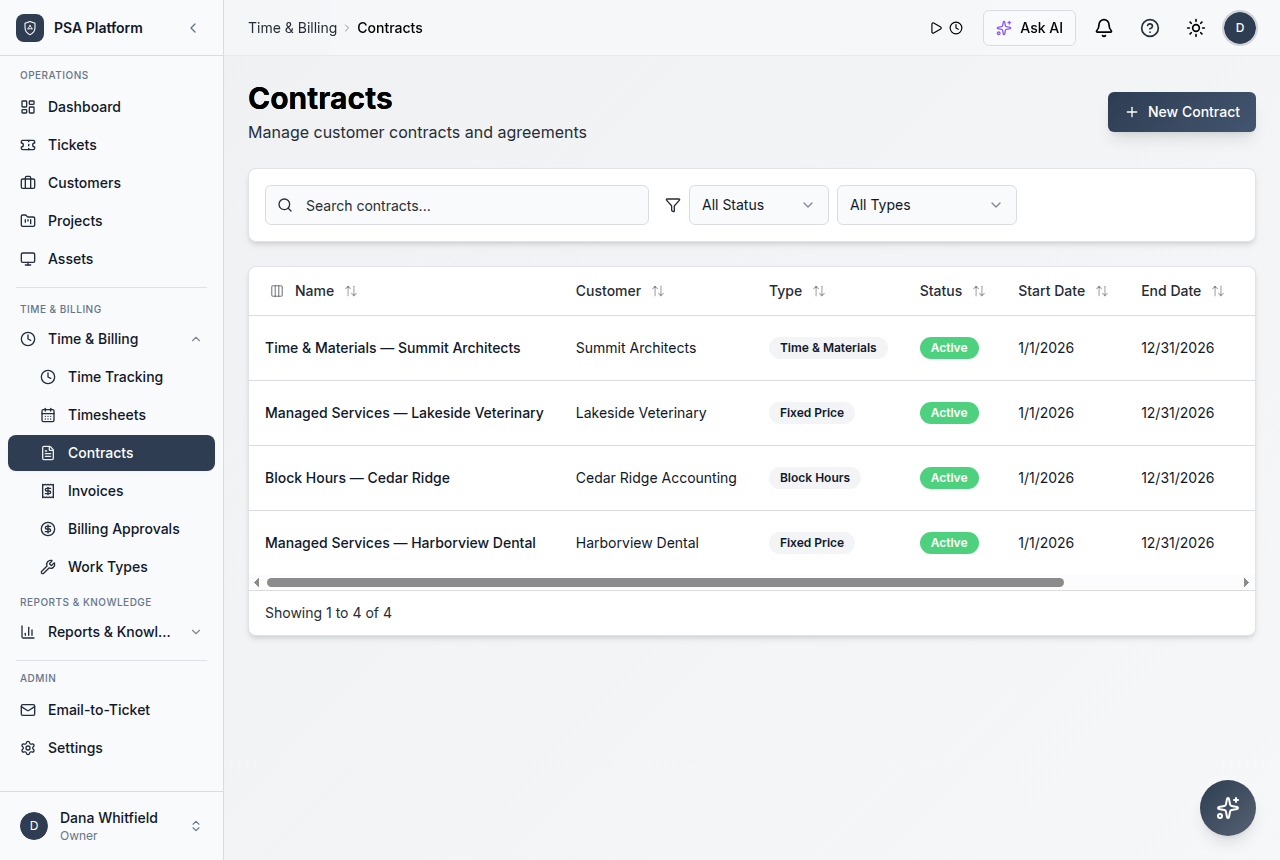
Connect work to agreements, approvals, invoices, and payments.
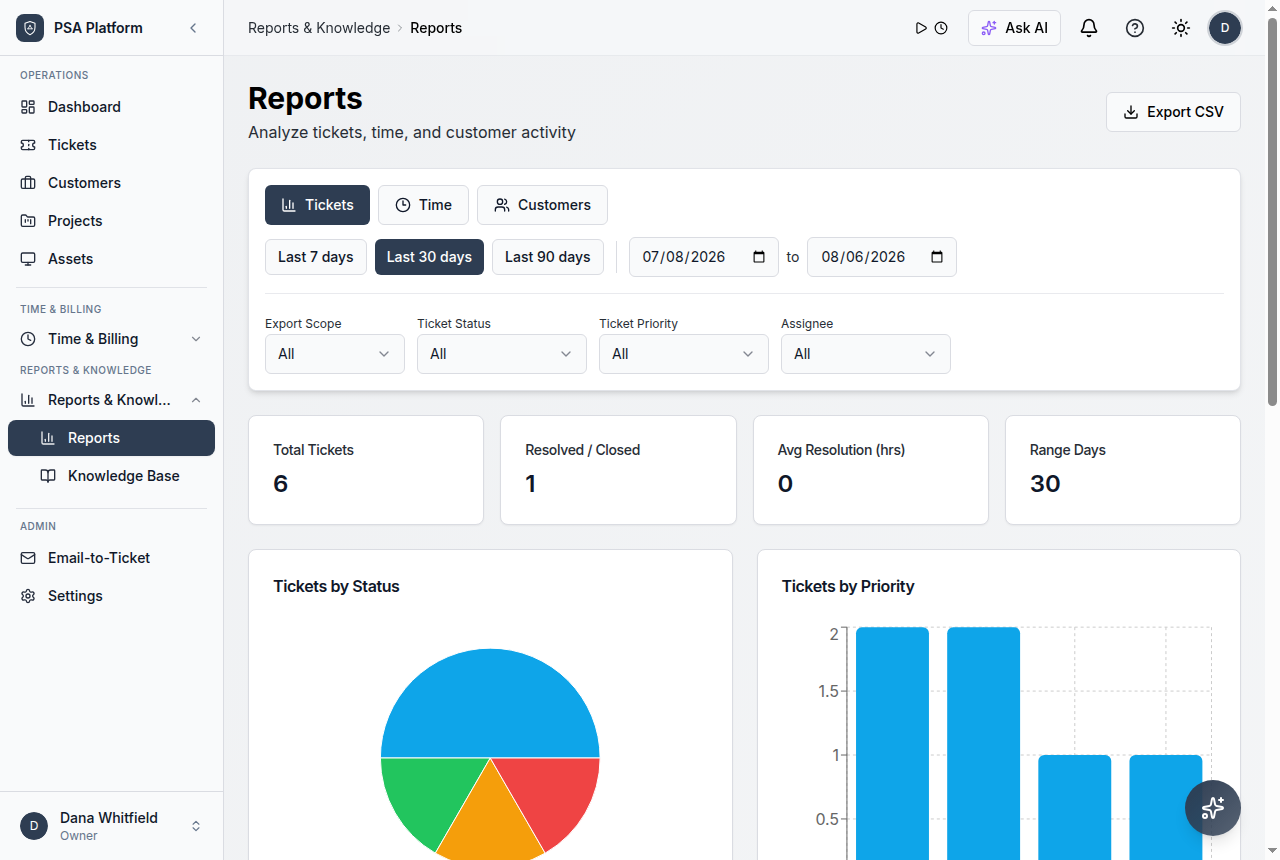
Explore contracts and billing →Reports
Review service activity, SLA pressure, time, and commercial visibility.
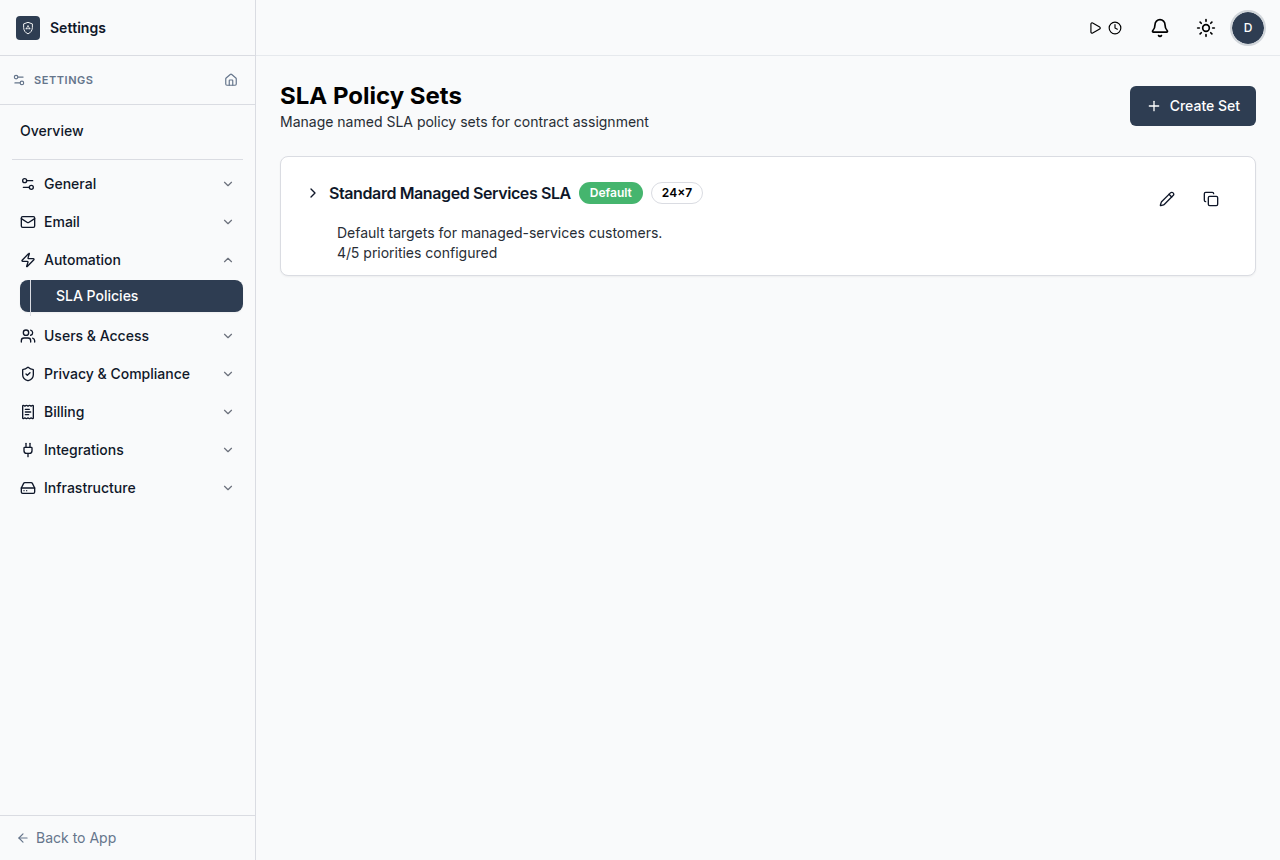
Explore reports →Automation
Standardize repeatable routing, approvals, and follow-up steps.
Explore automation →Request intake
Capture related service work with clear ownership and context.
Explore request intake →Time and review
Keep activity available for reporting, billing, and follow-up.
Explore time and review →Start simple, then mature the workflow
A repeatable workflow helps teams deliver service without losing scope, ownership, or billing accuracy.
Import or create customers
Set up accounts and contacts for service delivery.
Run tickets consistently
Use the service desk as the operating queue.
Add time and billing
Connect completed work to commercial review.
Measure and automate
Use reports and workflow automation as volume grows.
Connect related features
Use the relevant ShieldPSA modules that support the workflow.
Review and improve
Use reports and operational feedback to refine the service model.
Small MSP use cases
These service-provider use cases benefit from one connected free PSA workspace.
Replacing shared inboxes
Move request tracking into a structured ticket queue.
Billing-ready service work
Capture time and approvals while work happens.
Client accountability
Give clients clearer request and progress visibility.
Operational maturity
Add automation, reports, and admin controls when the team grows.
Centralize service requests
Track incoming work in tickets instead of disconnected inboxes.
Keep customer context close
Use customers, contacts, assets, portal users, and history to support better service.
Map common service-provider needs to the ShieldPSA workflows that support them.
This table helps MSP teams decide which ShieldPSA area covers each operational responsibility.
| Area | What it means | How teams use it |
|---|---|---|
| Service delivery | Service desk, ticketing, SLAs, client portal, knowledge base | Use for intake, ownership, prioritization, resolution, and customer communication. |
| Commercial operations | Customers, contracts, time tracking, approvals, invoices | Use for billing-ready records and management review. |
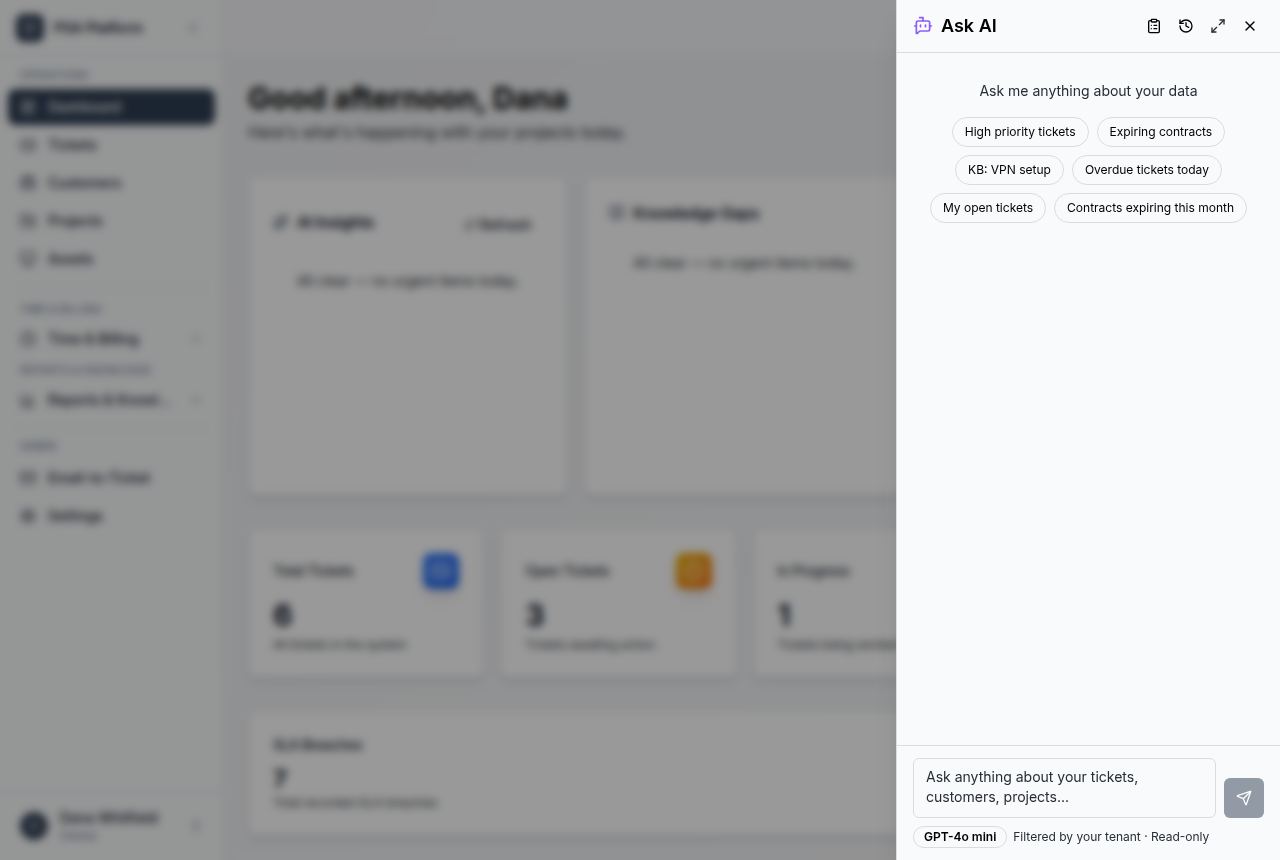
| Operational control | Automation, integrations, administration, AI assistance | Use for repeatable workflows, governed access, and reduced manual follow-up. |
| Performance visibility | Dashboards, reports, customer and technician views | Use for service reviews, queue pressure, utilization, and continuous improvement. |
MSP solution fit and related ShieldPSA workflows.
Use these paths when shaping or validating your service model.
For MSP owners
Use this path when designing the service model, cost structure, and customer review evidence.
- Full platform at no software licence cost — margins stay with the service, not the tooling.
- Contracts, approvals, and invoices keep billing health visible.
- Optional paid services exist only for implementation, migration, and training.
For service leaders
Use this path when improving queue control, ownership, SLA visibility, and team follow-through.
- Ticket queues and SLA signals show what needs attention.
- Automation, AI assistance, and integrations reduce repeat manual work.
- Reports help review service quality and operational pressure.
Free Psa Software For Small Msps FAQs.
Why would a small MSP use PSA software?
A PSA helps small teams organize requests, customer context, time, contracts, billing, and reporting in one workflow.
Is ShieldPSA affordable for small MSPs?
ShieldPSA is positioned as entirely free PSA software, not a free trial.
Can small MSPs start without complex setup?
They can begin with tickets and customer records, then add time, billing, automation, reporting, and integrations.
Does ShieldPSA include billing workflows?
Yes. Product docs cover time entries, timesheets, contracts, billing approvals, invoices, and payments.
Give your small MSP a free PSA foundation.
Start with ticketing and customer context, then add time, billing, automation, and reporting as your service workflow matures.